

3D Rings - MFBF Training
3D Rings - MFBF Training is made and published by Optical Directions Consulting. AppBrain is an independent app data site and isn't affiliated with Optical Directions Consulting. The app name, icon, screenshots and description belong to Optical Directions Consulting and are shown as published on the App Store.
AppBrain's verdict
- Last updated
- July 24, 2025
Rankings
App Store top chartsApp Store Rankings for 3D Rings - MFBF Training
Competitors
Similar apps and more from Optical Directions ConsultingAlternatives to 3D Rings - MFBF Training





More from Optical Directions Consulting


Releases
Updates seen on the App Store- Version
- 2.2
- Launched
- December 2018
No changelog data
User feedback
Ratings and reviews on the App StoreComments on 3D Rings - MFBF Training for iOS
We don't have enough comments to show example comments. Please check back later.
Technology
Found in the app by AppBrain- Price
- $3.99
- App size
- 13.1 MB
- Content rating
- Everyone
Technologies used by 3D Rings - MFBF Training
About the app and developer
About 3D Rings - MFBF Training
3D Rings - MFBF Training is a medical app developed by Optical Directions Consulting.
User Ratings
The app has no ratings yet.
App Information
3D Rings - MFBF Training costs $3.99. The app size is 13.14 MB. The latest version available is 2.2. The last update was on July 24, 2025.
Technical Requirements
The app has a content rating of Everyone. The app has been available on the App Store since December 2018.
Developer information for Optical Directions Consulting
Address:
Store listing
By Optical Directions Consulting, from the App Store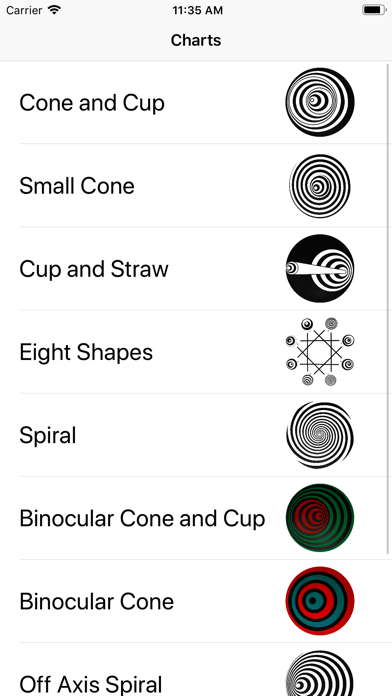
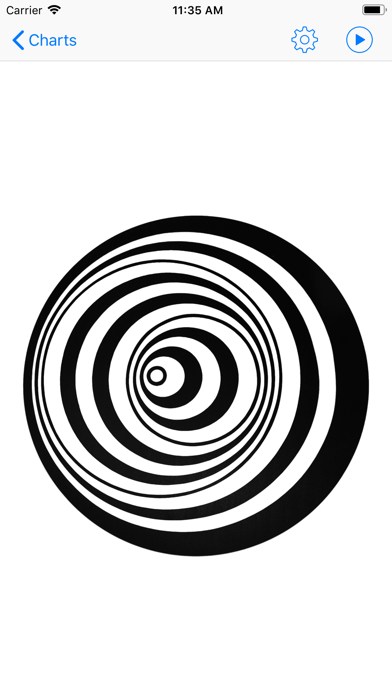

Description by Optical Directions Consulting Written by the developer, not by AppBrain. Click to read.
Also emulates a rotator.
Useful for optometrists as part of a vision therapy program.
Fully supports AirPlay so you can display your rings on a secondary display (either wirelessly with Apple TV or with an HDMI adapter).
Includes the ability to change both the speed and direction of rotation, and supports MFBF training with a choice of red, green or blue charts. Binocular (red/green) charts also available.
Supports Siri Shortcuts, so you can create your own shortcuts on the home screen to start exactly the chart you want at exactly the speed and colour you want.