

AppBrain's verdict
- Last updated
- January 7, 2025
- Size
- 29.5 MB
User feedback
Ratings and reviews on the App StoreComments on Add Audio to Video Editor for iOS
We don't have enough comments to show example comments. Please check back later.
Store listing
By Kevin Ghori, from the App StoreDescription by Kevin Ghori Written by the developer, not by AppBrain. Click to read.
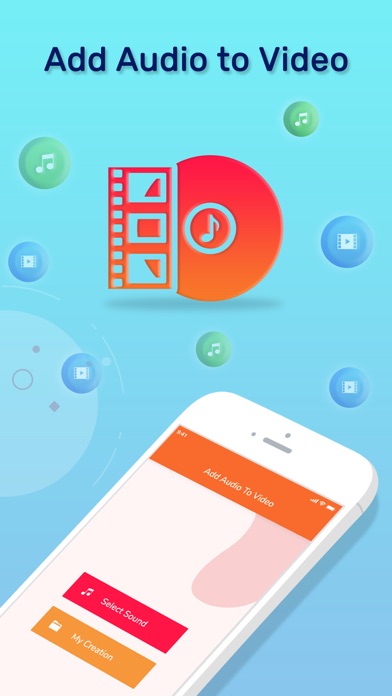
Add Music to Video Editor app is an explicitly articulate app that facilitates the user to add audio to your video file. Add Music to Video Editor app is specially designed for iOS users to provide them with the best user experience of merging audio with video files. Add Music to Video Editor is a lightweight application, will not drain device battery, memory and other resources.
Steps to add music to video:-
Step 1: Install Add Music to Video Editor app.
Step 2: Click on Select Sound.
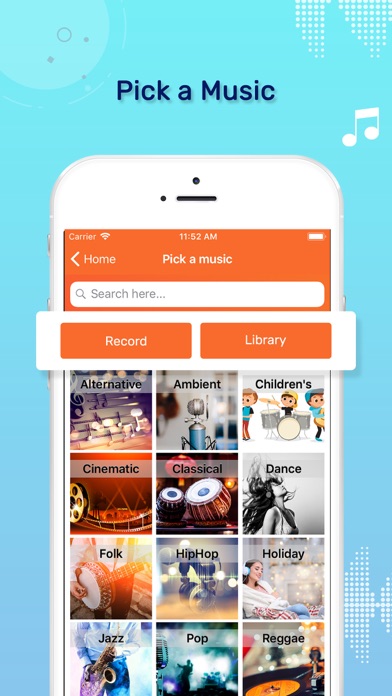
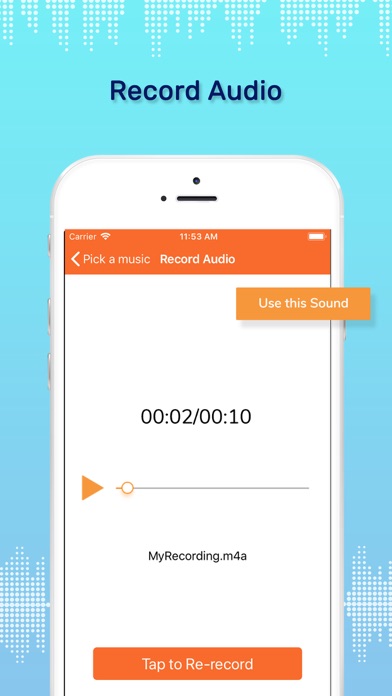
Step 3: Click on either Record or library to have a list of audio files.
Step 4: Record enlists a variety of song choices of categories like Ambient, Cinematic, Classical, Dance, etc.
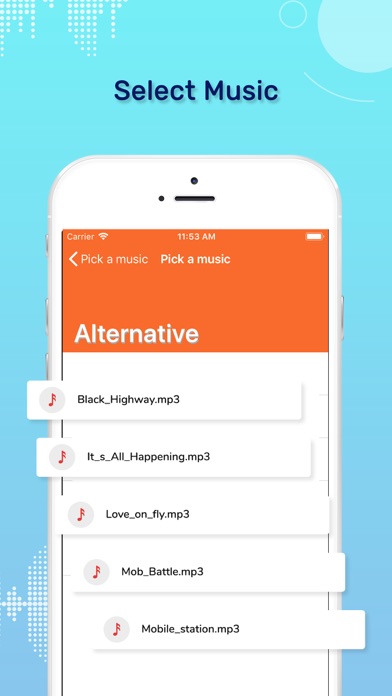
Step 5: Library enlists the audio files stored in the device.
Step 6: Select an audio sound to insert in video file.
Step 7: Click on use this track option after selecting the audio file.
Step 8: Select one of the videos stored in your phone memory.
Step 9: Play the selected video and click on Choose option.
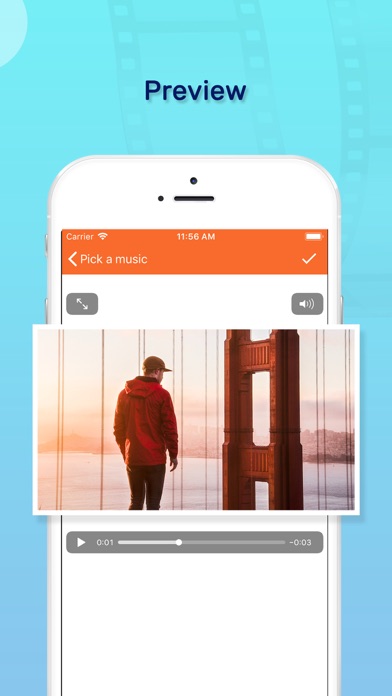
Step 10: A preview of the video is displayed with the selected audio file playing in the background of video.
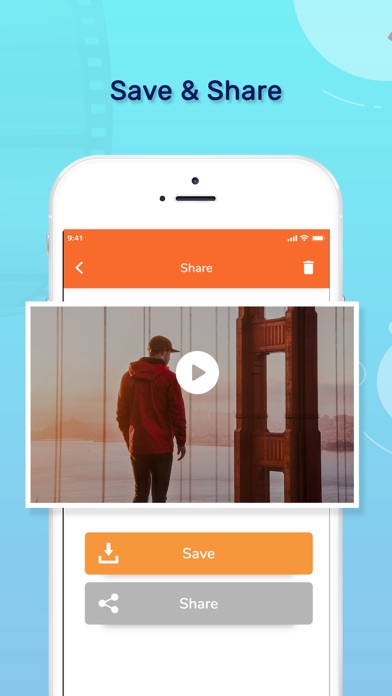
Step 11: Either save or delete the created Video.
Step 12: Click on My Creation to access all the created and saved audio-video creations.
Hurry!!!!
Install the Add Music to Video Editor app ASAP!!!
Safety and technology
Found in the app by AppBrain- Price
- Free
- App size
- 29.5 MB
- Content rating
- Everyone
Technologies used by Add Audio to Video Editor
Releases
Updates seen on the App Store- Version
- 1.2
- Launched
- November 2019
No changelog data
Alternatives
Similar apps and more from Kevin GhoriAlternatives to Add Audio to Video Editor





More from Kevin Ghori




Rankings
App Store top chartsApp Store Rankings for Add Audio to Video Editor
About the app and developer
About Add Audio to Video Editor
Add Audio to Video Editor is a photo & video app developed by Kevin Ghori.
User Ratings
The app has no ratings yet.
App Information
Add Audio to Video Editor is freely available from the App Store. The app size is 29.53 MB. The latest version available is 1.2. The last update was on January 7, 2025.
Technical Requirements
The app has a content rating of Everyone. The app has been available on the App Store since November 2019.
Add Audio to Video Editor is made and published by Kevin Ghori. AppBrain is an independent app data site and isn't affiliated with Kevin Ghori. The app name, icon, screenshots and description belong to Kevin Ghori and are shown as published on the App Store.
Developer information for Kevin Ghori
Address:
Frequently asked questions about Add Audio to Video Editor
Is Add Audio to Video Editor free?
Yes. Add Audio to Video Editor is free on the App Store.
Is Add Audio to Video Editor still available?
Yes. Add Audio to Video Editor is on the App Store, and the last update we saw was on January 7, 2025.
How large is Add Audio to Video Editor?
Add Audio to Video Editor is 29.53 MB.
Is Add Audio to Video Editor suitable for children?
App Store rates the content of Add Audio to Video Editor as suitable for everyone.
Who made Add Audio to Video Editor?
Add Audio to Video Editor was developed by Kevin Ghori. It is listed in the photo & video category on the App Store.
What are the best alternatives to Add Audio to Video Editor?
People looking at Add Audio to Video Editor also look at these photo & video apps: Add Audio in Video, Add music to videos!, Audio Video Mixer, Combine Video Maker, Add Music to Video Voice Over.