

Alarm Clock - Wake up alarm
Alarm Clock - Wake up alarm is made and published by Truong Nguyen. AppBrain is an independent app data site and isn't affiliated with Truong Nguyen. The app name, icon, screenshots and description belong to Truong Nguyen and are shown as published on the App Store.
AppBrain's verdict
- Rating on App Store
- 2.81
- 16 ratings
- Last updated
- September 20, 2025
It doesn't have enough ratings yet to judge what users think.
Rankings
App Store top chartsApp Store Rankings for Alarm Clock - Wake up alarm
Competitors
Similar apps and more from Truong NguyenMore from Truong Nguyen





Also available on Google Play

Releases
Updates seen on the App Store- Version
- 1.1.1
- Launched
- July 2024
No changelog data
User feedback
Ratings and reviews on the App StoreComments on Alarm Clock - Wake up alarm for iOS
We don't have enough comments to show example comments. Please check back later.
Technology
Found in the app by AppBrain- Price
- Free
- App size
- 54.3 MB
- Content rating
- Everyone
Technologies used by Alarm Clock - Wake up alarm
About the app and developer
About Alarm Clock - Wake up alarm
Alarm Clock - Wake up alarm is an utilities app developed by Truong Nguyen.
User Ratings
Alarm Clock - Wake up alarm is rated 2.81 out of 5 stars. The rating is based on 16 ratings.
App Information
Alarm Clock - Wake up alarm is freely available from the App Store. The app size is 54.30 MB. The latest version available is 1.1.1. The last update was on September 20, 2025.
Technical Requirements
The app has a content rating of Everyone. The app has been available on the App Store since July 2024.
Developer information for Truong Nguyen
Address:
Store listing
By Truong Nguyen, from the App Store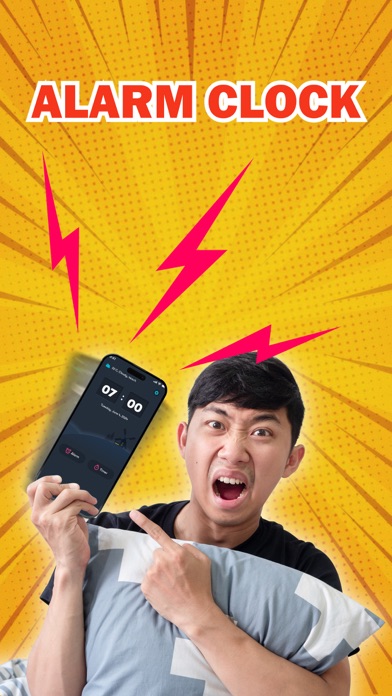
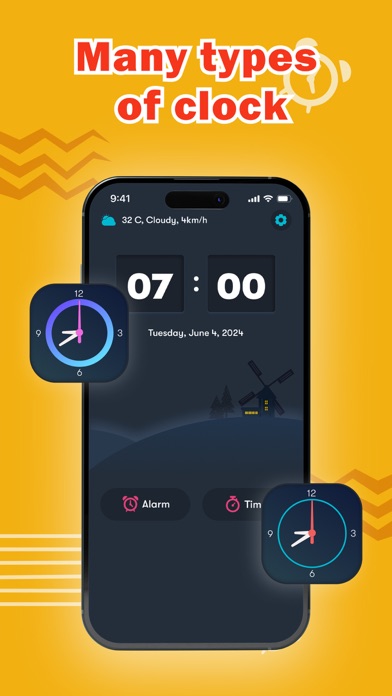
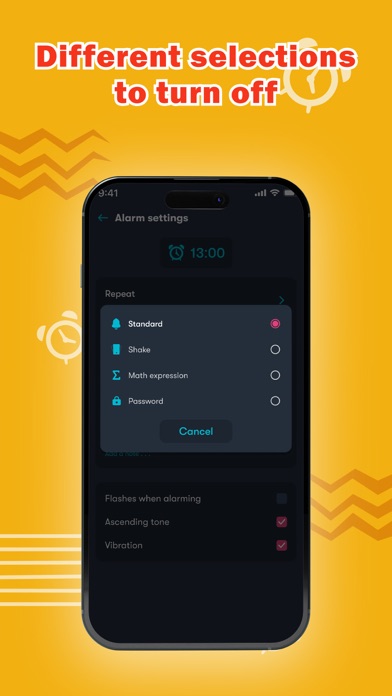
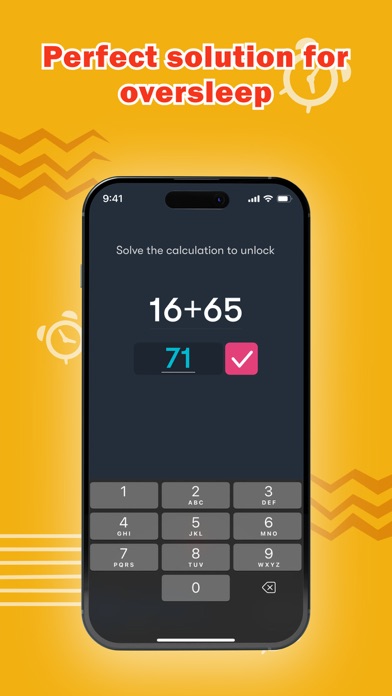
Description by Truong Nguyen Written by the developer, not by AppBrain. Click to read.
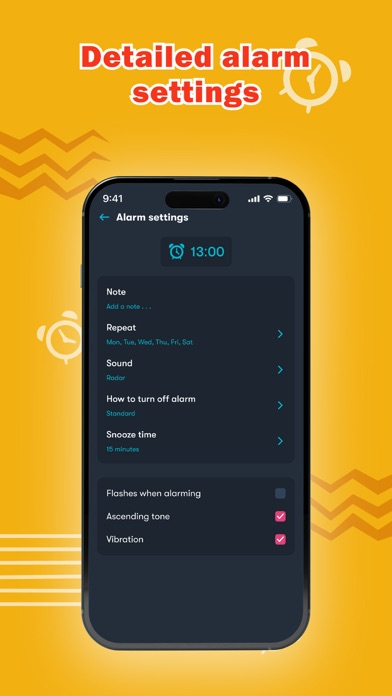
If you have trouble waking up on time every morning or often have the habit of turning off your alarm and going back to sleep, then this app is for you. The alarm is designed with a variety of loud ringtones, flashlights, and vibration modes when it goes off. You can also customize the interface to your liking with a wide range of options for clock styles, alarm sounds, snooze times, repeat modes, and more. To turn off the alarm, you can choose from the following modes:
- Standard: Tap once to turn off the alarm
- Shake: Shake the phone to stop the alarm
- Math expression: Solve math problems from easy to hard modes to dismiss the alarm
- Password: Enter a password to switch off the alarm
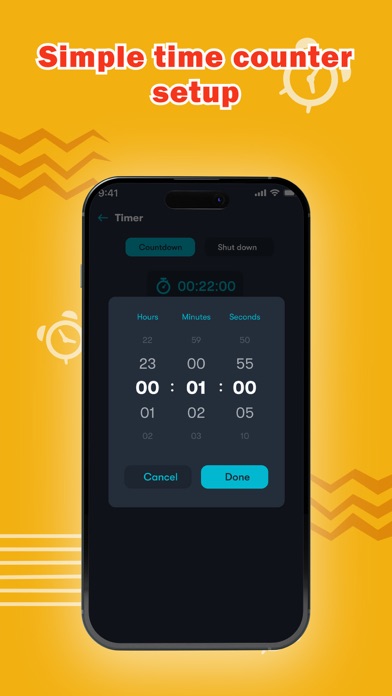
With these great features, we believe that oversleeping will be reduced, ensuring you wake up easily and fully awake. The alarm provides full functionality from alarms to timers, and weather notifications. The app allows you to use the timer feature, just by simply selecting the desired time and the phone will automatically count down and notify you when time is up. You can also customize the phone's auto shutdown time when not in use with the Timer Shutdown feature. Additionally, the app provides weather information, temperature, wind,... updated daily.
Alarm Clock - Wake Up Alarm is an outstanding application with great features:
- Multiple alarm types to customize
- A wide range of alarm sounds to select
- Create repeating alarms
- Set up flexible snooze times
- Diverse ways to turn off the alarm
- Easy to adjust the volume of the wake-up alarm
- Quick timer clock for measuring
- Smart Shutdown function
With these standout features and a user-friendly interface, Alarm Clock - Wake Up Alarm promises to be an excellent tool to overcome heavy sleep. Download now for free and stay punctual with our Alarm Clock - Wake Up Alarm."