

Altimeter Pro: Compass, GPS
Altimeter Pro: Compass, GPS is made and published by Furkan Ozoglu. AppBrain is an independent app data site and isn't affiliated with Furkan Ozoglu. The app name, icon, screenshots and description belong to Furkan Ozoglu and are shown as published on the App Store.
AppBrain's verdict
Established- Best rank
- #35
- Top Paid, Turkey
- Rating on App Store
- 4.40
- 45 ratings
- Last updated
- October 31, 2024
It doesn't have enough ratings yet to judge what users think. Its best ranking is #35 in Top Paid, Navigation in Turkey.
Rankings
App Store top charts- Highest rank
- #35
- Chart
- Top Paid
- Navigation
- Country
- Turkey
Competitors
Similar apps and more from Furkan OzogluAlternatives to Altimeter Pro: Compass, GPS








More from Furkan Ozoglu


Releases
Updates seen on the App Store- Version
- 2.1
- Launched
- May 2017
No changelog data
User feedback
Ratings and reviews on the App StoreComments on Altimeter Pro: Compass, GPS for iOS
We don't have enough comments to show example comments. Please check back later.
Technology
Found in the app by AppBrain- Price
- $49.99
- App size
- 90.4 MB
- Content rating
- Everyone
Technologies used by Altimeter Pro: Compass, GPS
About the app and developer
About Altimeter Pro: Compass, GPS
Altimeter Pro: Compass, GPS is a navigation app developed by Furkan Ozoglu.
What is the rating of Altimeter Pro: Compass, GPS?
Altimeter Pro: Compass, GPS is rated 4.40 out of 5 stars, based on 45 ratings.
Is Altimeter Pro: Compass, GPS free?
Altimeter Pro: Compass, GPS costs $49.99. The app size is 90.37 MB. The latest version available is 2.1. The last update was on October 31, 2024.
What are the requirements for Altimeter Pro: Compass, GPS?
The app has a content rating of Everyone. The app has been available on the App Store since May 2017.
Developer information for Furkan Ozoglu
Address:
Frequently asked questions about Altimeter Pro: Compass, GPS
Is Altimeter Pro: Compass, GPS free?
No. Altimeter Pro: Compass, GPS costs $49.99 on the App Store.
Is Altimeter Pro: Compass, GPS still available?
Yes. Altimeter Pro: Compass, GPS is on the App Store, and the last update we saw was on October 31, 2024.
How large is Altimeter Pro: Compass, GPS?
Altimeter Pro: Compass, GPS is 90.37 MB.
Is Altimeter Pro: Compass, GPS suitable for children?
App Store rates the content of Altimeter Pro: Compass, GPS as suitable for everyone.
How do people rate Altimeter Pro: Compass, GPS?
Altimeter Pro: Compass, GPS scores 4.40 out of 5 stars, from 45 ratings on the App Store.
Who made Altimeter Pro: Compass, GPS?
Altimeter Pro: Compass, GPS was developed by Furkan Ozoglu. It is listed in the navigation category on the App Store.
What are the best alternatives to Altimeter Pro: Compass, GPS?
People looking at Altimeter Pro: Compass, GPS also look at these navigation apps: Flight Calculator, Inflight Map, In Sight - Samiland, Find My Location details, Outdoor Navigation ape@map.
Store listing
By Furkan Ozoglu, from the App Store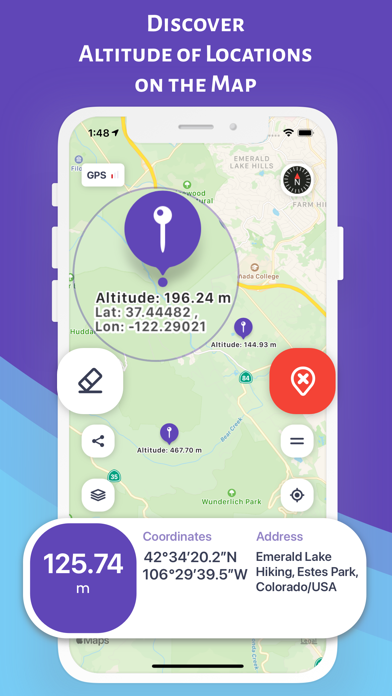
Description by Furkan Ozoglu Written by the developer, not by AppBrain. Click to read.
SAVE THE ALTITUDES OF DIFFERENT LOCATIONS ON THE MAP (Marker Mode)
You can explore and save altitude information of selected locations on the map
- You can find out the altitude and coordinates by marking the locations on the map
- You can save data for these locations
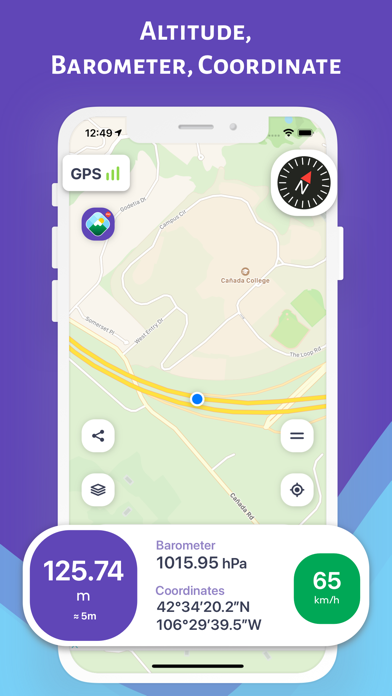
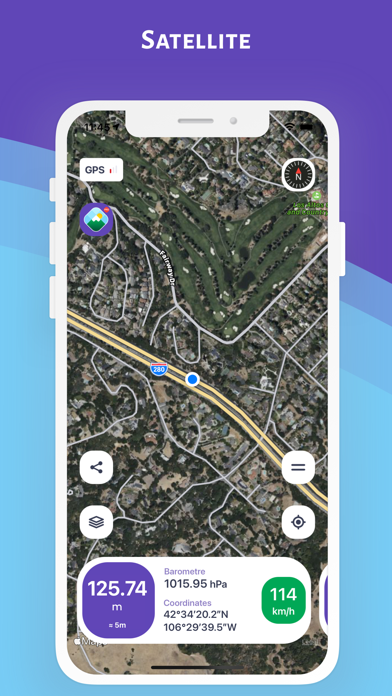
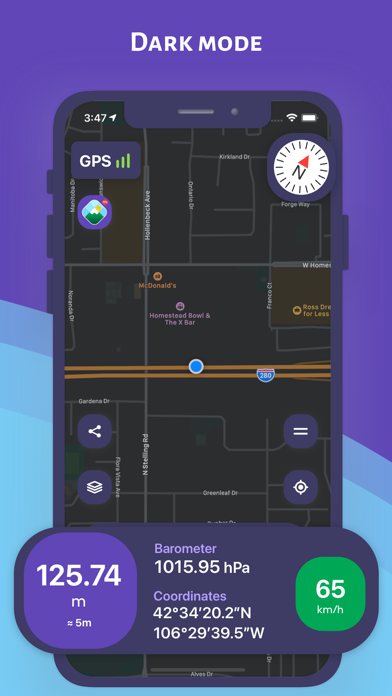
DISCOVER YOUR ALTITUDE ON THE MAP (Normal Mode)
You can instantly discover the information of your location on the map.
- Altitude
- Open air (atmosphere) pressure
- latitude and longitude coordinates and address
- Speed in motion
- Direction with a detailed compass
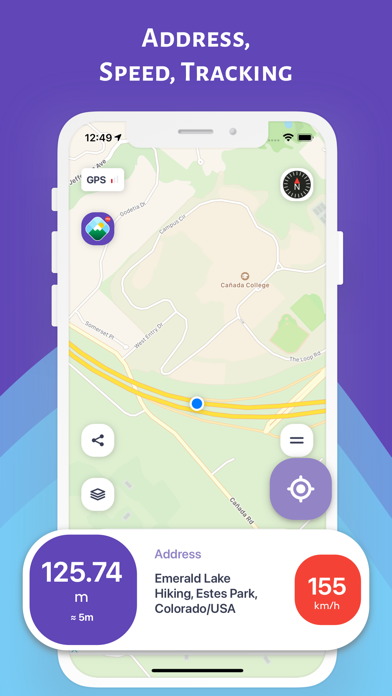
FOLLOW YOUR ALTITUDE ON THE MAP ON THE MOVE (Track Mode on the Map)
On the map when traveling in a vehicle (car, bike, etc.), hiking or climbing
You can instantly track your location and the change in information.
- Altitude
- Open air (atmosphere) pressure
- latitude and longitude coordinates and address
- Speed in motion
- Direction with a detailed compass
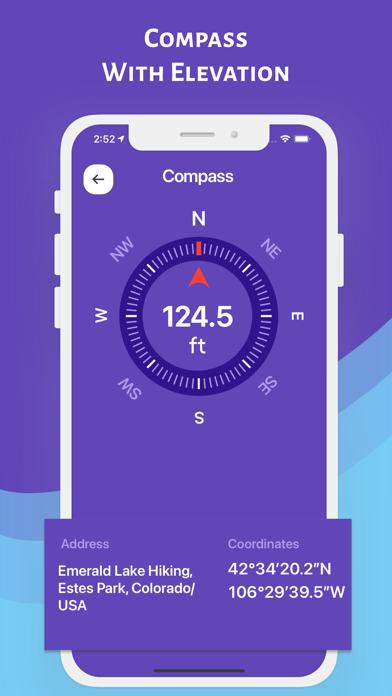
TRACK YOUR ALTITUDE ON THE COMPASS (Compass Mode)
While traveling with a vehicle (car, bicycle, etc.), while hiking or climbing, you can instantly track your direction and the altitude of your current location.
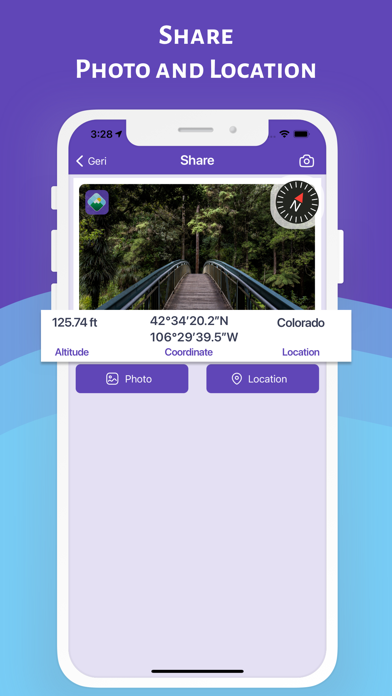
SHARE YOUR PHOTO WITH YOUR LOVED ONES WITH ALTITUDE AND DIRECTIONAL INFORMATION (Sharing Mode)
While traveling with a vehicle (car, bike, etc.), hiking or climbing, you can share the photos you have taken with this information.
- Altitude, pressure, coordinate and address information will be on the photo
- Depending on the shooting angle, the compass direction will be added to the photo
YOU CAN ACCESS ALTITUDE AND LOCATION INFORMATION FROM APPLE WATCH
IMPORTANT REMINDER ABOUT CALCULATION METHOD AND ACCURACY
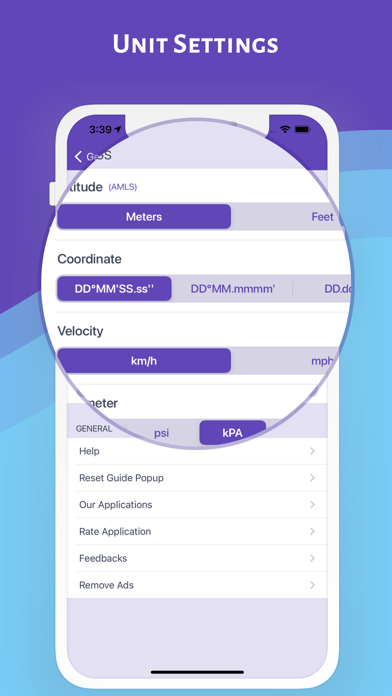
- The coordinates of the altitude and location are calculated using the GPS signals of the device used
- There may be differences in the measurement values depending on the GPS signal quality of the device's location.
- Just below the altitude value, the accuracy of the measurement is given instantly in meters
- Compass accuracy may be affected by magnetic or environmental interference