

Angles - Video Goniometer
Angles - Video Goniometer is made and published by Nathaniel Cochran. AppBrain is an independent app data site and isn't affiliated with Nathaniel Cochran. The app name, icon, screenshots and description belong to Nathaniel Cochran and are shown as published on the App Store.
AppBrain's verdict
Established- Rating on App Store
- 4.20
- 5 ratings
- Last updated
- March 24, 2020
It doesn't have enough ratings yet to judge what users think.
Rankings
App Store top chartsApp Store Rankings for Angles - Video Goniometer
Competitors
Similar apps and more from Nathaniel CochranAlternatives to Angles - Video Goniometer








Releases
Updates seen on the App Store- Version
- 1.6
- Launched
- October 2016
No changelog data
User feedback
Ratings and reviews on the App StoreComments on Angles - Video Goniometer for iOS
We don't have enough comments to show example comments. Please check back later.
Technology
Found in the app by AppBrain- Price
- $0.99
- App size
- 21.6 MB
- Content rating
- Everyone
Technologies used by Angles - Video Goniometer
About the app and developer
About Angles - Video Goniometer
Angles - Video Goniometer is an utilities app developed by Nathaniel Cochran.
What is the rating of Angles - Video Goniometer?
Angles - Video Goniometer is rated 4.20 out of 5 stars, based on 5 ratings.
Is Angles - Video Goniometer free?
Angles - Video Goniometer costs $0.99. The app size is 21.57 MB. The latest version available is 1.6. The last update was on March 24, 2020.
What are the requirements for Angles - Video Goniometer?
The app has a content rating of Everyone. The app has been available on the App Store since October 2016.
Developer information for Nathaniel Cochran
Address:
Store listing
By Nathaniel Cochran, from the App Store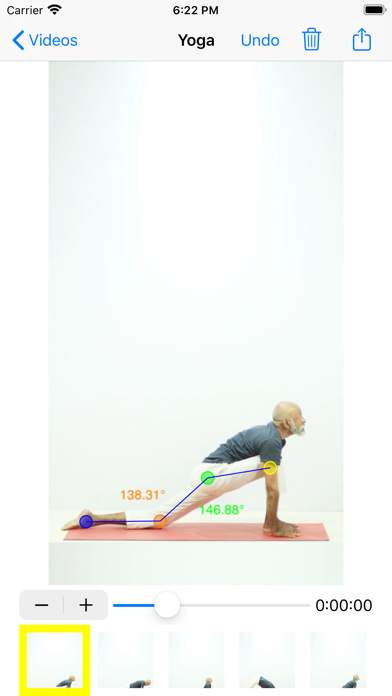
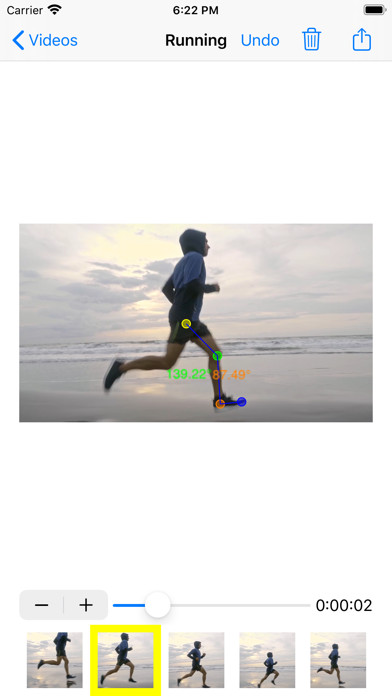
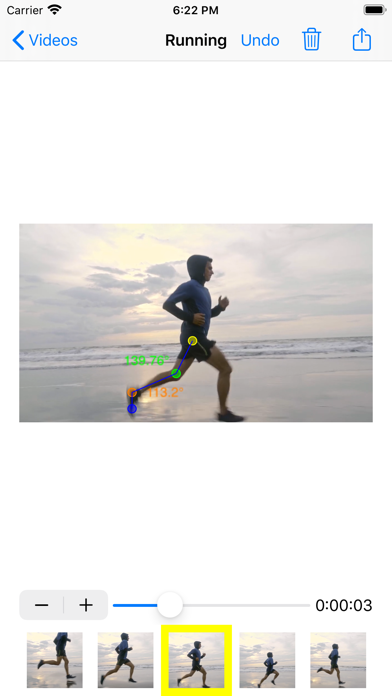
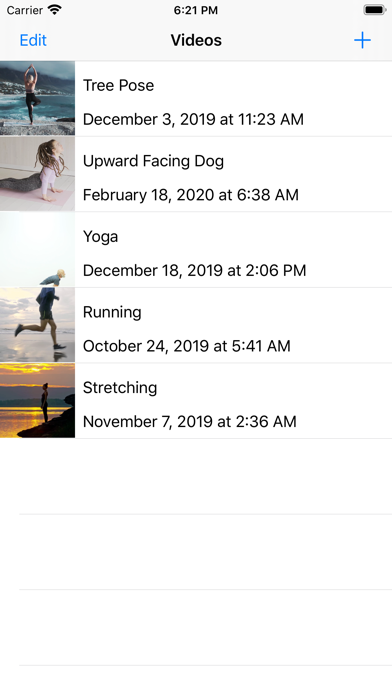
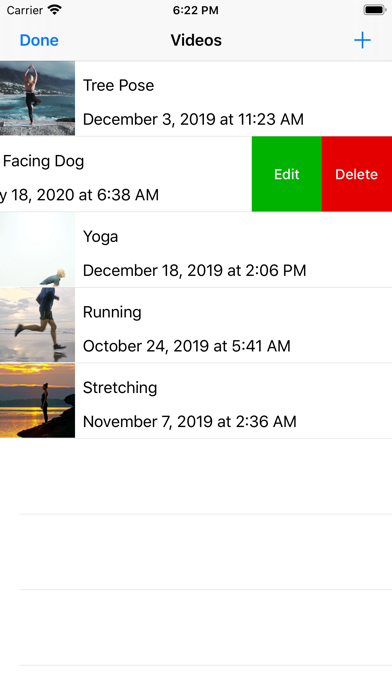
Description by Nathaniel Cochran Written by the developer, not by AppBrain. Click to read.
Features:
• Capture new videos or import existing videos from your library
• Step frame-by-frame through a video, or drag the slider to seek to a specific time
• Select points and drag them into place
• Lines and angle measurements automatically appear, connecting the points
• Repeat with more frames, points, and angles
• Export to spreadsheet (.xlsx format) for further calculations and analysis (note that there are multiple worksheets - one with raw point coordinates, and one with angle measurements)
Make sure to capture your video directly perpendicular to your subject, with the camera level in all planes, and without panning the camera.
The display of angle labels can be turned on/off in the app's preferences, found in the Settings app.
App developer: Nathaniel J. Cochran, in collaboration with Regina Harbourne
Supported by Duquesne University, Physical Therapy Dept. in the Rangos School of Health Sciences
Developed in part to support a grant from the Institute of Education Sciences, US Dept. of Education