

App Icons – Widget & Wallpaper
App Icons – Widget & Wallpaper is made and published by Neosus. AppBrain is an independent app data site and isn't affiliated with Neosus. The app name, icon, screenshots and description belong to Neosus and are shown as published on the App Store.
AppBrain's verdict
EstablishedWell rated- Rating on App Store
- 4.24
- 14,720 ratings
- Last updated
- May 22, 2023
Users rate it well: 4.2 stars from 14,720 ratings.
Rankings
App Store top chartsApp Store Rankings for App Icons – Widget & Wallpaper
Competitors
Similar apps and more from NeosusAlternatives to App Icons – Widget & Wallpaper




More from Neosus



Releases
Updates seen on the App Store- Version
- 3.15
- Launched
- October 2017
No changelog data
User feedback
Ratings and reviews on the App StoreComments on App Icons – Widget & Wallpaper for iOS
We don't have enough comments to show example comments. Please check back later.
Technology
Found in the app by AppBrain- Price
- Free
- App size
- 56.0 MB
- Content rating
- Everyone
Technologies used by App Icons – Widget & Wallpaper
About the app and developer
About App Icons – Widget & Wallpaper
App Icons – Widget & Wallpaper is an entertainment app developed by Neosus.
User Ratings
App Icons – Widget & Wallpaper is rated 4.24 out of 5 stars. The rating is based on 15 thousand ratings.
App Information
App Icons – Widget & Wallpaper is freely available from the App Store. The app size is 55.99 MB. The latest version available is 3.15. The last update was on May 22, 2023.
Technical Requirements
The app has a content rating of Everyone. The app has been available on the App Store since October 2017.
Developer information for Neosus
Address:
Store listing
By Neosus, from the App Store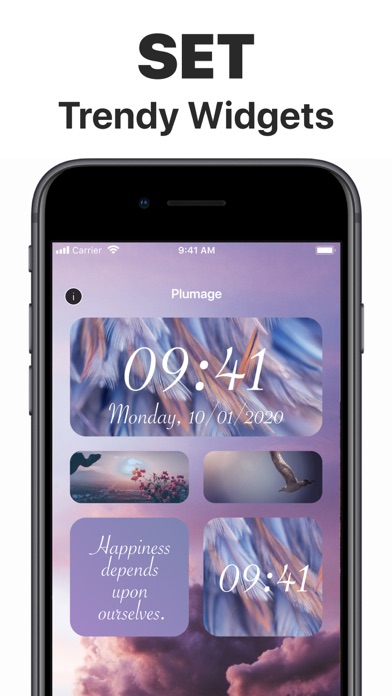
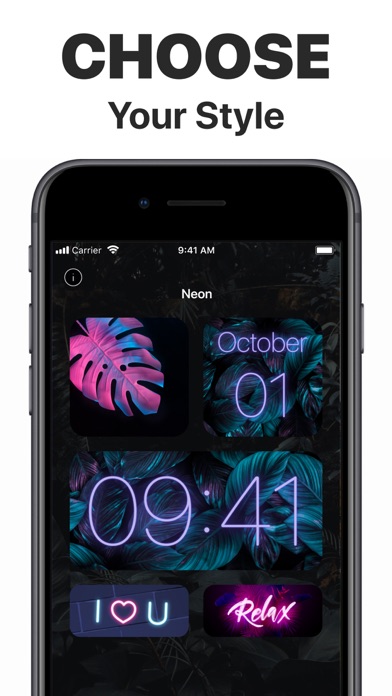
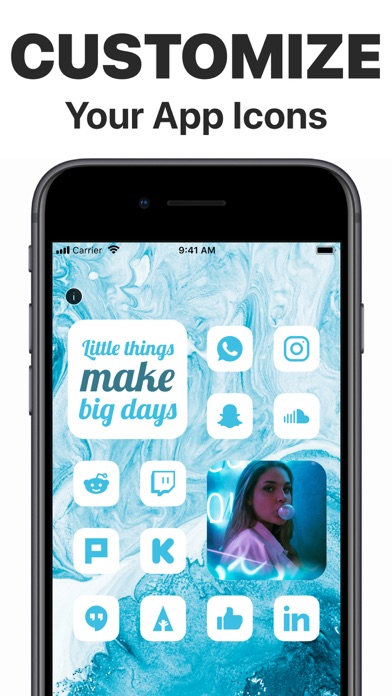
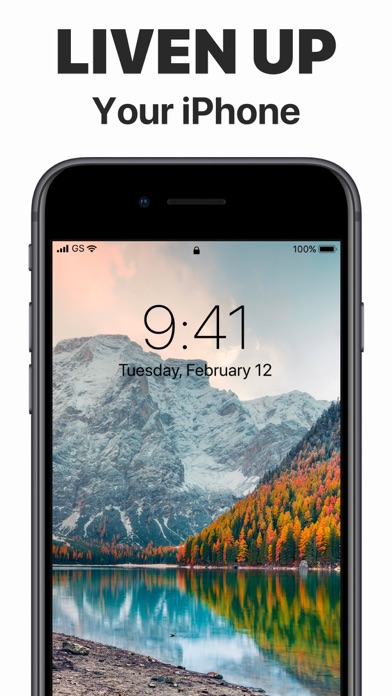
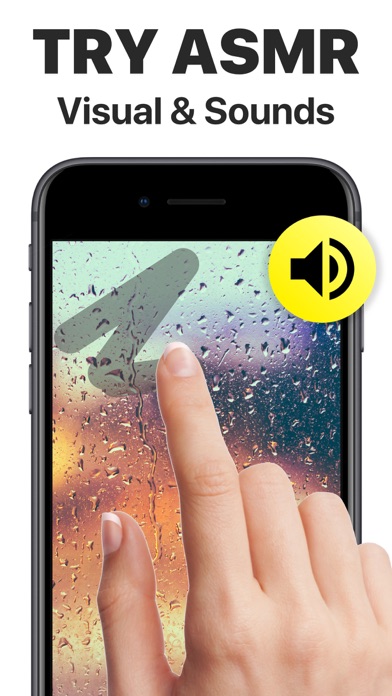
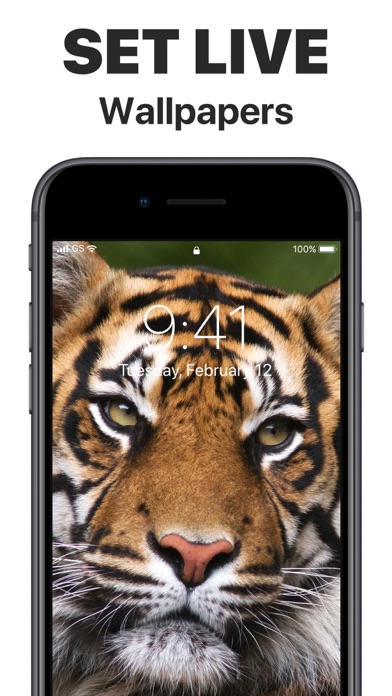


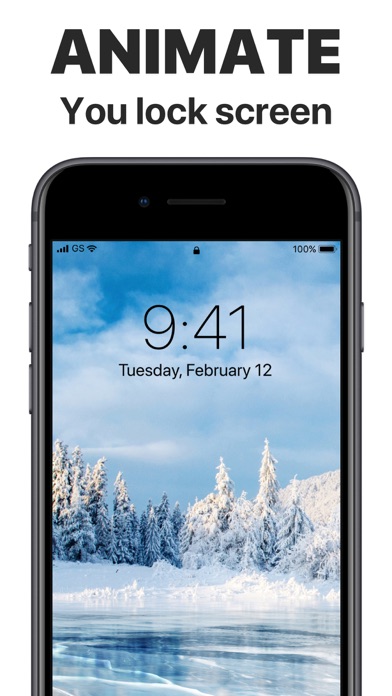

Description by Neosus Written by the developer, not by AppBrain. Click to read.
It’s time to replace your boring standard app icons and widgets with unique looking images that best suit your character or mood. Take any app on your iPhone and change its icon to the one you like. Add beautiful widgets with calendars and motivational quotes. Choose from tons of icons in different colors, styles and themes. Personalize your home screen like never before.
There are tons of images in different colors and styles available for you to customize your apps, and more coming soon! Show your creativity and Impress your friends with the way your iPhone home screen looks like.
Liven up your iPhone with gorgeous animated wallpapers of the highest quality. Explore the amazing collection of Lock Screens carefully crafted by our editors. Cherry-pick the very best ones for your device from various categories:
* Abstract
* Nature
* Extreme
* Fire
And even more to come!
Live animations work only on 3D-touch devices. Without 3D Touch, you can only set Live Wallpapers as non-animated.
Here’s how to set your brand-new moving wallpaper:
- Pick one of the spectacular wallpapers and tap Save
- Set the live background you selected as your Lock Screen wallpaper
- Press and hold your Lock Screen to see the magic
* Subscriptions Information:
- 1 Month Subscription
- 3 Months Subscription
- 6 Months Subscription
- 1 Year Subscription
* Subscription with a free trial period will automatically renew to a paid subscription.
* Please note: any unused portion of a free trial period (if offered) will be forfeited when you purchase a premium subscription during the free trial period.
* You can cancel a free trial or subscription anytime cancelling your subscription through your iTunes account settings. This must be done 24 hours before the end of a free trial or subscription period to avoid being charged. The cancellation will take effect the day after the last day of the current subscription period, and you will be downgraded to the free service.
Additional Subscription Information
– Payment will be charged to your iTunes Account at confirmation of purchase
– Your subscription will automatically renew unless auto-renew is turned off at least 24-hours before the end of the current period
– Your account will be charged for renewal within 24-hours prior to the end of the current period and the cost will be identified.
– Subscriptions may be managed by the user and auto-renewal may be turned off by going to the user’s Account Settings after purchase
EULA: http://company.neosus.net/terms-of-use/
Privacy http://company.neosus.net/privacy/