

App Lock - Lock Apps ™
App Lock - Lock Apps ™ is made and published by 万龙 戴. AppBrain is an independent app data site and isn't affiliated with 万龙 戴. The app name, icon, screenshots and description belong to 万龙 戴 and are shown as published on the App Store.
AppBrain's verdict
Well rated- Rating on App Store
- 4.38
- 368 ratings
- Last updated
- September 25, 2024
Users rate it well: 4.4 stars from 368 ratings.
Rankings
App Store top chartsApp Store Rankings for App Lock - Lock Apps ™
Competitors
Similar apps and more from 万龙 戴More from 万龙 戴

Releases
Updates seen on the App Store- Version
- 1.0.4
- Launched
- December 2023
No changelog data
User feedback
Ratings and reviews on the App StoreComments on App Lock - Lock Apps ™ for iOS
We don't have enough comments to show example comments. Please check back later.
Technology
Found in the app by AppBrain- Price
- Free
- App size
- 28.9 MB
- Content rating
- Everyone
Technologies used by App Lock - Lock Apps ™
About the app and developer
About App Lock - Lock Apps ™
App Lock - Lock Apps ™ is a productivity app developed by 万龙 戴.
What is the rating of App Lock - Lock Apps ™?
App Lock - Lock Apps ™ is rated 4.38 out of 5 stars, based on 370 ratings.
Is App Lock - Lock Apps ™ free?
App Lock - Lock Apps ™ is free. The app size is 28.94 MB. The latest version available is 1.0.4. The last update was on September 25, 2024.
What are the requirements for App Lock - Lock Apps ™?
The app has a content rating of Everyone. The app has been available on the App Store since December 2023.
Developer information for 万龙 戴
Address:
Store listing
By 万龙 戴, from the App Store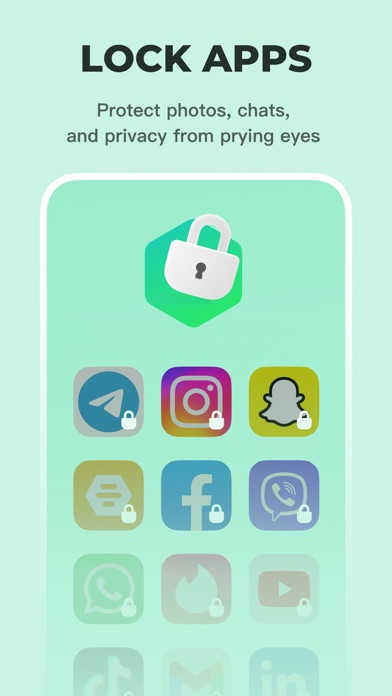


Description by 万龙 戴 Written by the developer, not by AppBrain. Click to read.
FEATURES
- Parental control: Effectively prevents children from becoming addicted to social media and games, assisting them in using their smartphones more responsibly.
- App lock: You can easily use the app lock feature to lock applications such as photo albums, messaging apps, and other private apps at any time to ensure the protection of sensitive information.
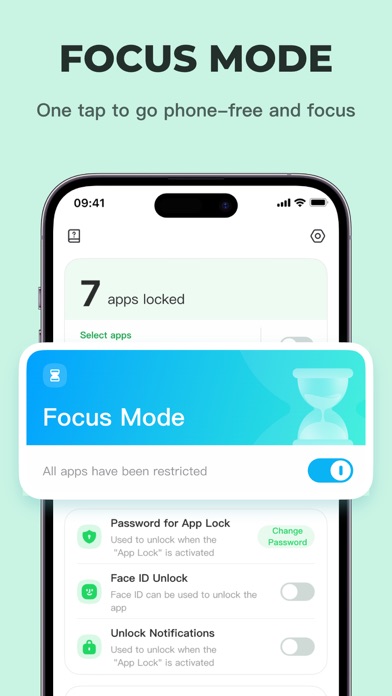
- Focus mode: Enhances children's learning efficiency and helps them concentrate better.
- Password protection: Setting password protection and integrating it with the app lock ensures enhanced control over applications.
- Prevent app deletion: The app lock helps prevent children from accidentally or intentionally deleting important apps.
- Limit app installations: Effectively manages children's installation of new apps by integrating the app lock feature, vigorously maintaining their online safety.
This application helps parents better manage their children's screen time, with a special focus on privacy protection and reducing disruptions, creating a healthy online environment for children.
If you have any questions or suggestions while using the app, please feel free to provide feedback within the app.