

ArtnetControl is made and published by Paul Heuts. AppBrain is an independent app data site and isn't affiliated with Paul Heuts. The app name, icon, screenshots and description belong to Paul Heuts and are shown as published on the App Store.
AppBrain's verdict
- Best rank
- #57
- Top Paid, Canada
- Last updated
- January 3, 2023
Rankings
App Store top charts- Highest rank
- #57
- Chart
- Top Paid
- Productivity
- Country
- Canada
App Store Rankings for ArtnetControl
Top rankings
| Rank | Country | Category | List |
|---|---|---|---|
| 57 | Canada | Productivity | Top Paid |
Ranking history in Canada
Competitors
Similar apps and more from Paul HeutsAlternatives to ArtnetControl







Releases
Updates seen on the App Store- Version
- 1.20
- Launched
- June 2017
No changelog data
User feedback
Ratings and reviews on the App StoreComments on ArtnetControl for iOS
We don't have enough comments to show example comments. Please check back later.
Technology
Found in the app by AppBrain- Price
- $3.99
- App size
- 11.3 MB
- Content rating
- Everyone
Technologies used by ArtnetControl
About the app and developer
About ArtnetControl
ArtnetControl is a productivity app developed by Paul Heuts.
What is the rating of ArtnetControl?
ArtnetControl has no ratings yet.
Is ArtnetControl free?
ArtnetControl costs $3.99. The app size is 11.31 MB. The latest version available is 1.20. The last update was on January 3, 2023.
What are the requirements for ArtnetControl?
The app has a content rating of Everyone. The app has been available on the App Store since June 2017.
Developer information for Paul Heuts
Address:
Store listing
By Paul Heuts, from the App Store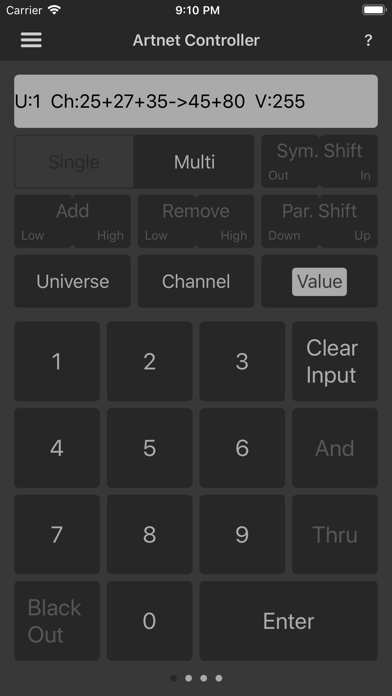
Description by Paul Heuts Written by the developer, not by AppBrain. Click to read.
You don't have to drag your lighting desk to the stage anymore during setup, just to put a six-bar in position. Take controle right from the Layer-construction or platform!
Or what about the guessing-game or the tedious troubleshooting when node's and fixtures aren't doing what you would like them to do? With ArtnetControl you can see exactly what is happening on your network. Check what devices are connected, and find patch faults or merging errors with ease.
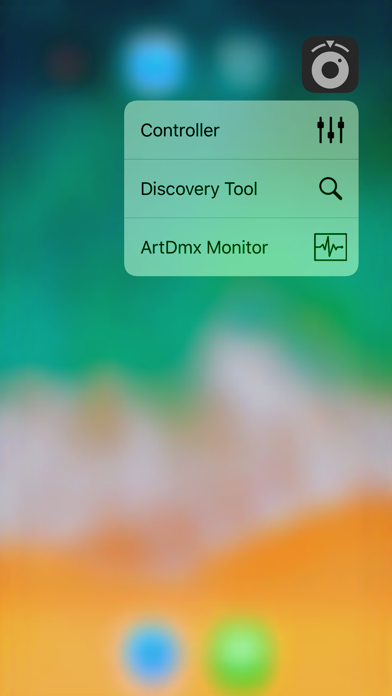
CONTROLLER
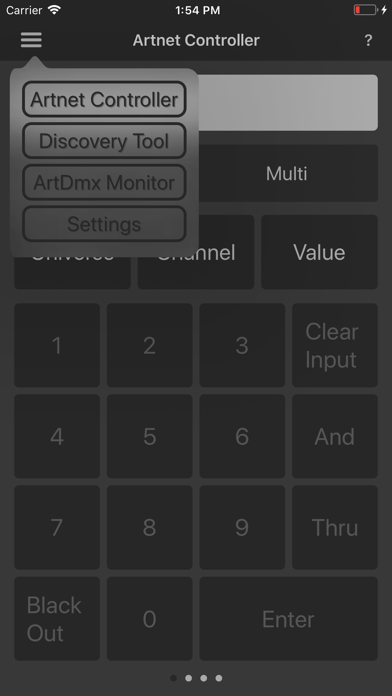
The Controller tool allows you to transmit ArtDmx. It is intended to be used as a riggers remote, to check or position your conventional fixtures. The whole workflow is specially designed for quick access and handling. For example you can set defaults and input from your last command is remembered so you only have to enter changes. There are also function key's provided for easy manipulation of you last given command, for instance to shift highlight to another set of parcan's
You can enter universes, channels and value's in any order and combination. Simultaneous transmission up to 20 universes is supported, not necessarily sequential.
A modus selection between 'single' and 'multi' is provided to choose whether you would like only the last entered command to be activated, or all commands to be handled as mutations upon each other.
At this moment there isn't any functionality present, specifically designed for intelligent fixtures.
DISCOVERY TOOL
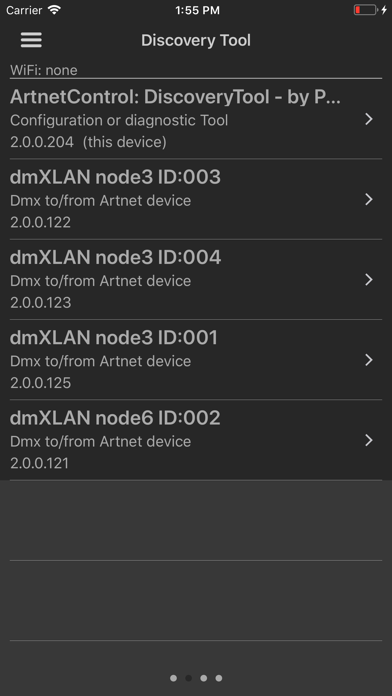
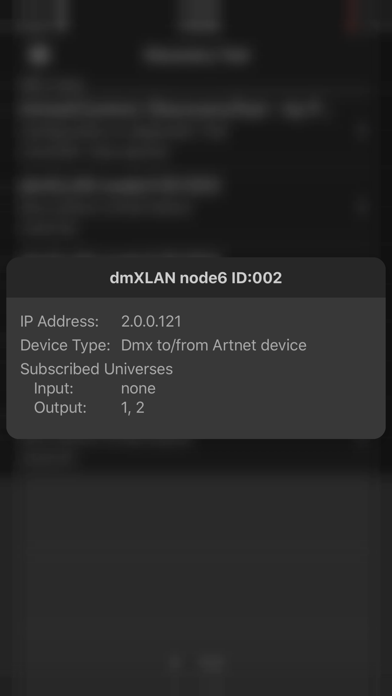
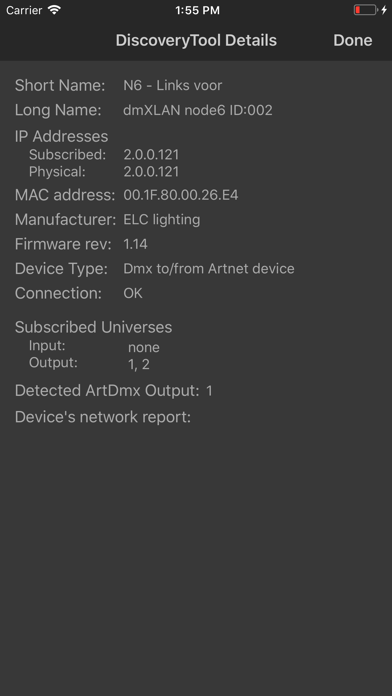
This tool does exactly what the name suggests; it discovers Art-Net compatible devices in your network. It will show you the name of discovered devices, what type of devices it is and it's IP address. There's also an details page to show you about everything there is to know about your node's and fixtures (ports, universes, ip, actual dmx, manufacturer, connection test, ect.)
ART-DMX VIEWER
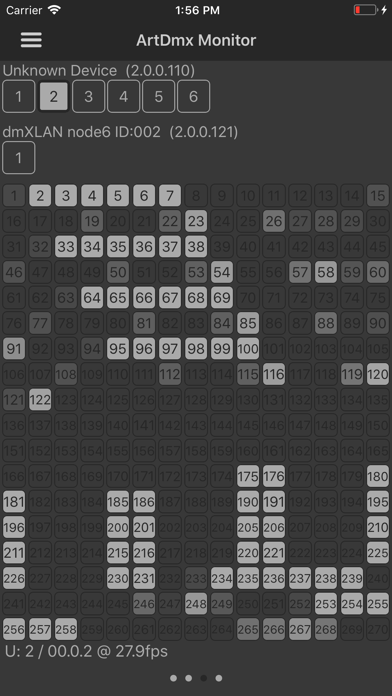
Now you can see exactly what is going on on your network. This tool shows which universes are being transmitted by what controller. And if you select a universe, even channel information is shown.
No more guessing which controller is causing problems with the Dmx merge. But also very handy to check your universe and channel patch.