

AstroPrint (for 3D Printing)
AstroPrint (for 3D Printing) is made and published by PRINTANDGO AM SOLUTIONS SL. AppBrain is an independent app data site and isn't affiliated with PRINTANDGO AM SOLUTIONS SL. The app name, icon, screenshots and description belong to PRINTANDGO AM SOLUTIONS SL and are shown as published on the App Store.
AppBrain's verdict
Established- Rating on App Store
- 3.69
- 58 ratings
- Last updated
- September 17, 2022
It doesn't have enough ratings yet to judge what users think.
Rankings
App Store top chartsApp Store Rankings for AstroPrint (for 3D Printing)
Competitors
Similar apps and more from PRINTANDGO AM SOLUTIONS SLAlternatives to AstroPrint (for 3D Printing)



More from PRINTANDGO AM SOLUTIONS SL

Also available on Google Play

Releases
Updates seen on the App Store- Version
- 1.5.4
- Launched
- October 2017
No changelog data
User feedback
Ratings and reviews on the App StoreComments on AstroPrint (for 3D Printing) for iOS
We don't have enough comments to show example comments. Please check back later.
Technology
Found in the app by AppBrain- Price
- Free
- App size
- 18.2 MB
- Content rating
- Everyone
Technologies used by AstroPrint (for 3D Printing)
About the app and developer
About AstroPrint (for 3D Printing)
AstroPrint (for 3D Printing) is a productivity app developed by PRINTANDGO AM SOLUTIONS SL.
User Ratings
AstroPrint (for 3D Printing) is rated 3.69 out of 5 stars. The rating is based on 58 ratings.
App Information
AstroPrint (for 3D Printing) is freely available from the App Store. The app size is 18.19 MB. The latest version available is 1.5.4. The last update was on September 17, 2022.
Technical Requirements
The app has a content rating of Everyone. The app has been available on the App Store since October 2017.
Developer information for PRINTANDGO AM SOLUTIONS SL
Address:
Store listing
By PRINTANDGO AM SOLUTIONS SL, from the App Store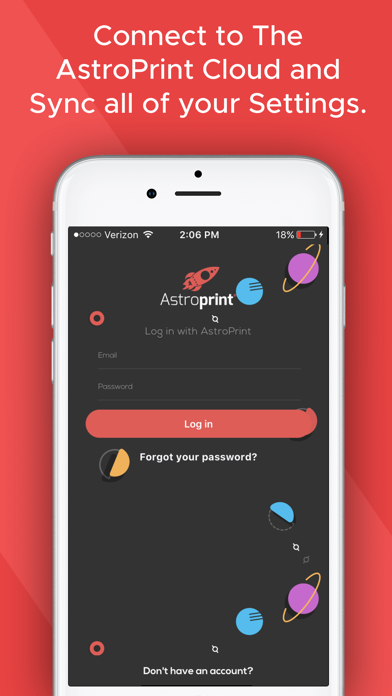


Description by PRINTANDGO AM SOLUTIONS SL Written by the developer, not by AppBrain. Click to read.
First, you'll need to connect your 3D Printer to the AstroPrint Cloud for FREE.
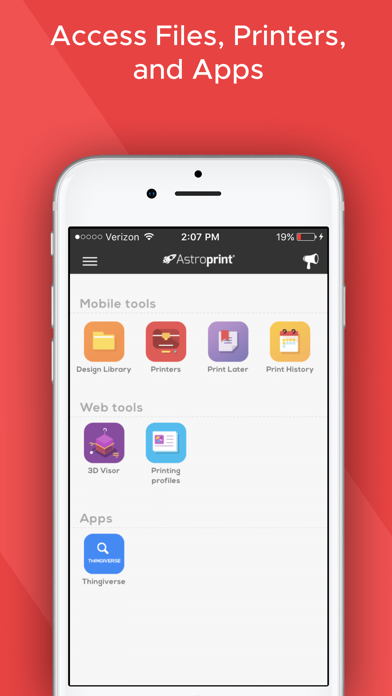
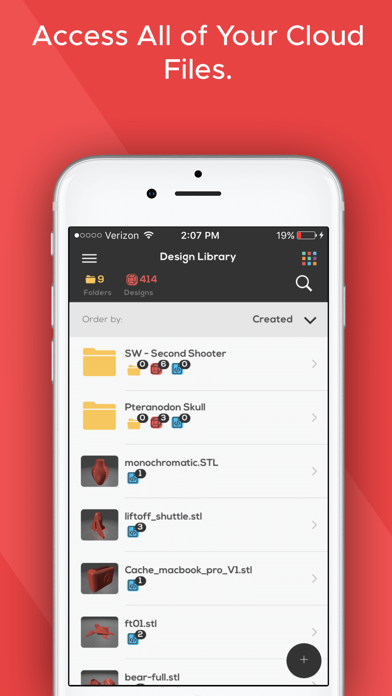
After you connect your 3D Printer to the AstroPrint Cloud, you can use AstroPrint® Mobile to manage, monitor, and print directly to your Desktop 3D Printer from anywhere around the world.
With AstroPrint® Mobile, you can:
• Visually inspect your print bed.
• Get notifications about print status.
• Start and stop prints.
• Print from repositories like Thingiverse .
• Use the AstroPrint Cloud Slicer (which uses CURA Engine) to slice and print.
• ..and more!
AstroPrint is compatible with standard Marlin & Sailfish firmware based printers (like Prusa i3, FlashForge Creator Pro, Lulzbot, Ultimaker, Robo3D, and Makerbot 2X and below etc.).
If you are not sure about your printer's compatibility, please check the compatibility section on astroprint.com/compatibility.