

Audio Analyzer is made and published by Narumi Inada. AppBrain is an independent app data site and isn't affiliated with Narumi Inada. The app name, icon, screenshots and description belong to Narumi Inada and are shown as published on the App Store.
AppBrain's verdict
Established- Rating on App Store
- 5.00
- 2 ratings
- Last updated
- November 19, 2023
It doesn't have enough ratings yet to judge what users think.
Rankings
App Store top chartsApp Store Rankings for Audio Analyzer
Competitors
Similar apps and more from Narumi InadaAlternatives to Audio Analyzer







More from Narumi Inada




Releases
Updates seen on the App Store- Version
- 1.3.2
- Launched
- October 2019
No changelog data
User feedback
Ratings and reviews on the App StoreComments on Audio Analyzer for iOS
We don't have enough comments to show example comments. Please check back later.
Technology
Found in the app by AppBrain- Price
- $3.99
- App size
- 707.0 KB
- Content rating
- Everyone
Technologies used by Audio Analyzer
About the app and developer
About Audio Analyzer
Audio Analyzer is a music app developed by Narumi Inada.
User Ratings
Audio Analyzer is rated 5.00 out of 5 stars. The rating is based on 2 ratings.
App Information
Audio Analyzer costs $3.99. The app size is 707.00 kB. The latest version available is 1.3.2. The last update was on November 19, 2023.
Technical Requirements
The app has a content rating of Everyone. The app has been available on the App Store since October 2019.
Developer information for Narumi Inada
Address:
Store listing
By Narumi Inada, from the App Store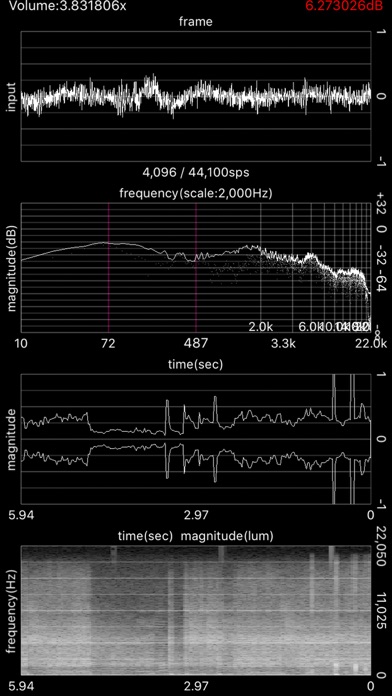
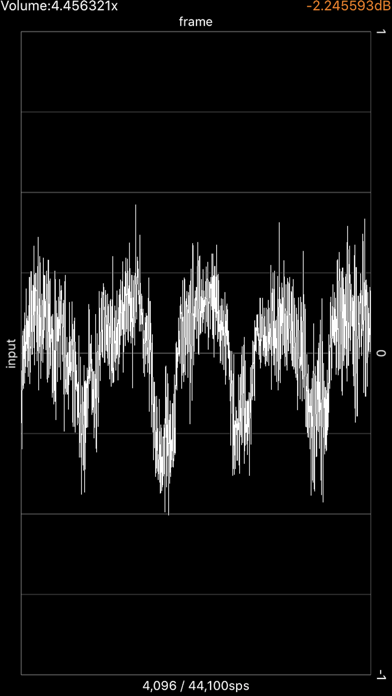
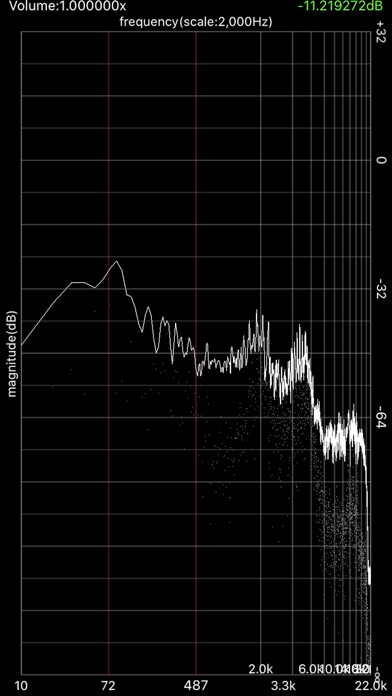
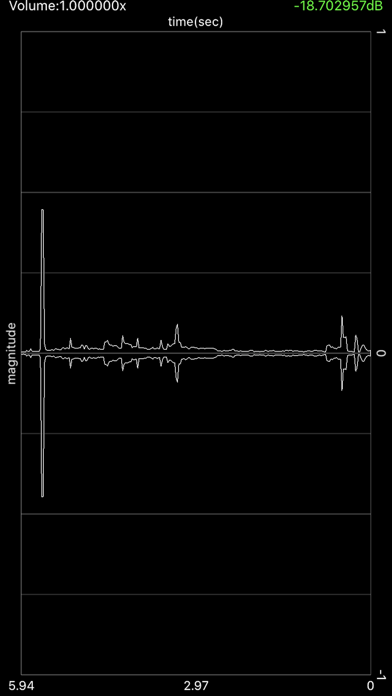
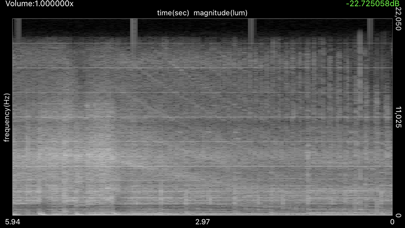
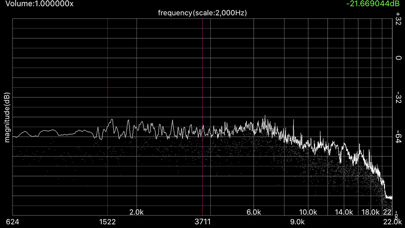
Description by Narumi Inada Written by the developer, not by AppBrain. Click to read.
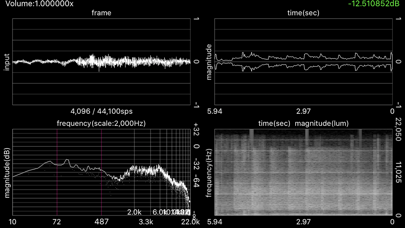
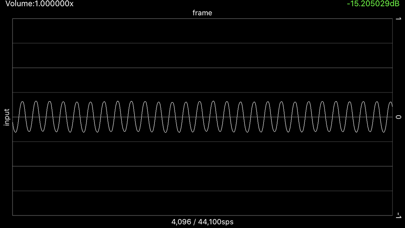
Waveform visualizer (oscilloscope)
Spectrum analyzer
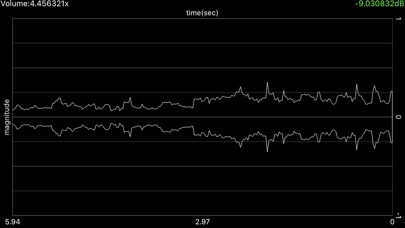
Historical peak
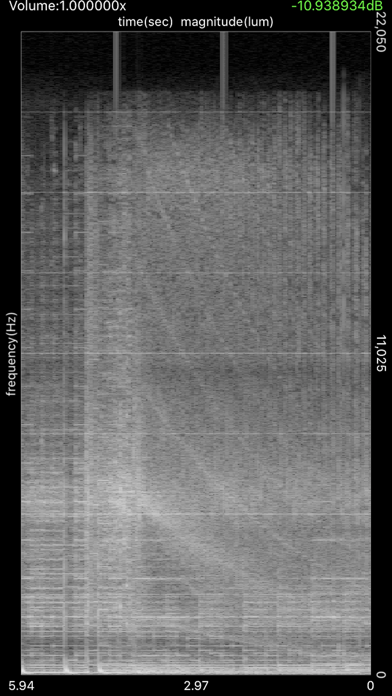
Historical FFT
Tapping each function enters into full-screen mode and tapping once more exits full-screen mode.
Horizontal zoom is only available for the spectrum analyzer. Magnification gesture (aka pinching) allows for zooming in and out, and frequency offset can be performed by swiping on the screen horizontally.
Vertical swiping adjusts input volume. Coefficients are displayed in the corner.
*dBFullScale 20 * log10 ( input)
A demonstration is here.
https://www.youtube.com/watch?v=6mDa_zCgYzE