

Authenticator App - Fast 2FA
Authenticator App - Fast 2FA is made and published by 珉予 翟. AppBrain is an independent app data site and isn't affiliated with 珉予 翟. The app name, icon, screenshots and description belong to 珉予 翟 and are shown as published on the App Store.
AppBrain's verdict
Well rated- Rating on App Store
- 4.43
- 373 ratings
- Last updated
- January 3, 2023
Users rate it well: 4.4 stars from 373 ratings.
Rankings
App Store top chartsApp Store Rankings for Authenticator App - Fast 2FA
Competitors
Similar apps and more from 珉予 翟Alternatives to Authenticator App - Fast 2FA



More from 珉予 翟



Releases
Updates seen on the App Store- Version
- 1.5.6
- Launched
- October 2022
No changelog data
User feedback
Ratings and reviews on the App StoreComments on Authenticator App - Fast 2FA for iOS
We don't have enough comments to show example comments. Please check back later.
Technology
Found in the app by AppBrain- Price
- Free
- App size
- 29.3 MB
- Content rating
- Everyone
Technologies used by Authenticator App - Fast 2FA
About the app and developer
About Authenticator App - Fast 2FA
Authenticator App - Fast 2FA is a productivity app developed by 珉予 翟.
What is the rating of Authenticator App - Fast 2FA?
Authenticator App - Fast 2FA is rated 4.43 out of 5 stars, based on 370 ratings.
Is Authenticator App - Fast 2FA free?
Authenticator App - Fast 2FA is free. The app size is 29.31 MB. The latest version available is 1.5.6. The last update was on January 3, 2023.
What are the requirements for Authenticator App - Fast 2FA?
The app has a content rating of Everyone. The app has been available on the App Store since October 2022.
Developer information for 珉予 翟
Address:
Store listing
By 珉予 翟, from the App Store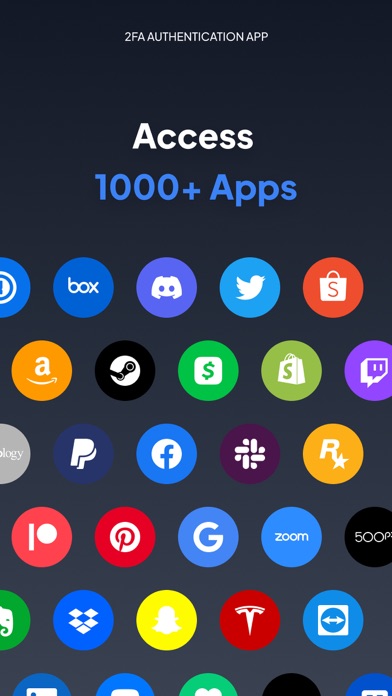
Description by 珉予 翟 Written by the developer, not by AppBrain. Click to read.
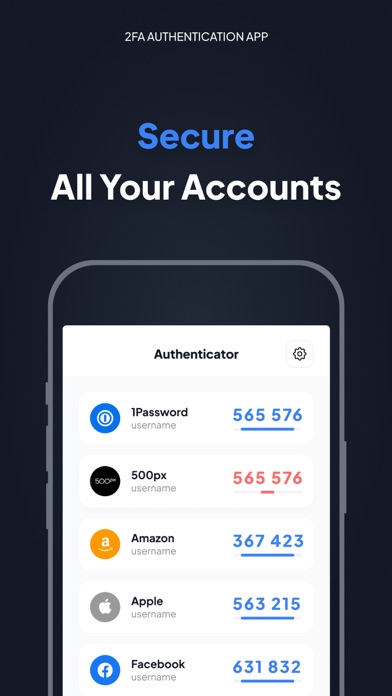
Make your security impeccable by adding two-factor authentication (2FA) to protect your accounts from hackers. Just enable two-factor authentication in your provider's account settings, scan the provided QR code and you're good to go. Once configured, you can get the verification code without the need for an internet or mobile connection.
============
Top Features
- Super Safe & Secure
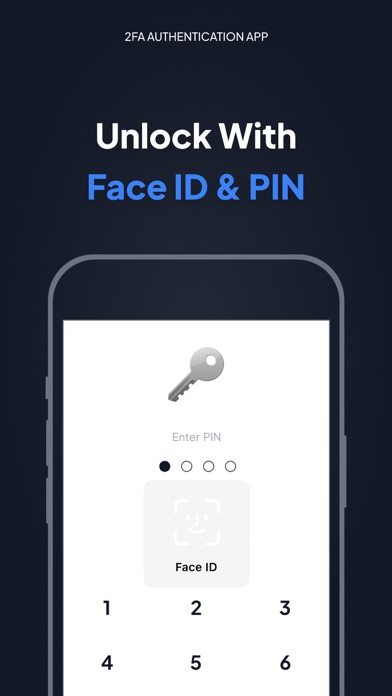
Your password is very secure and the application does not exchange data with the Internet, so no one else can know it but you.
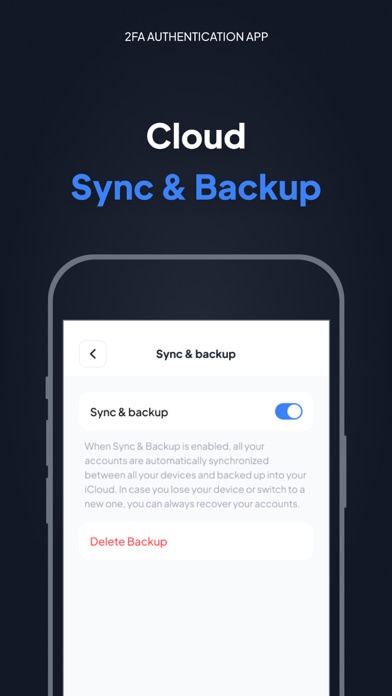
- Cloud Sync & Backup
A secure, encrypted backup is automatically made in the Authenticator App in case your device is lost or replaced with a new one. And all your accounts will be automatically synced across all Apple devices
- No Password Stored
The Authenticator App generates time-based one-time passwords (TOTP) that are stored on the user's phone and do not require Internet access. As a result, the Authenticator App generates secure codes even when offline, which will allow you to authenticate securely even when the device is in airplane mode.
- Supports All Popular Accounts
The Authenticator app supports the most popular services, including Facebook, Coinbase, Amazon, Google, Instagram, Roblox and other vendors that support 2fa services, up to 1000+
- Setup Guide
Don't know how to set up? No problem, we have prepared a setup method for you for almost all platforms that offer 2fa services. Just follow the steps to set it up.
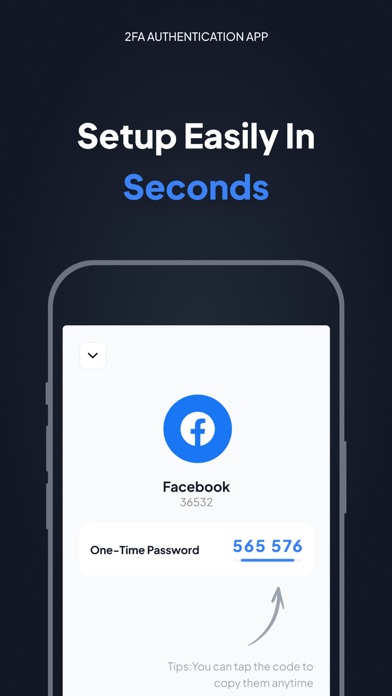
- Scan QR Code
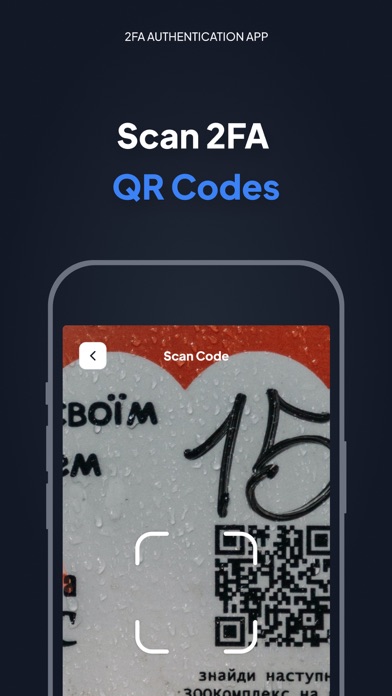
Just click on the QR code to scan it and you can setup easily in seconds without any hassle
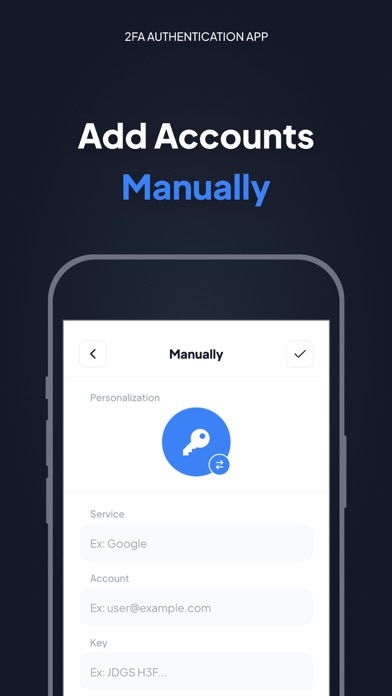
- Enter Code Manually
Enter a secret key to the app for secure authentication.
- Personalization
The application allows you to set unique icons for your account, which can be selected from the list provided. This helps you to easily identify and categorize your accounts.
More features will be coming soon…
============
Authenticator PRO
Choose from different purchase options:
• 1 month subscription
• 1 year subscription
Payment will be charged to your Apple ID account at the time of purchase confirmation. Subscription renews automatically unless it is canceled at least 24 hours before the end of the current period. Your account will be charged for renewal within 24 hours prior to the end of the current period. You can manage and cancel your subscriptions by going to your account settings on the App Store after purchase.
By completing your subscription, you agree to ZING's Terms of Service & Privacy Policy.
Privacy Policy:https://docs.google.com/document/d/1MbkvoLc3zLq-P3tGJ0r8YtkI0rEj7ZBJ96tOtMjBbzQ/edit?usp=sharing
Terms of Service:
https://docs.google.com/document/d/1HN6jXfvs3dj7V11thiFUkjXyiJfg4PHu2ezoFgZ6raE/edit?usp=sharing