It doesn't have enough ratings yet to judge what users think.
Authenticator Password Manager is made and published by
SAASPASS.
AppBrain is an independent app data site and isn't affiliated with SAASPASS.
The app name, icon, screenshots and description belong to SAASPASS and are shown as
published on the App Store.
About Authenticator Password Manager
Authenticator Password Manager is an utilities app developed by SAASPASS.
User Ratings
Authenticator Password Manager is rated 3.71 out of 5 stars. The rating is based on 56 ratings.
App Information
Authenticator Password Manager is freely available from the App Store. The app size is 55.37 MB. The latest version available is 2.1.51. The last update was on August 4, 2026.
Technical Requirements
The app has a content rating of Everyone. The app has been available on the App Store since April 2014.
Description by SAASPASS(from the App Store)
SAASPASS is a Password manager & Authenticator 2FA code generator with autofill & autologin capabilities.
It is built with Security & Usability in mind and is secured by Passwordless MFA
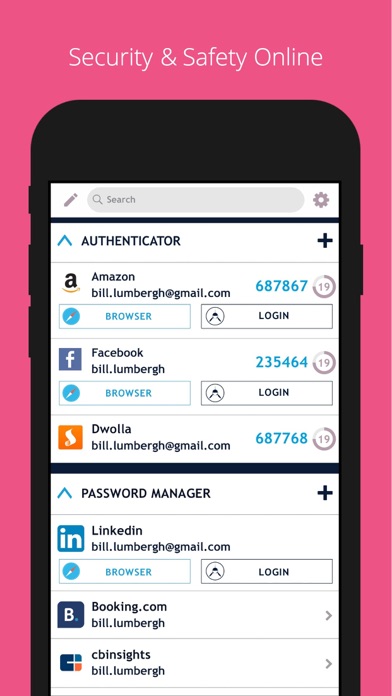
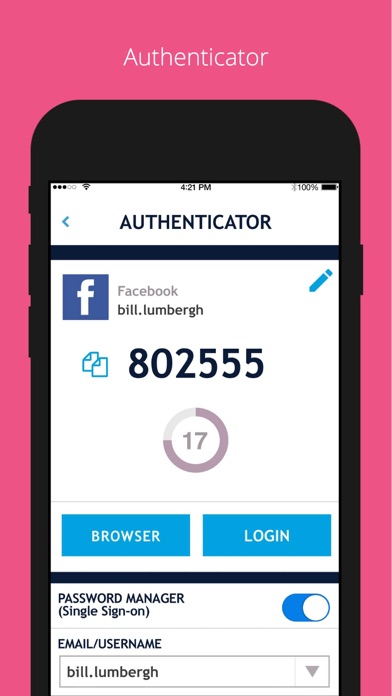
Password Manager Web and Browser access secured by passwordless MFA Over 100 Thousand pre-configured websites & mobile services Custom additions available AutoFill support Notes section Quick copy support Web portal
Authenticator Code Desktop, Web & Browser extension access secured by passwordless MFA AutoFill support with password manager integration Notes section Quick copy support Support for both HOTP/TOTP. Support for 6, 7 and 8 digits Support for SHA1, SHA256, SHA512 Companies can share access to the Authenticator code across multiple individuals
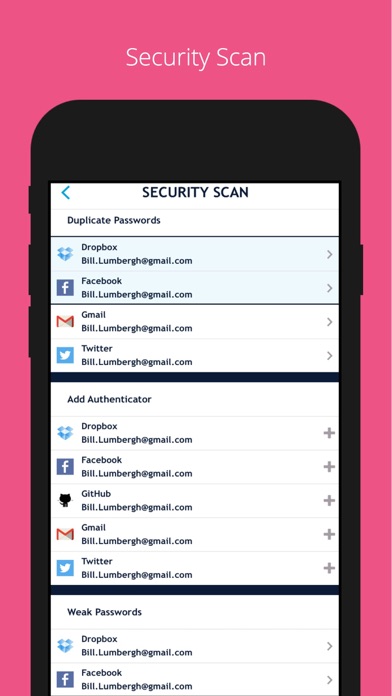
Security Scan Identifies which websites & apps you use in the password manager have: Authenticator 2FA format Duplicate passwords Weak passwords
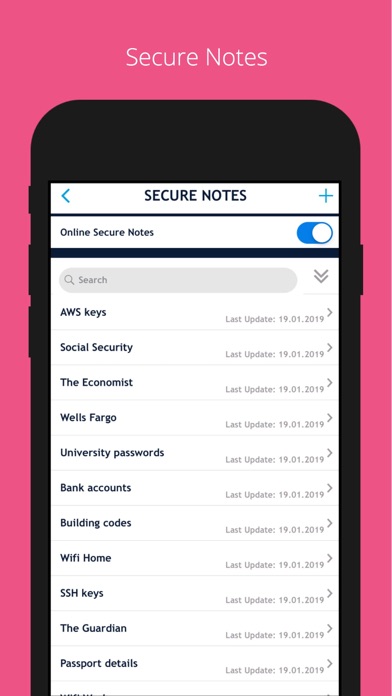
Secure Notes Save notes, edit it in the mobile app or web portal & enable it to be on multiple devices and be recoverable. Web access is secured by passwordless MFA
Multiple Devices You can have SAASPASS securely on multiple devices. Comes with device management capabilities where you can remotely disable it.
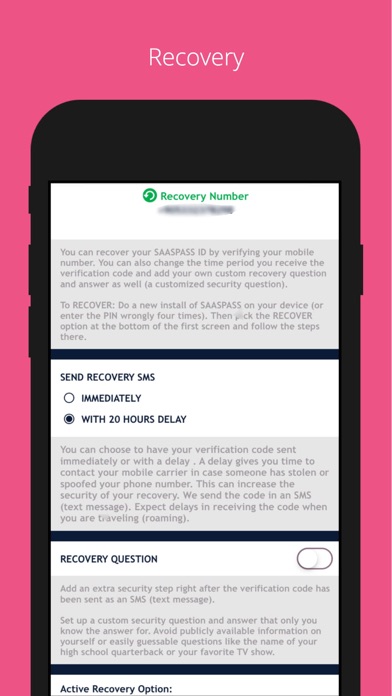
Recovery - Secure Backup & Restore Multiple secure recovery capabilities where you can prevent SIM swap attacks. This way if you lose your Authenticators and passwords, you can have them restored on your new device without going through the hassle of painstakingly setting each one individually.
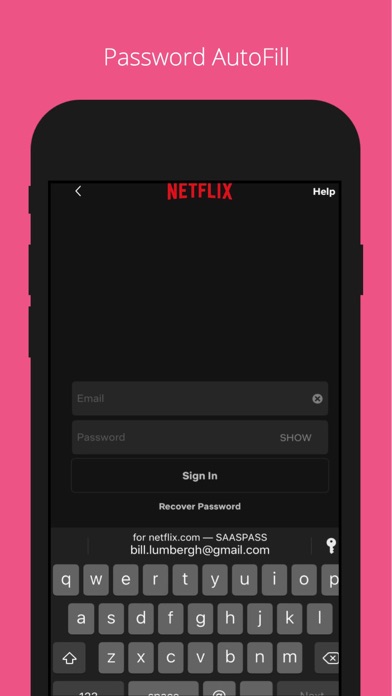
Autofill Both the password manager and Authenticator code generator are available on your desktop from both the web portal (login at https://www.saaspass.com/sd/#/login ) and the browser extension. They come with optional Autofill and AutoLogin capabilities on your mobile app as well as the desktop.
iPad Multitasking with Split Screen & Landscape view support
Password Generator
Offline Support
Download the SAASPASS browser extension to see the magic in action. It is available for the following browsers:
Safari Chrome Firefox Microsoft Edge
and Chromium browsers like: Brave Vivaldi
There is NO need for a desktop application on your computer. The browser extension is a full blown application.
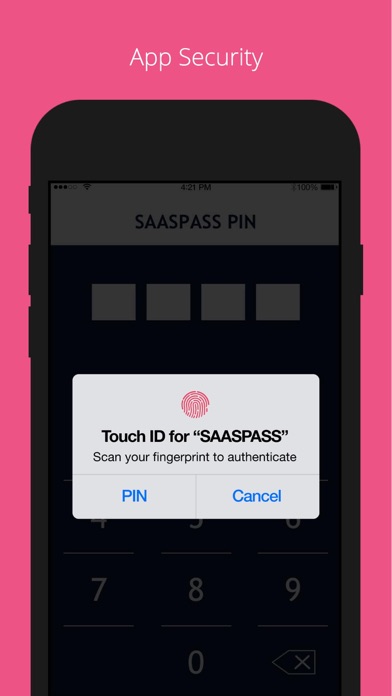
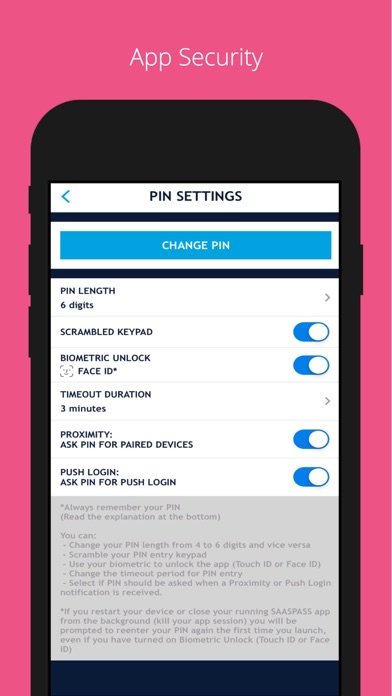
Unlocking app: - Touch ID - Face ID - Scrambled Keypad - 4 or 6 digits as your PIN length SAASPASS app opening protection includes brute-force attack mitigation.
Edit Order: Change the order of the Main Menu by choosing Customize Menu Layout under the Settings.
Search Bar Use to quickly find services.
Apple Watch support
To enable SAASPASS Autofill go to your devices Settings > Passwords & Accounts > AutoFill Passwords After turning on AutoFill Passwords select SAASPASS. There are quick copy links under every service as well.
-
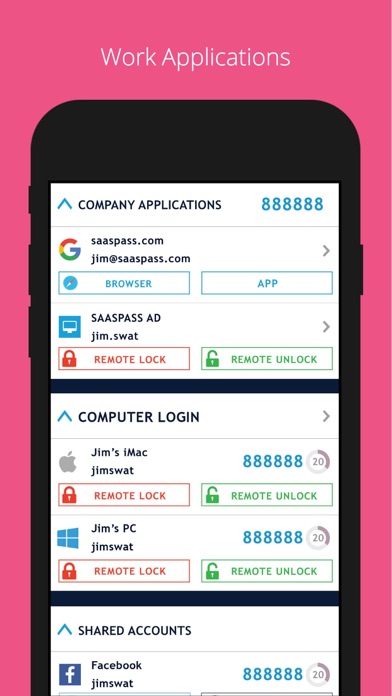
SAASPASS also offers security for employees, companies, developers, admins and computers.
Developers can integrate multi-factor authentication (MFA) services with ready code snippets in multiple languages and SDKS from:
developer.saaspass.com
Companies can sign up for usage of MFA, SSO, IAM solutions, Directory Services, Team Password Manager, Enterprise Password Manager, Shared Authenticator codes with teams, the Shared Access Center, Adaptive Authentication from the www.saaspass.com website.
Companies can integrate: On-premise applications Cloud applications Hybrid applications
The Identity & Access Management of SAASPASS can be used to integrate many business and productivity applications including email and collaboration suites
Out of the box integration to over 100 THOUSAND applications include, but are not limited to, the following services:
VPN RDP RADIUS SAML OIDC OAuth 2 LDAP Active Directory Microsoft 365 Microsoft OWA Google Workspace G Suite Office 365 Salesforce On premise applications Dropbox 1password Zendesk Onelogin Keeper Zoho Freshdesk Netsuite Amazon Web Services (AWS) Clarizen Ping Samanage TSPlus Authy ShiftPlanning Duo Security Dashlane Lastpass Bitwarden Okta & many more
Each subscription will automatically renew 3 days before the expiration date for
the same time period. Subscriptions can be cancelled at any time before the renewal.