

AuthShield is made and published by Innefu Labs. AppBrain is an independent app data site and isn't affiliated with Innefu Labs. The app name, icon, screenshots and description belong to Innefu Labs and are shown as published on the App Store.
AppBrain's verdict
Established- Rating on App Store
- 1.00
- 2 ratings
- Last updated
- December 2, 2021
It doesn't have enough ratings yet to judge what users think.
Rankings
App Store top chartsApp Store Rankings for AuthShield
Competitors
Similar apps and more from Innefu LabsAlternatives to AuthShield







More from Innefu Labs

Releases
Updates seen on the App Store- Version
- 1.3
- Launched
- August 2018
No changelog data
User feedback
Ratings and reviews on the App StoreComments on AuthShield for iOS
We don't have enough comments to show example comments. Please check back later.
Technology
Found in the app by AppBrain- Price
- Free
- App size
- 21.6 MB
- Content rating
- Everyone
Technologies used by AuthShield
About the app and developer
About AuthShield
AuthShield is an utilities app developed by Innefu Labs.
What is the rating of AuthShield?
AuthShield is rated 1.00 out of 5 stars, based on 2 ratings.
Is AuthShield free?
AuthShield is free. The app size is 21.60 MB. The latest version available is 1.3. The last update was on December 2, 2021.
What are the requirements for AuthShield?
The app has a content rating of Everyone. The app has been available on the App Store since August 2018.
Developer information for Innefu Labs
Address:
Store listing
By Innefu Labs, from the App Store
Description by Innefu Labs Written by the developer, not by AppBrain. Click to read.
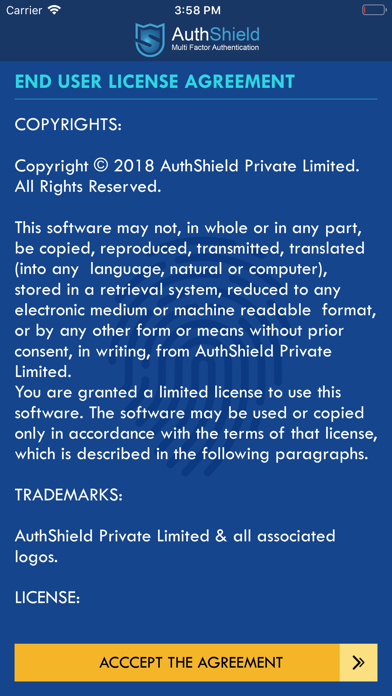
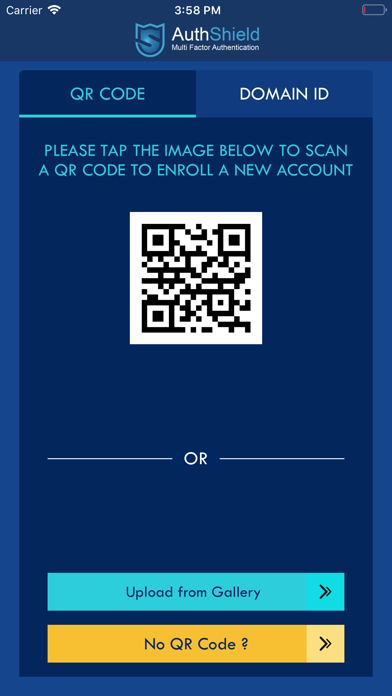
AuthShield is convenient form factor installed on the smart phone itself. The authentication mechanism bypasses the entire concept of One Time Passwords by converting the user’s handset into a secondary form factor using a challenge Response mechanism. Any time the user wishes to log in, a ‘push’ notification is sent to the registered handset of the user with the login details including IP address, Time stamp, location (based on IP) etc. The user has to ‘approve’ or ‘deny’ the request to login. It’s a complete ‘Hackproof’ token and cannot be compromised even by compromising the server or the device.
How to use Authshield:
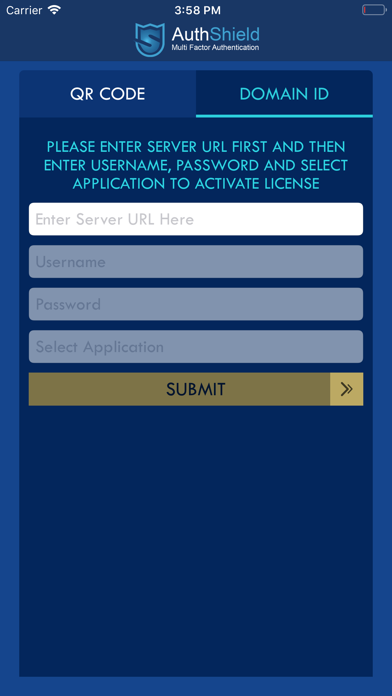
1. Enter the username and password received from admin panel provided by Authshield.
2. You will receive an OTP on your registered mobile number.
3. Enter the top and make ur login access secured.
Note: The app works with AuthShield Server in the backend. Contact your IT admin/support on more instructions around support and activation. The app supports multiple authentication features such as OTP and one click login.