

Baggage Screening Challenge
Baggage Screening Challenge is made and published by Magnin & Associates. AppBrain is an independent app data site and isn't affiliated with Magnin & Associates. The app name, icon, screenshots and description belong to Magnin & Associates and are shown as published on the App Store.
AppBrain's verdict
Established- Rating on App Store
- 5.00
- 1 ratings
- Last updated
- October 14, 2025
It doesn't have enough ratings yet to judge what users think.
Rankings
App Store top chartsApp Store Rankings for Baggage Screening Challenge
Competitors
Similar apps and more from Magnin & AssociatesAlternatives to Baggage Screening Challenge







More from Magnin & Associates



Also available on Google Play

Releases
Updates seen on the App Store- Version
- 2.3
- Launched
- June 2020
No changelog data
User feedback
Ratings and reviews on the App StoreComments on Baggage Screening Challenge for iOS
We don't have enough comments to show example comments. Please check back later.
Technology
Found in the app by AppBrain- Price
- $2.99
- App size
- 104.9 MB
- Content rating
- Everyone
Technologies used by Baggage Screening Challenge
About the app and developer
About Baggage Screening Challenge
Baggage Screening Challenge is a games app developed by Magnin & Associates.
What is the rating of Baggage Screening Challenge?
Baggage Screening Challenge is rated 5.00 out of 5 stars, based on one rating ratings.
Is Baggage Screening Challenge free?
Baggage Screening Challenge costs $2.99. The app size is 104.85 MB. The latest version available is 2.3. The last update was on October 14, 2025.
What are the requirements for Baggage Screening Challenge?
The app has a content rating of Everyone. The app has been available on the App Store since June 2020.
Developer information for Magnin & Associates
Address:
Store listing
By Magnin & Associates, from the App Store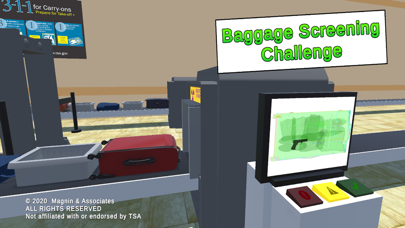
Description by Magnin & Associates Written by the developer, not by AppBrain. Click to read.
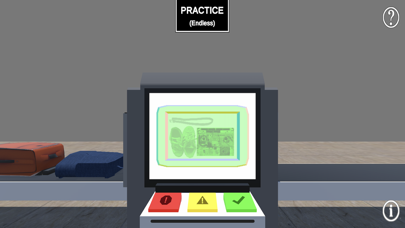
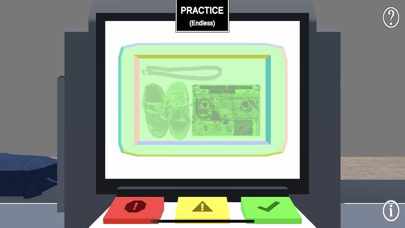
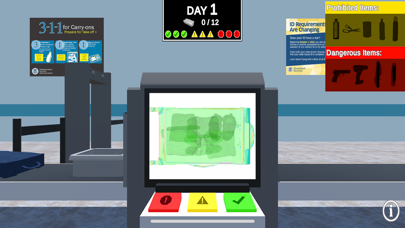
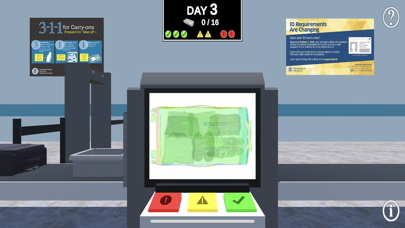
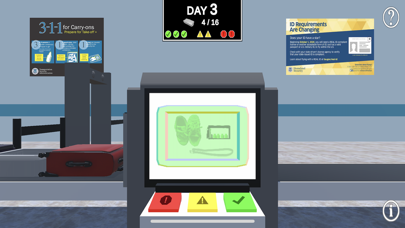
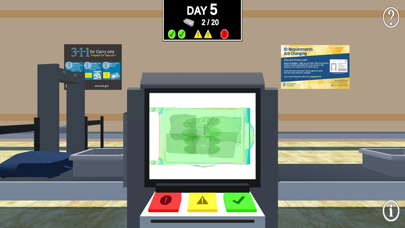
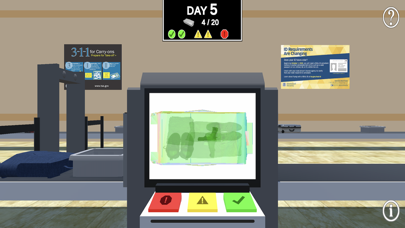
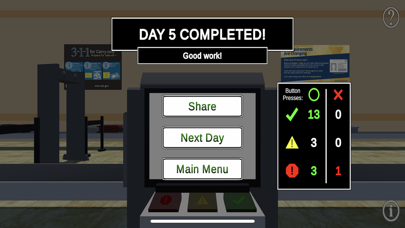
As each bag moves down the belt into the X-ray, carefully check the image on your screen for prohibited and dangerous items. Press the corresponding button Green, Yellow or Red to determine whether the traveler’s bag is clear or will require a secondary inspection.
An optional zoom mode allows you to check the bags on a larger X-ray image. The ? icon allows you to see silhouettes of the common prohibited and dangerous items.
Work through seven progressively harder day shifts.
Optionally shares your accomplishments with Facebook, Twitter, email, or instant messaging.
Universal App - supports iPhone, iPod Touch, and iPad, including standard, Retina, and iPhone X displays.
Not affiliated with or endorsed by TSA.