

BarKode is made and published by Indigo Mountain. AppBrain is an independent app data site and isn't affiliated with Indigo Mountain. The app name, icon, screenshots and description belong to Indigo Mountain and are shown as published on the App Store.
AppBrain's verdict
- Last updated
- November 12, 2024
Rankings
App Store top chartsApp Store Rankings for BarKode
Competitors
Similar apps and more from Indigo MountainAlternatives to BarKode

 Paste Manager - Clipboard sync


More from Indigo Mountain


Also available on Google Play

Releases
Updates seen on the App Store- Version
- 5.0.8
- Launched
- January 2020
No changelog data
User feedback
Ratings and reviews on the App StoreComments on BarKode for iOS
We don't have enough comments to show example comments. Please check back later.
Technology
Found in the app by AppBrain- Price
- Free
- App size
- 9.65 MB
- Content rating
- Everyone
Technologies used by BarKode
About the app and developer
About BarKode
BarKode is a business app developed by Indigo Mountain.
User Ratings
The app has no ratings yet.
App Information
BarKode is freely available from the App Store. The app size is 9.65 MB. The latest version available is 5.0.8. The last update was on November 12, 2024.
Technical Requirements
The app has a content rating of Everyone. The app has been available on the App Store since January 2020.
Developer information for Indigo Mountain
Address:
Store listing
By Indigo Mountain, from the App Store
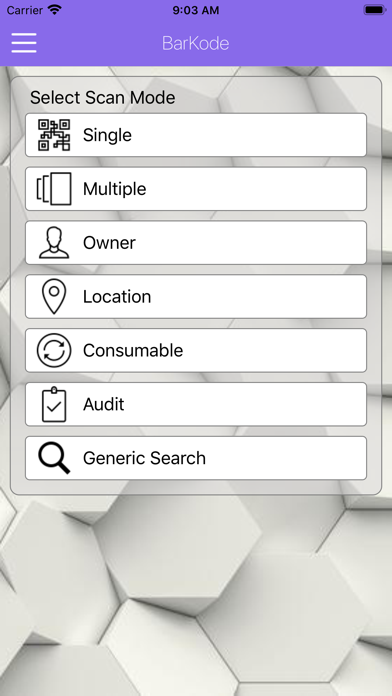

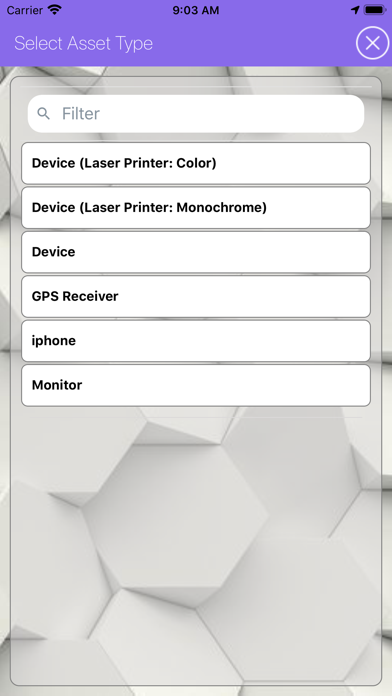
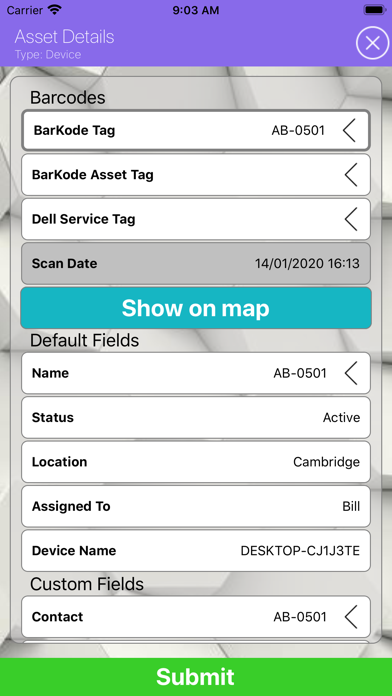
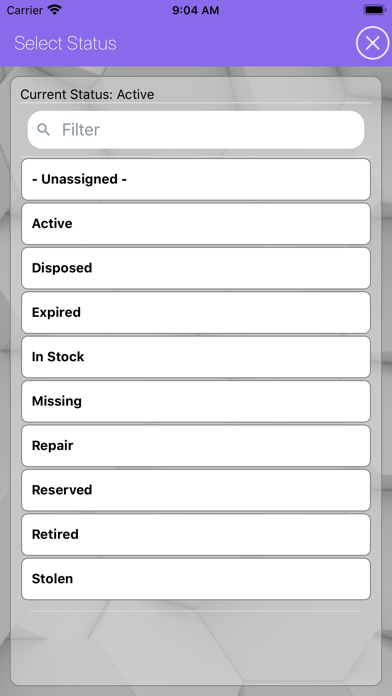

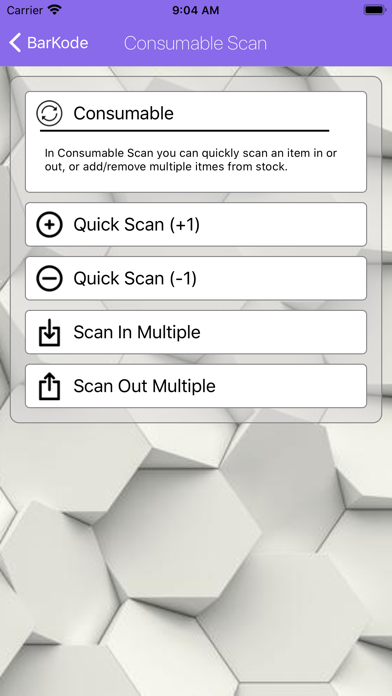
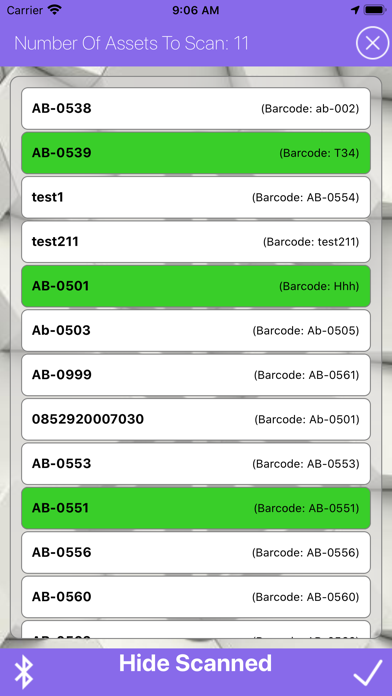
Description by Indigo Mountain Written by the developer, not by AppBrain. Click to read.
For full functionality KACE customers are able to purchase and install a Barkode Virtual Appliance, which will host, connect and enable locally the number of licensed devices procured for use.
Once downloaded, the Barkode App on initial login screen, will have a Demo Button available, which will connect to the Demo Barkode Appliance in the Cloud.
For the purpose of testing the Barkode App we have made available some sample barcodes, which can be downloaded, printed and scanned. The sample barcodes are found here:
https://indigomountain.co.uk/scanme
These barcodes are working barcodes and will successfully retrieve Data from the Demo Dell KACE K1000 linked to the Demo Barkode Appliance.
To complete the demo you are then able to re-scan the Asset barcode to verify that the data has changed.
Also you can log onto the Demo K1000 at https://barKodeK1.indigomountain.co.uk/admin/
Username - barkode, Password - barkode.
This will give you read access the the demo K1000 and can view you assets being created / updated.