It doesn't have enough ratings yet to judge what users think.
Beard Booth - Photo Editor App is made and published by
JIRAPAS TONGTHONG.
AppBrain is an independent app data site and isn't affiliated with JIRAPAS TONGTHONG.
The app name, icon, screenshots and description belong to JIRAPAS TONGTHONG and are shown as
published on the App Store.
About Beard Booth - Photo Editor App
Beard Booth - Photo Editor App is a photo & video app developed by JIRAPAS TONGTHONG.
What is the rating of Beard Booth - Photo Editor App?
Beard Booth - Photo Editor App is rated 3.36 out of 5 stars, based on 56 ratings.
Is Beard Booth - Photo Editor App free?
Beard Booth - Photo Editor App is free. The app size is 54.11 MB. The latest version available is 2.13. The last update was on January 17, 2024.
What are the requirements for Beard Booth - Photo Editor App?
The app has a content rating of Everyone. The app has been available on the App Store since January 2016.
Description by JIRAPAS TONGTHONG(from the App Store)
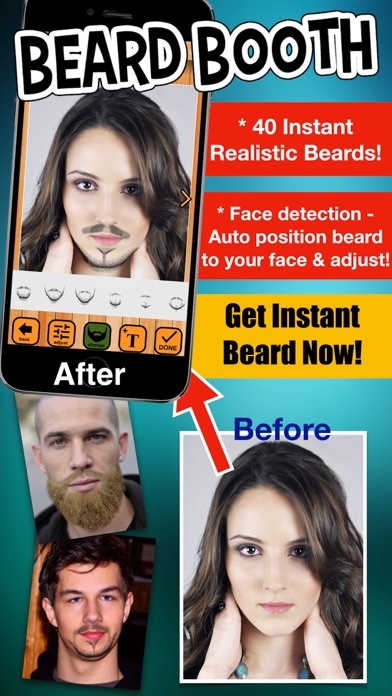
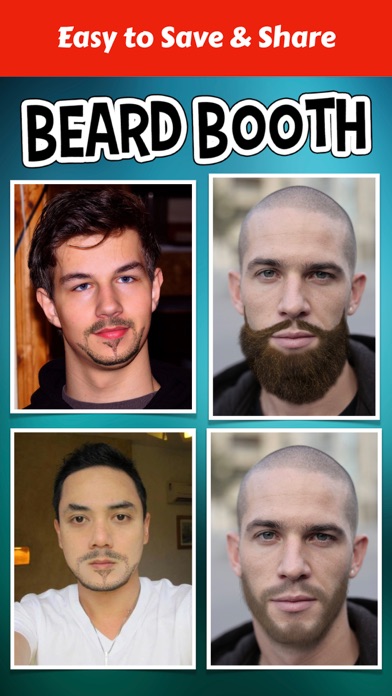
Beard Booth App, Add beard to your photos now!, don't wait beard for grow. 40 Many beards styles with short beards and long beards for get instantly!
** Make your photo with beard - Many beard styles with short beards and long beards instantly! **
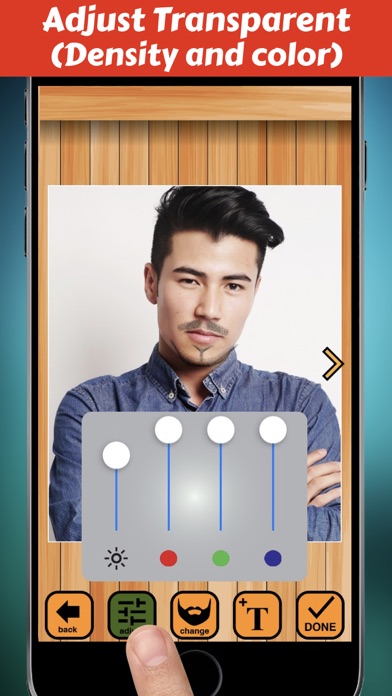
Want to be hipster? Use Beard Booth:add beards to photos! App is easy & funny to use and look realistic beard, come with variety of beautiful 40 beard styles and available for adjust transparent (density),
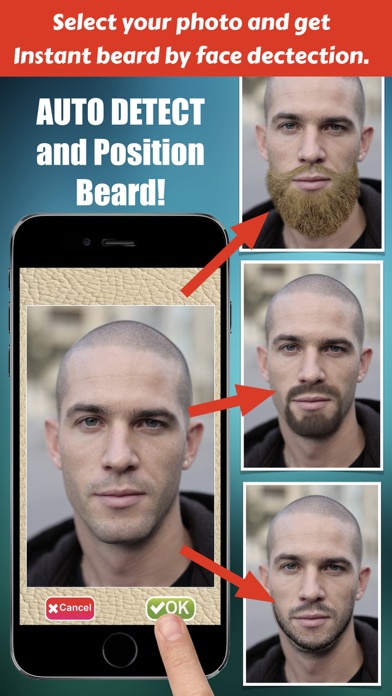
** Beard will auto position on your face with "Face Detection" analyze **
How to use ?, just take a picture, or select from the camera roll or your photo gallery, then get beard on your face. want new beard just tap next button to get new beard or select it in beard's gallery.
When a your picture with beard is good looking,it easy to save images & share.
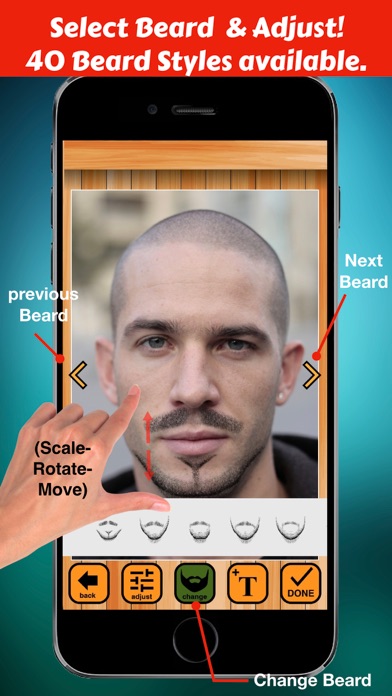
== Features: == 1. The Interface is easy to use and beautiful. 2. Variety of beautiful beard styles and included with short beard & long beard (hipster style) 3. Take photos using the camera or select a picture from your camera roll or photo gallery. 4. Auto beard position on your face with face detection. 4. Scale, rotate, move adjust with your finger easily. 5. Save and Share your photo to social media.
== Instruction == 1. Select a picture from your camera roll (photo gallery)or take photo . 2. Adjust your photo fix in frame, one finger for move and two fingers for scale and rotation, then tap OK button for use this picture. 3. Beard will appear and auto position on your face. 4. If you want to some adjust, use your fingers for adjust (scale-move-rotation) beard by one finger for move and two fingers for scale and rotation. 5. Tap "Visual Adjust Button" for open/close "Visual Adjust Panel" by this panel user can adjust visibility of beard. 6. Save to Camera Roll or your photo gallery by use "Done Button" then "Save Button". 7. For Sharing your funny photo use "Done Button" then "Sharing Button" then select social media which you want to share.
Each subscription will automatically renew 3 days before the expiration date for
the same time period. Subscriptions can be cancelled at any time before the renewal.