

BEKB App – Mobile Banking
BEKB App – Mobile Banking is made and published by BEKB BCBE. AppBrain is an independent app data site and isn't affiliated with BEKB BCBE. The app name, icon, screenshots and description belong to BEKB BCBE and are shown as published on the App Store.
AppBrain's verdict
Established- Best rank
- #78
- Top Free, Switzerland
- Rating on App Store
- 4.85
- 65 ratings
- Last updated
- September 29, 2026
It doesn't have enough ratings yet to judge what users think. Its best ranking is #78 in Top Free, Finance in Switzerland.
Rankings
App Store top charts- Highest rank
- #78
- Chart
- Top Free
- Finance
- Country
- Switzerland
App Store Rankings for BEKB App – Mobile Banking
Top rankings
| Rank | Country | Category | List |
|---|---|---|---|
| 78 | Switzerland | Finance | Top Free |
Ranking history in Switzerland
Competitors
Similar apps and more from BEKB BCBE





Releases
Updates seen on the App Store- Version
- 5.13.1
- Launched
- December 2015
No changelog data
User feedback
Ratings and reviews on the App StoreComments on BEKB App – Mobile Banking for iOS
We don't have enough comments to show example comments. Please check back later.
Technology
Found in the app by AppBrain- Price
- Free
- App size
- 145.7 MB
- Content rating
- Everyone
Technologies used by BEKB App – Mobile Banking
About the app and developer
About BEKB App – Mobile Banking
BEKB App – Mobile Banking is a finance app developed by BEKB BCBE.
User Ratings
BEKB App – Mobile Banking is rated 4.85 out of 5 stars. The rating is based on 65 ratings.
App Information
BEKB App – Mobile Banking is freely available from the App Store. The app size is 145.66 MB. The latest version available is 5.13.1. The last update was on September 29, 2026.
Technical Requirements
The app has a content rating of Everyone. The app has been available on the App Store since December 2015.
Developer information for BEKB BCBE
Address:
Frequently asked questions about BEKB App – Mobile Banking
Is BEKB App – Mobile Banking free?
Yes. BEKB App – Mobile Banking is free on the App Store.
Is BEKB App – Mobile Banking still available?
Yes. BEKB App – Mobile Banking is on the App Store, and the last update we saw was on September 29, 2026.
How large is BEKB App – Mobile Banking?
BEKB App – Mobile Banking is 145.66 MB.
Is BEKB App – Mobile Banking suitable for children?
App Store rates the content of BEKB App – Mobile Banking as suitable for everyone.
How do people rate BEKB App – Mobile Banking?
BEKB App – Mobile Banking scores 4.85 out of 5 stars, from 65 ratings on the App Store.
Who made BEKB App – Mobile Banking?
BEKB App – Mobile Banking was developed by BEKB BCBE. It is listed in the finance category on the App Store.
What are the best alternatives to BEKB App – Mobile Banking?
People looking at BEKB App – Mobile Banking also look at these finance apps: debiX+, Meine Mobiliar, one – control over your cards, ZugerKB Mobile Banking, BKB Digital Banking.
Store listing
By BEKB BCBE, from the App Store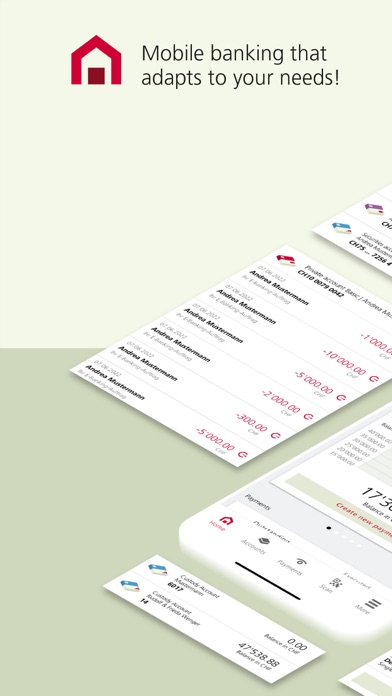
Description by BEKB BCBE Written by the developer, not by AppBrain. Click to read.
Your app, your needs
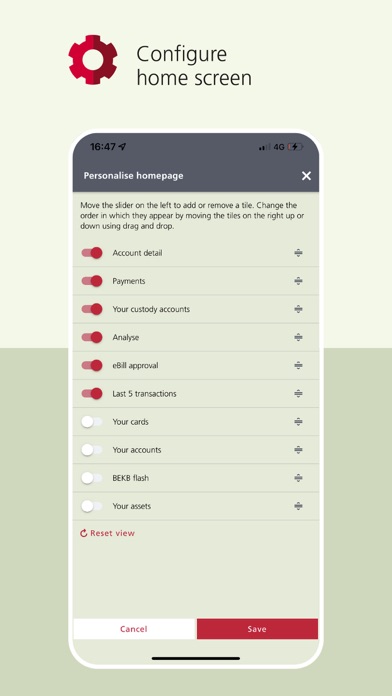
Personalise your home screen, navigation and product views:
- Place the functions you use most often on the navigation bar.
- Decide what appears on your home screen and in what order.
- Add accounts, cards and custody accounts to your favourites.
Wealth
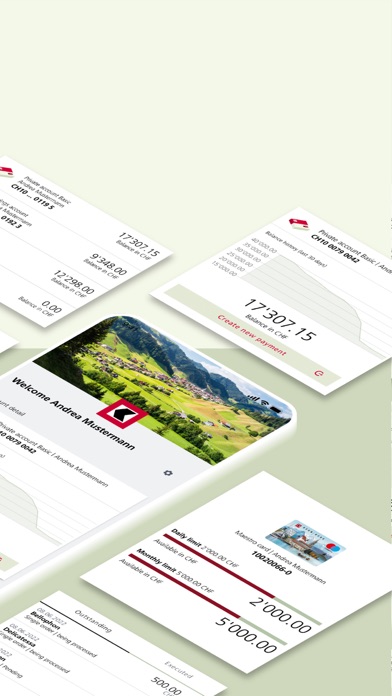
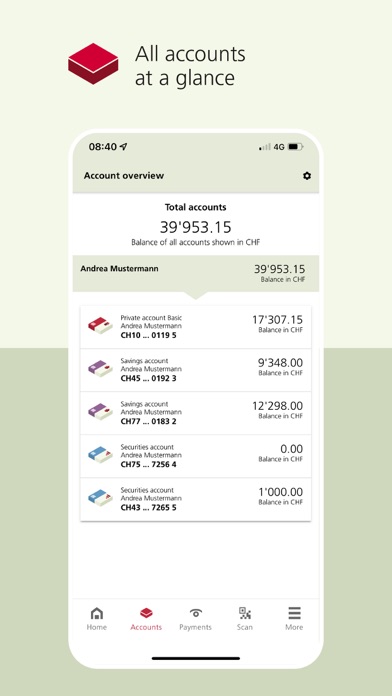
Get a clear picture of your finances:
- Accounts: overview, balance history, transaction details
- Custody accounts: overview, order overview, details of securities
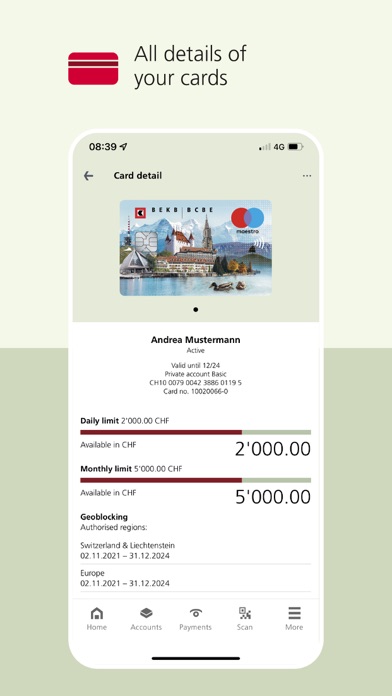
- Cards: overview with limit(s)
- Payments: overview incl. pending/executed payments
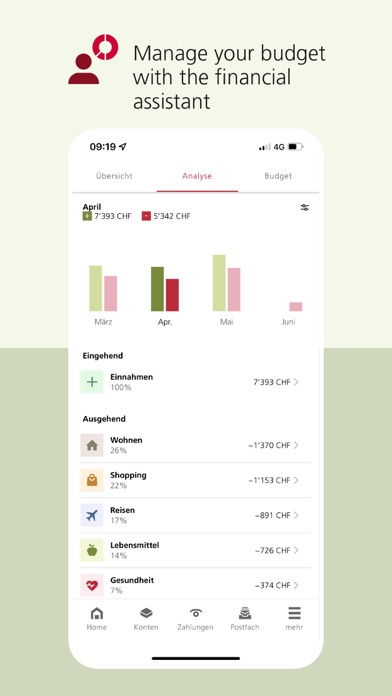
- Income, expenses and budget in the financial assistant.
Payments
Make payments simply, securely and quickly:
- Consult payments overview
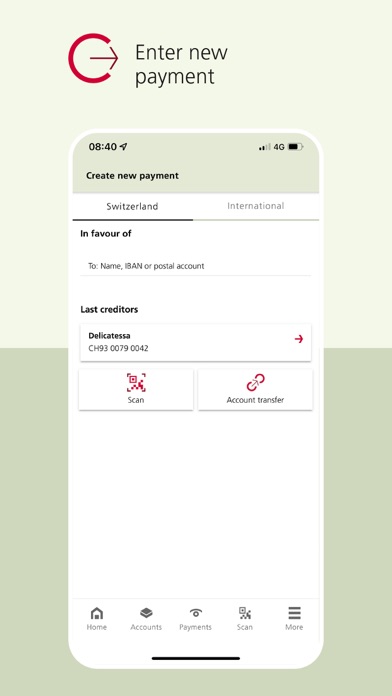
- Create domestic and international payments
- Find creditors quickly thanks to automated suggestions
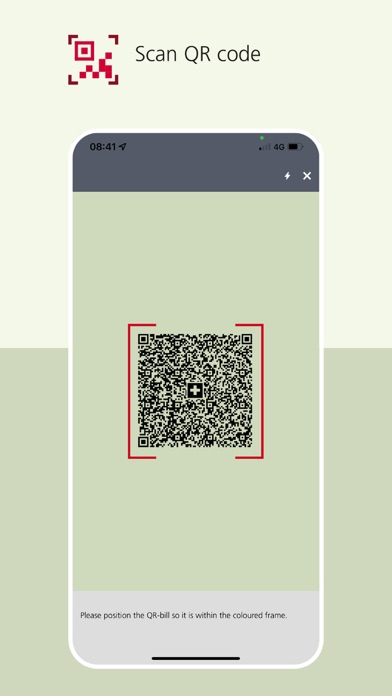
- Share or scan QR-Invoices
- Transfer money between accounts in real time
- Receive eBill invoices and approve them in the eBill portal
- View and approve eBill invoices directly
- Manage standing orders
Financing
Get a clear picture of all your financing:
- View mortgages and loans (including balance, interest rate and term)
- View business loans (including interest rate and limit)
Accounts and cards
Keep control of your accounts and cards:
- Consult account overview and transaction details
- View custody account overview and details of securities
- Show card overview with limit(s)
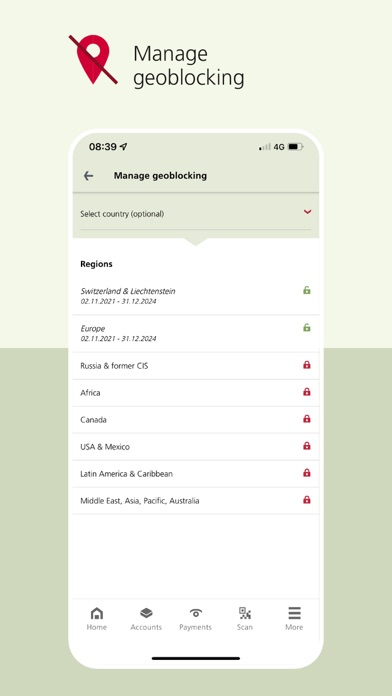
- Manage geoblocking
- Block lost cards
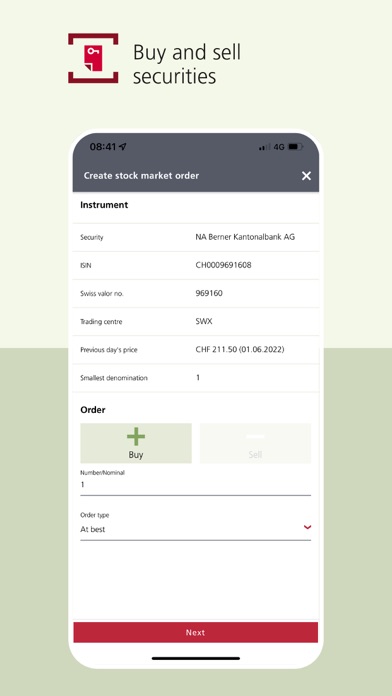
Securities
Track the status of your stock market orders:
- Create stock market orders (buy/sell)
- Consult order overview
- View details of securities held
Financial assistant
Use the services provided by the financial assistant:
- Analyse your income and expenses
- Categorise transactions
- Plan your budget
- Define savings goals
Other functions
Take advantage of additional functions:
- Display emergency/contact numbers
- Receive and send messages
- Set up TWINT
- Use the currency calculator
- Read BEKB Flash magazine
Requirements
You must have an e-banking contract in order to use the BEKB app. The device has to be registered in the BEKB client portal before you can start using the BEKB app. For security reasons, it is not possible to log in to both the BEKB client portal and the BEKB app at the same time. Use a device with an up-to-date operating system.
Security
The BEKB app offers the same level of security as the BEKB client portal. Authentication is based on state-of-the-art technological security procedures. Data is strongly encrypted prior to transmission. Moreover, additional approval is required for certain payments. You are automatically logged out whenever the BEKB app is closed.