

BHIM KVB Upay
BHIM KVB Upay is made and published by THE KARUR VYSYA BANK LIMITED. AppBrain is an independent app data site and isn't affiliated with THE KARUR VYSYA BANK LIMITED. The app name, icon, screenshots and description belong to THE KARUR VYSYA BANK LIMITED and are shown as published on the App Store.
AppBrain's verdict
- Last updated
- September 28, 2026
Rankings
App Store top chartsApp Store Rankings for BHIM KVB Upay
Competitors
Similar apps and more from THE KARUR VYSYA BANK LIMITEDAlternatives to BHIM KVB Upay







More from THE KARUR VYSYA BANK LIMITED


Releases
Updates seen on the App Store- Version
- 1.1.34
- Launched
- July 2017
No changelog data
User feedback
Ratings and reviews on the App StoreComments on BHIM KVB Upay for iOS
We don't have enough comments to show example comments. Please check back later.
Technology
Found in the app by AppBrain- Price
- Free
- App size
- 29.3 MB
- Content rating
- Everyone
Technologies used by BHIM KVB Upay
About the app and developer
About BHIM KVB Upay
BHIM KVB Upay is a finance app developed by THE KARUR VYSYA BANK LIMITED.
User Ratings
The app has no ratings yet.
App Information
BHIM KVB Upay is freely available from the App Store. The app size is 29.32 MB. The latest version available is 1.1.34. The last update was on September 28, 2026.
Technical Requirements
The app has a content rating of Everyone. The app has been available on the App Store since July 2017.
Developer information for THE KARUR VYSYA BANK LIMITED
Address:
Frequently asked questions about BHIM KVB Upay
Is BHIM KVB Upay free?
Yes. BHIM KVB Upay is free on the App Store.
Is BHIM KVB Upay still available?
Yes. BHIM KVB Upay is on the App Store, and the last update we saw was on September 28, 2026.
How large is BHIM KVB Upay?
BHIM KVB Upay is 29.32 MB.
Is BHIM KVB Upay suitable for children?
App Store rates the content of BHIM KVB Upay as suitable for everyone.
Who made BHIM KVB Upay?
BHIM KVB Upay was developed by THE KARUR VYSYA BANK LIMITED. It is listed in the finance category on the App Store.
What are the best alternatives to BHIM KVB Upay?
People looking at BHIM KVB Upay also look at these finance apps: BHIM DLB UPI, BHIM KBL UPI, BHIM JetPay, YES MSME Mobile, IDFC FIRST Bank Digital Rupee.
Store listing
By THE KARUR VYSYA BANK LIMITED, from the App Store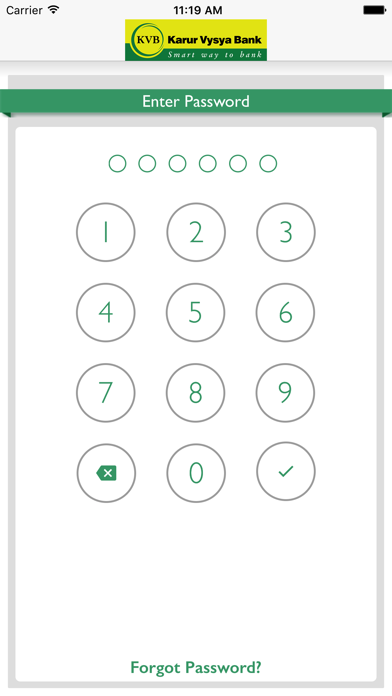
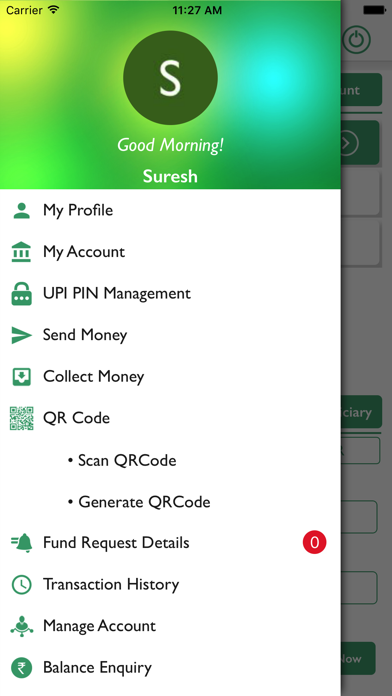
Description by THE KARUR VYSYA BANK LIMITED Written by the developer, not by AppBrain. Click to read.
What is UPI?
Unified Payments Interface (UPI) is an instant real-time payment system developed by National Payments Corporation of India facilitating inter-bank transactions. The UPI is regulated by the Reserve Bank of India (RBI) and works instantly by transferring funds between two bank accounts on a mobile platform.
If you operate multiple banks account & use multiple apps for your payments? Switch to KVB Upay for managing all your accounts at one place.
Benefits of using KVB Upay
- No need to remember account number, IFSC for fund transfer
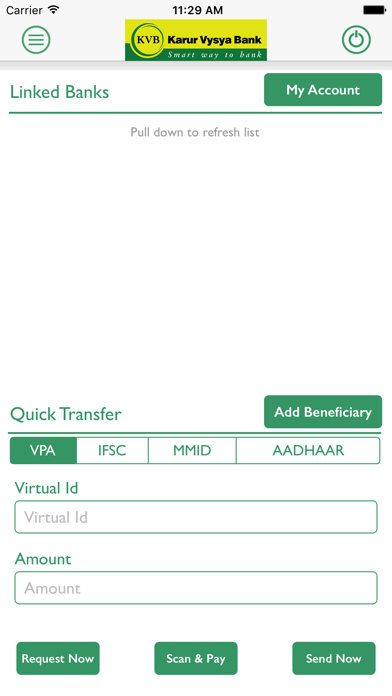
- Send/Collect money using a Virtual Payment Address
- Access all bank accounts linked to your mobile number in one app
- Pay to friends & relatives using their VPA
- Pay to any user using any UPI application.
- Request money from any UPI user
- Scan a QR and pay on the fly.
- Make Payments by QR Scanning
- Check account balance
- Block unwanted VPA as Spam
What are the requirements for using KVB UPay?
You should have following
- A iPhone with internet services
- An operative bank account
- The mobile number being registered with UPI must be linked to the bank account.
- Active debit card relating to this account for creating mPin.
How to register for KVB Upay?
- Download “BHIM KVBUPay” from iOS App Store
- Click on “Proceed” to verify your mobile number.
- An SMS will be sent from your mobile for verification.
- After your mobile number is verified, the Profile Registration screen is displayed. Fill in the required details.
- Create six digits numeric application password for logging in to application and confirm the same.
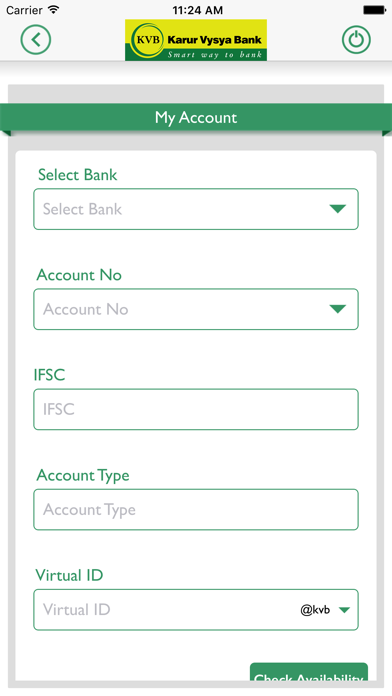
- Once successfully registered, login to the app and create VPA for the bank account linked.
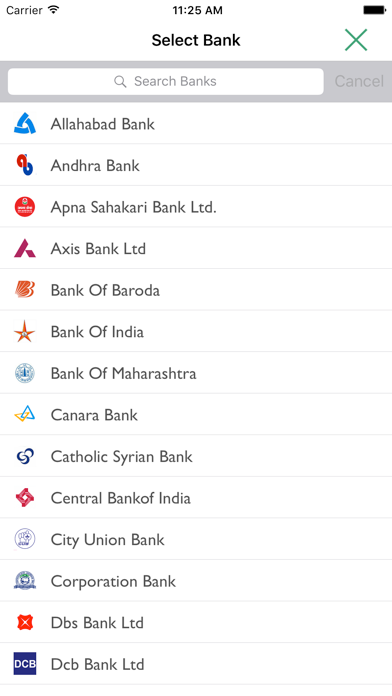
- Select the Bank & create VPA for the bank.
- Set mPin for the selected bank using debit card
Support 24 X 7:
Email id: customersupport@kvbmail.com
Toll Free Number: 18602001916
Supported Banks: Visit our website https://www.npci.org.in/bhim-live-members to find out if your bank is live on BHIM
Permissions for App and reasons
SMS - As per NPCI guidelines, we will be sending a background SMS to verify the customer and mobile number linked to it.
Location – As per NPCI guidelines, we will capture location details
Storage – We need this permission to store the scanned QR Code.
Calls – We need this permission to detect SIM present or not
Go ahead and download BHIM KVBUPay application to experience the unique way of making payments using a Virtual Payment Address (VPA).