

BlippAR OpenAR
BlippAR OpenAR is made and published by blippar.com. AppBrain is an independent app data site and isn't affiliated with blippar.com. The app name, icon, screenshots and description belong to blippar.com and are shown as published on the App Store.
AppBrain's verdict
- Rating on App Store
- 2.33
- 3 ratings
- Last updated
- February 23, 2024
It doesn't have enough ratings yet to judge what users think.
Rankings
App Store top chartsApp Store Rankings for BlippAR OpenAR
Competitors
Similar apps and more from blippar.comAlternatives to BlippAR OpenAR






Releases
Updates seen on the App Store- Version
- 1.0.5
- Launched
- December 2023
No changelog data
User feedback
Ratings and reviews on the App StoreComments on BlippAR OpenAR for iOS
We don't have enough comments to show example comments. Please check back later.
Technology
Found in the app by AppBrain- Price
- Free
- App size
- 2.43 MB
- Content rating
- High
Technologies used by BlippAR OpenAR
About the app and developer
About BlippAR OpenAR
BlippAR OpenAR is an utilities app developed by blippar.com.
What is the rating of BlippAR OpenAR?
BlippAR OpenAR is rated 2.33 out of 5 stars, based on 3 ratings.
Is BlippAR OpenAR free?
BlippAR OpenAR is free. The app size is 2.43 MB. The latest version available is 1.0.5. The last update was on February 23, 2024.
What are the requirements for BlippAR OpenAR?
The app has a content rating of High Maturity. The app has been available on the App Store since December 2023.
Developer information for blippar.com
Address:
Store listing
By blippar.com, from the App Store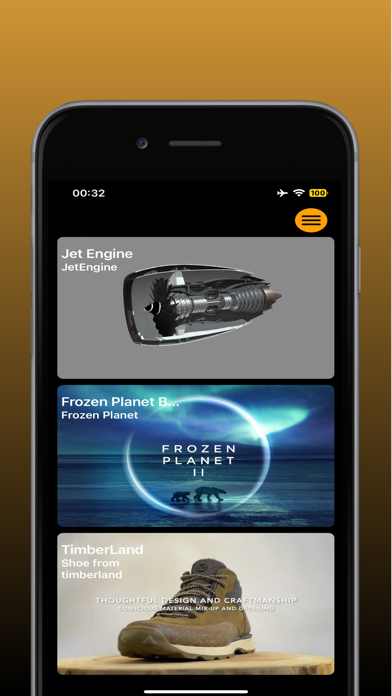
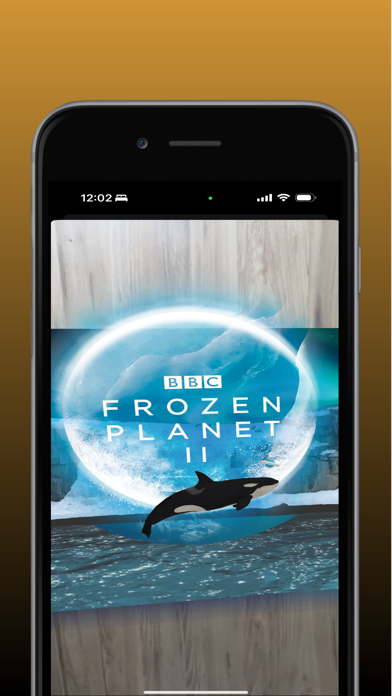
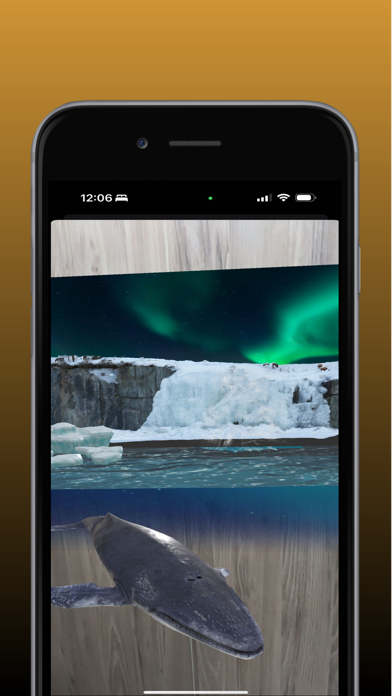
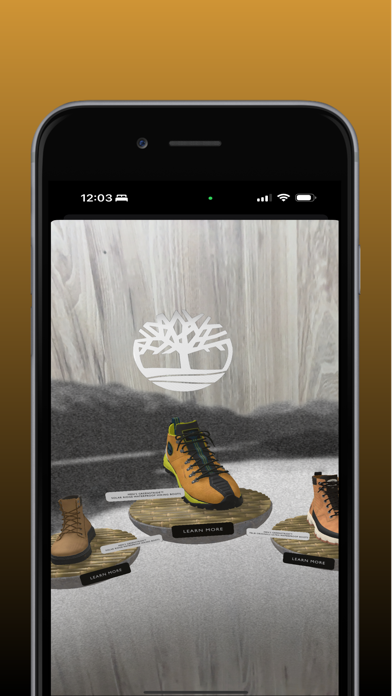
Description by blippar.com Written by the developer, not by AppBrain. Click to read.
Unlock augmented reality experiences from everyday objects and places with the Blippar app. Scan and see what you can discover. Perhaps you’ve seen a celeb but can’t quite place them? A logo you want to know more about or that adorable dog? Or who painted that amazing art piece? Scan them with blippar to learn more.
Scanning with Blippar is easy:
1. Download, then tap and hold to scan almost anything, see what you discover (we may not always get it right, but we’re working on it!). Try any famous face, dogs, cars (US only), landmarks, flowers, everyday objects… even a banana!
2. Look out for the Blippar logo on packaging, products, magazines and posters. Scan the item as instructed to experience incredible augmented reality.
Follow @blippar on Instagram & Twitter, like us on Facebook or check the blipp.it webpage for more blipps.
Any questions or feedback, email: ios@blippar.com