

BM Player - Video and Music
BM Player - Video and Music is made and published by RockCat Studio Limited. AppBrain is an independent app data site and isn't affiliated with RockCat Studio Limited. The app name, icon, screenshots and description belong to RockCat Studio Limited and are shown as published on the App Store.
AppBrain's verdict
Established- Rating on App Store
- 3.00
- 2 ratings
- Last updated
- May 13, 2024
It doesn't have enough ratings yet to judge what users think.
Rankings
App Store top chartsApp Store Rankings for BM Player - Video and Music
Competitors
Similar apps and more from RockCat Studio LimitedAlternatives to BM Player - Video and Music







More from RockCat Studio Limited







Releases
Updates seen on the App Store- Version
- 2.9
- Launched
- April 2020
No changelog data
User feedback
Ratings and reviews on the App StoreComments on BM Player - Video and Music for iOS
We don't have enough comments to show example comments. Please check back later.
Technology
Found in the app by AppBrain- Price
- Free
- App size
- 10.7 MB
- Content rating
- Everyone
Technologies used by BM Player - Video and Music
About the app and developer
About BM Player - Video and Music
BM Player - Video and Music is a photo & video app developed by RockCat Studio Limited.
What is the rating of BM Player - Video and Music?
BM Player - Video and Music is rated 3.00 out of 5 stars, based on 2 ratings.
Is BM Player - Video and Music free?
BM Player - Video and Music is free. The app size is 10.66 MB. The latest version available is 2.9. The last update was on May 13, 2024.
What are the requirements for BM Player - Video and Music?
The app has a content rating of Everyone. The app has been available on the App Store since April 2020.
Developer information for RockCat Studio Limited
Address:
Store listing
By RockCat Studio Limited, from the App Store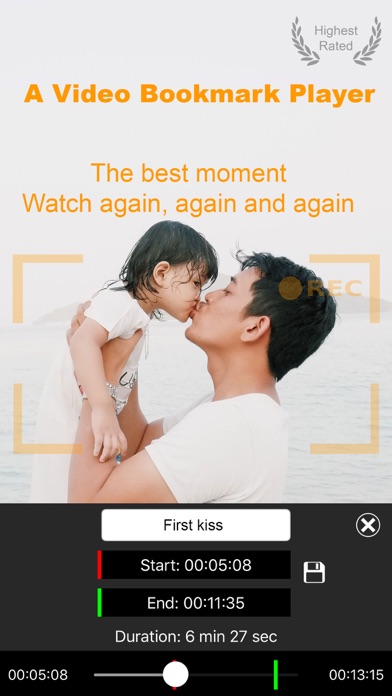

Description by RockCat Studio Limited Written by the developer, not by AppBrain. Click to read.
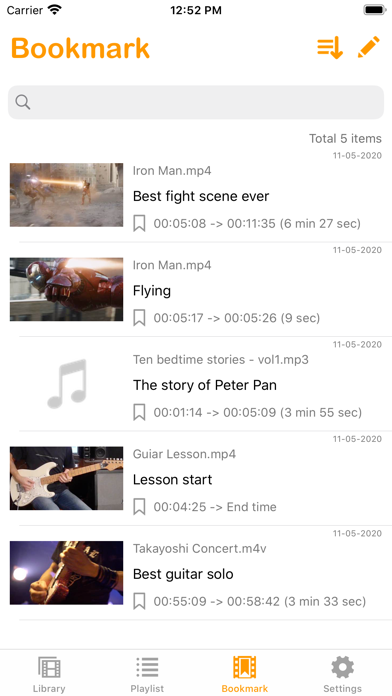
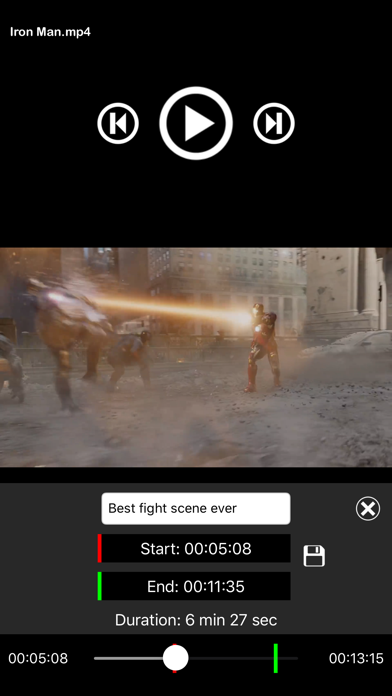
BM Player is an elegant Video/Music Bookmark Player. The key feature of this player is that you can bookmark any part within a video or audio file so you can jump right in to the action or where you left off whilst keeping the original media file intact. This function is most sought after in most applications in particular;
- Movies: Highlighting your favourite scene to watch again or to start where you left off.
- Tutorial video/Audio: Skip the intro and straight to the section of the subject matter.
- Family video: Capturing the smiles, fun and kisses to be watched over and over without manual scrolling.
- Audio: Bookmark the beginning of each bedtime story and set it in a playlist.
The capabilities are endless...
Main Feature:
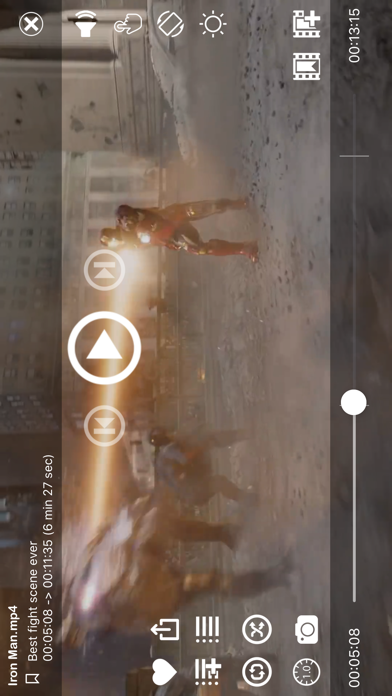
- Able to play audio in the background mode (for both Audio and Video).
- Media control by Media Info Center and headphone.
- Simple to use but elegant.
- You take control of your media library.
- Bookmark where to play and end in a video/audio file. Able to export and share the bookmarked part,
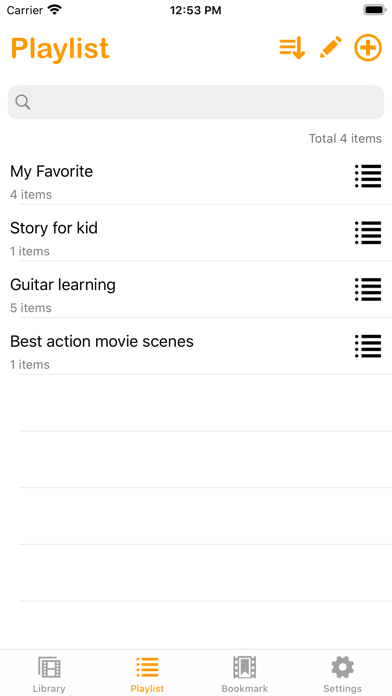
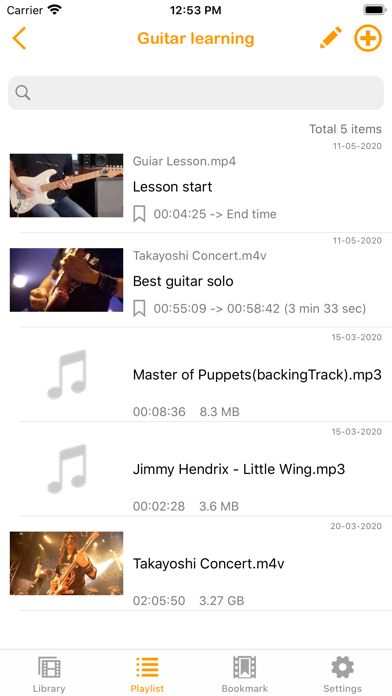
- Powerful playlist: you can add a mixture of full length video, audio and bookmarked files into the same playlist.
- Password protection feature.
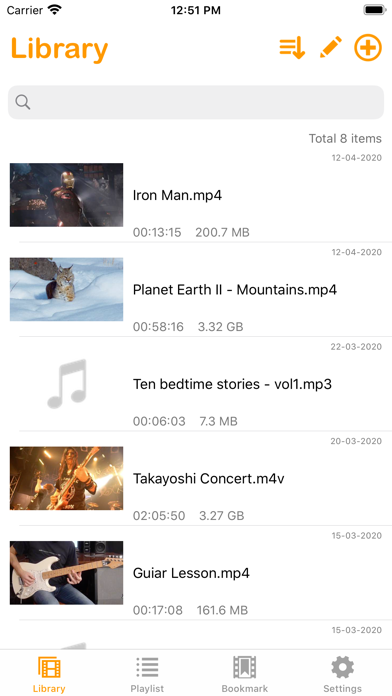
- Ability to choose a preferred screenshot for each media thumbnail
- Easy file transfers via WIFI, iTunes or importing media directly from your device library.
- Support media sharing/export via AirDrop, Whatsapp, WeChat, Facebook etc...
- Share video screen capture via AirDrop, Whatsapp, WeChat, Facebook etc...
- Play video/audio in slow motion.
- Ability to lock screen and rotation for playback
- Support backup function. No more data loss after reinstallation.