

Boston Herald is made and published by MediaNews Group. AppBrain is an independent app data site and isn't affiliated with MediaNews Group. The app name, icon, screenshots and description belong to MediaNews Group and are shown as published on the App Store.
AppBrain's verdict
EstablishedLoved by users- Rating on App Store
- 4.65
- 948 ratings
- Last updated
- September 24, 2026
Users love it: 4.6 stars from 948 ratings.
Rankings
App Store top chartsApp Store Rankings for Boston Herald
Competitors
Similar apps and more from MediaNews GroupAlternatives to Boston Herald



More from MediaNews Group







Releases
Updates seen on the App Store- Version
- 10.0.63
- Launched
- July 2019
No changelog data
User feedback
Ratings and reviews on the App StoreComments on Boston Herald for iOS
We don't have enough comments to show example comments. Please check back later.
Technology
Found in the app by AppBrain- Price
- Free
- App size
- 188.1 MB
- Content rating
- Medium
Technologies used by Boston Herald
About the app and developer
About Boston Herald
Boston Herald is a news app developed by MediaNews Group.
User Ratings
Boston Herald is rated 4.65 out of 5 stars. The rating is based on 950 ratings.
App Information
Boston Herald is freely available from the App Store. The app size is 188.06 MB. The latest version available is 10.0.63. The last update was on September 24, 2026.
Technical Requirements
The app has a content rating of Medium Maturity. The app has been available on the App Store since July 2019.
Developer information for MediaNews Group
Address:
Store listing
By MediaNews Group, from the App Store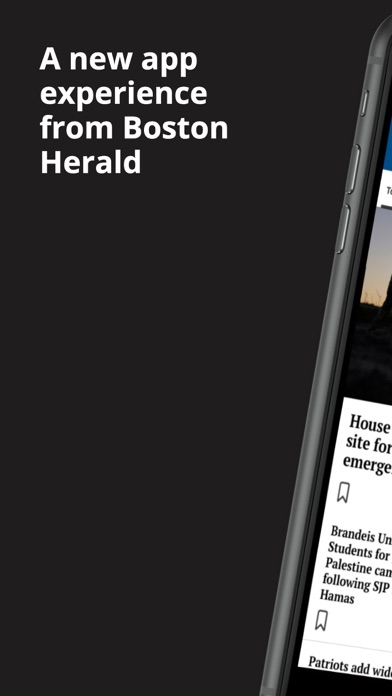

Description by MediaNews Group Written by the developer, not by AppBrain. Click to read.
Your News:
Provide personalized recommendations for content based on user preferences. Users will be allowed to customize the content they want to engage with by selecting the topics they are truly interested in. By going to the “Your News” tab the user can bypass the noise of all that is published and home in on the content they want
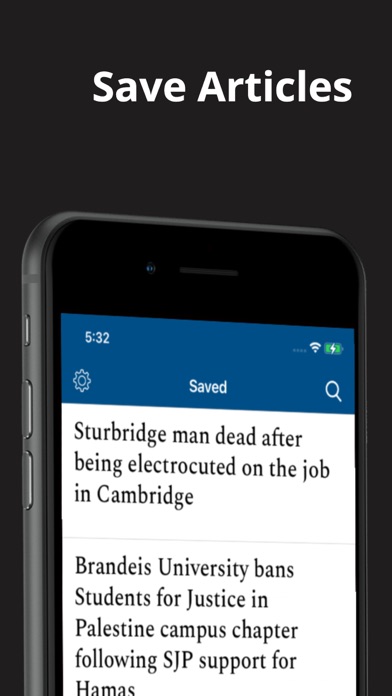
Saved Articles:
Save feature that allows users to save articles or other content they are interested in for later reading or reference.Push notifications will remind users to read their saved articles or suggest related content
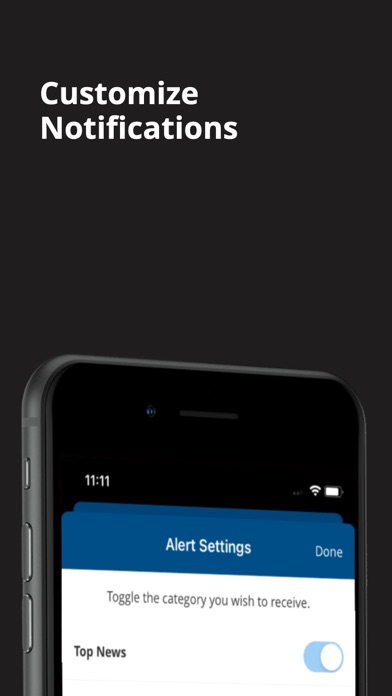
Custom Push Notifications:
The user can select what topics they want to be notified about which makes for a much less intrusive experience.
Top Navigation Bar:
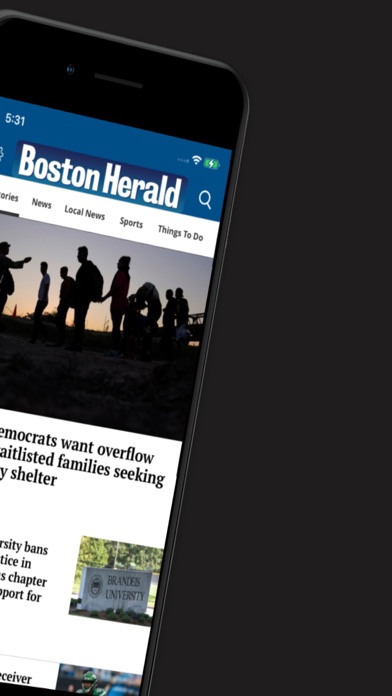
A top navigation bar lets the user switch between sections by swiping or tapping.
Enews in-app:
Desire the newspaper experience? No need to open a separate app! By simply going to Settings and selecting E-News the user can browse the Digital Replica of the day’s paper.
Offline Reading:
This feature allows users to enable offline reading from Settings. Offline “Reading Preferences” can also be customized for Settings.
Swipe Left:
Instead of going back to the main section to find more articles, users have the option to simply swipe, immediately opening other articles in the Section.
Follow Topics:
A user will be shown articles on topics they are following. To follow select “follow” at the article level and related articles will gain relevancy and be shown more frequently. Just as easily “Unfollow”
Terms of Use:
https://www.medianewsgroup.com/terms-of-use/
https://www.apple.com/legal/internet-services/itunes/dev/stdeula/