
Bubble Level Plus+
Bubble Level Plus+ is made and published by Tue Nguyen Minh. AppBrain is an independent app data site and isn't affiliated with Tue Nguyen Minh. The app name, icon, screenshots and description belong to Tue Nguyen Minh and are shown as published on the App Store.
AppBrain's verdict
EstablishedLoved by users- Rating on App Store
- 4.55
- 15,342 ratings
- Last updated
- November 5, 2025
Users love it: 4.6 stars from 15,342 ratings.
Rankings
App Store top chartsApp Store Rankings for Bubble Level Plus+
Competitors
Similar apps and more from Tue Nguyen MinhAlternatives to Bubble Level Plus+


More from Tue Nguyen Minh


Releases
Updates seen on the App Store- Version
- 2.4.6
- Launched
- March 2013
No changelog data
User feedback
Ratings and reviews on the App StoreComments on Bubble Level Plus+ for iOS
We don't have enough comments to show example comments. Please check back later.
Technology
Found in the app by AppBrain- Price
- Free
- App size
- 7.75 MB
- Content rating
- Everyone
Technologies used by Bubble Level Plus+
About the app and developer
About Bubble Level Plus+
Bubble Level Plus+ is an utilities app developed by Tue Nguyen Minh.
User Ratings
Bubble Level Plus+ is rated 4.55 out of 5 stars. The rating is based on 15 thousand ratings.
App Information
Bubble Level Plus+ is freely available from the App Store. The app size is 7.75 MB. The latest version available is 2.4.6. The last update was on November 5, 2025.
Technical Requirements
The app has a content rating of Everyone. The app has been available on the App Store since March 2013.
Developer information for Tue Nguyen Minh
Address:
Store listing
By Tue Nguyen Minh, from the App Store
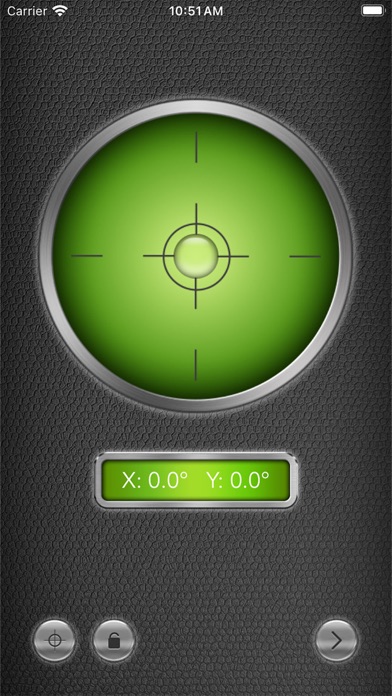
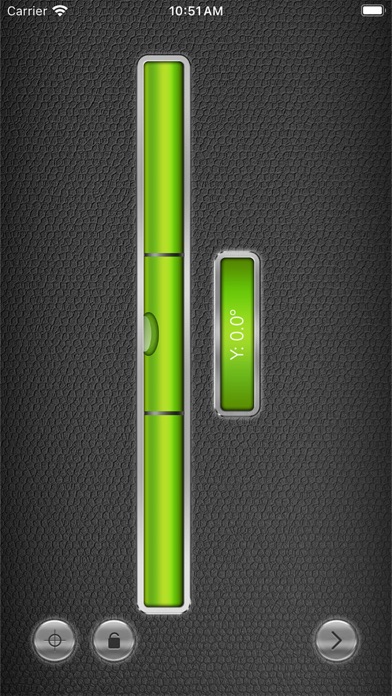

Description by Tue Nguyen Minh Written by the developer, not by AppBrain. Click to read.
======== User reviews ========
• "Works great and stylish!" - HellofromtheFeeworld746
• "Just what I need it for. Simple and easy." - LtHottRod
• "No drama, does what I need it to." - Leon8004
• "I have use on my (welder) and it worked great." - Spark in the dark
--------------------------------
Full retina display support for both iPhone 4 and iPhone 5!
Also check out iMetalBox: 12 in 1, get 12 useful tools with the price of one!
You can use Level° for:
- Picture frame alignment
- Measure angles and slopes
- Home decoration
- And much more!
Calibrate instructions:
- To calibrate the levels, hold the phone against a reference surface and press the Calibrate button.
- Do this two times for vertical and horizontal orientations.