
BWC5 is made and published by Oleg Novoseltsev. AppBrain is an independent app data site and isn't affiliated with Oleg Novoseltsev. The app name, icon, screenshots and description belong to Oleg Novoseltsev and are shown as published on the App Store.
AppBrain's verdict
- Last updated
- September 25, 2022
Rankings
App Store top chartsApp Store Rankings for BWC5
Competitors
Similar apps and more from Oleg NovoseltsevAlternatives to BWC5







More from Oleg Novoseltsev


Releases
Updates seen on the App Store- Version
- 0.1.1
- Launched
- April 2020
No changelog data
User feedback
Ratings and reviews on the App StoreComments on BWC5 for iOS
We don't have enough comments to show example comments. Please check back later.
Technology
Found in the app by AppBrain- Price
- Free
- App size
- 22.1 MB
- Content rating
- Everyone
Technologies used by BWC5
About the app and developer
About BWC5
BWC5 is an utilities app developed by Oleg Novoseltsev.
User Ratings
The app has no ratings yet.
App Information
BWC5 is freely available from the App Store. The app size is 22.10 MB. The latest version available is 0.1.1. The last update was on September 25, 2022.
Technical Requirements
The app has a content rating of Everyone. The app has been available on the App Store since April 2020.
Developer information for Oleg Novoseltsev
Address:
Store listing
By Oleg Novoseltsev, from the App Store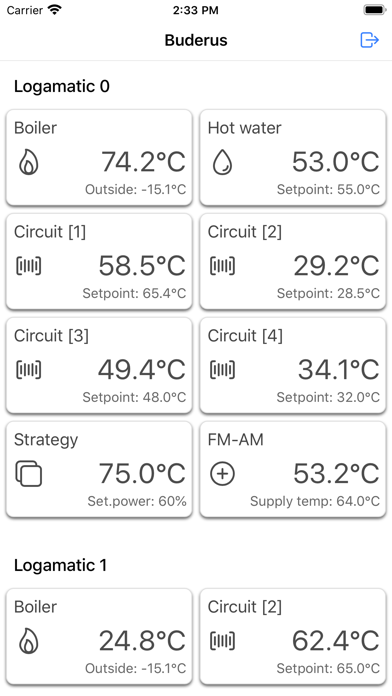
Description by Oleg Novoseltsev Written by the developer, not by AppBrain. Click to read.
Functions:
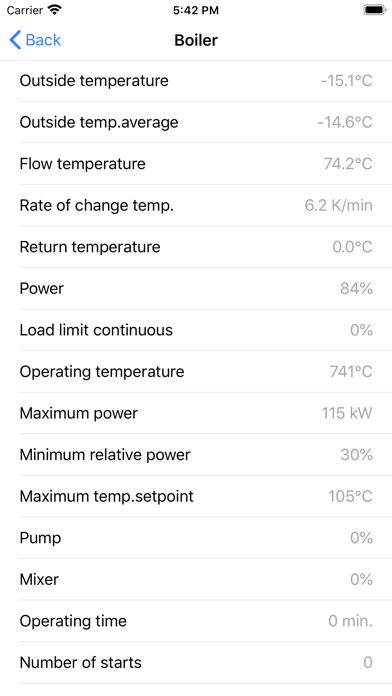
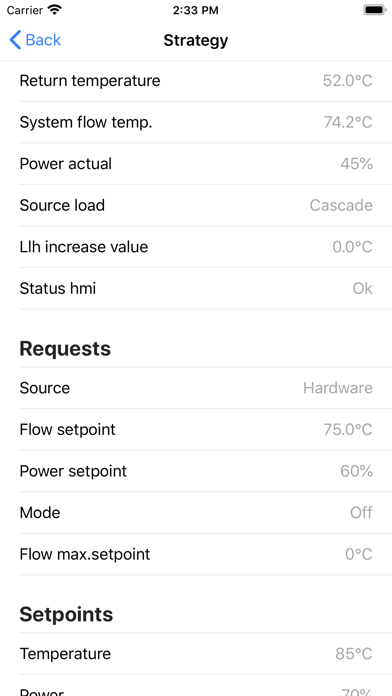
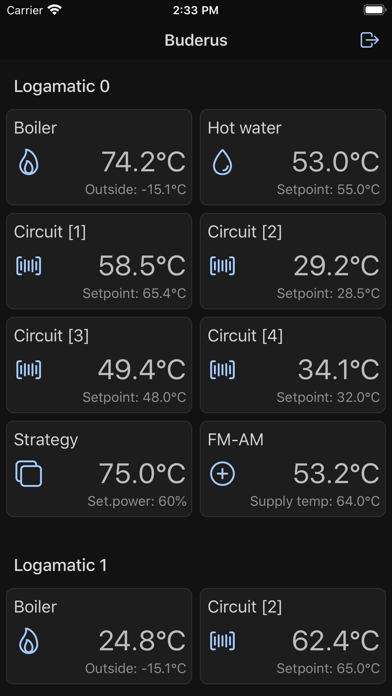
- Display boiler information
- Display fault messages
- Display data from FM-CM module
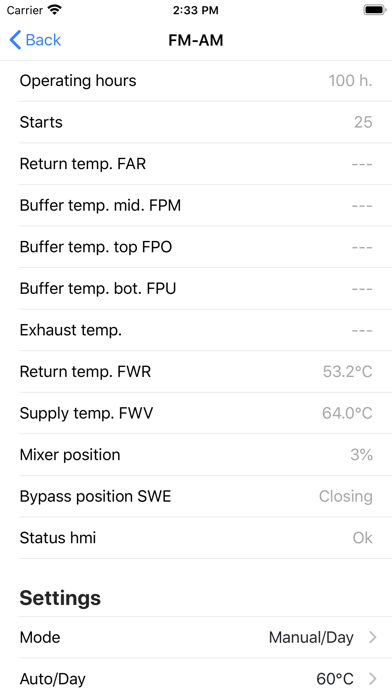
- Display data from FM-AM module
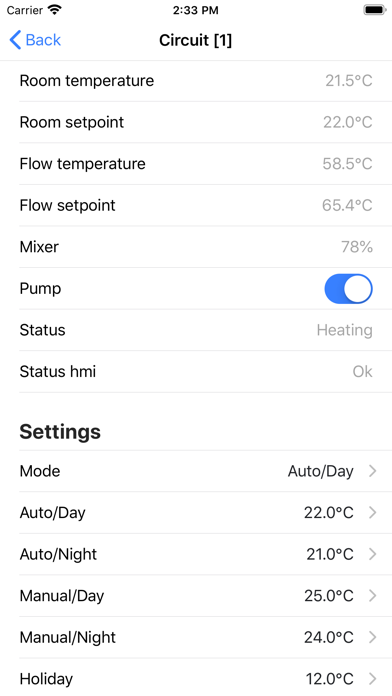
- Display of heating circuit information
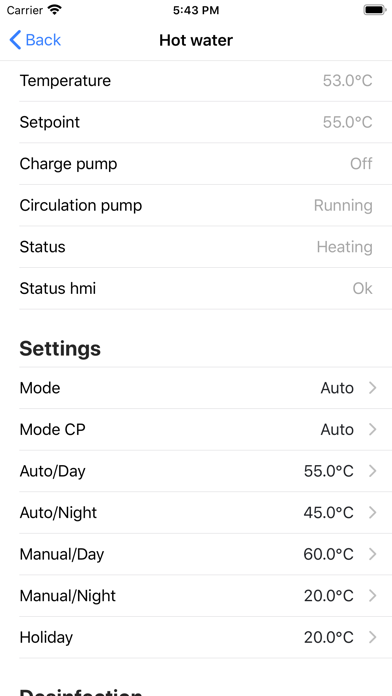
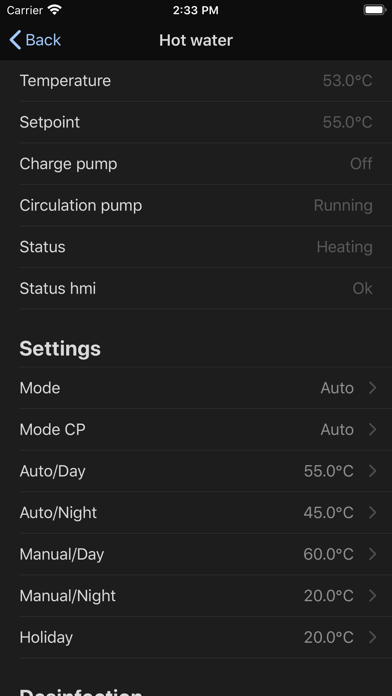
- Display of hot water circuit information
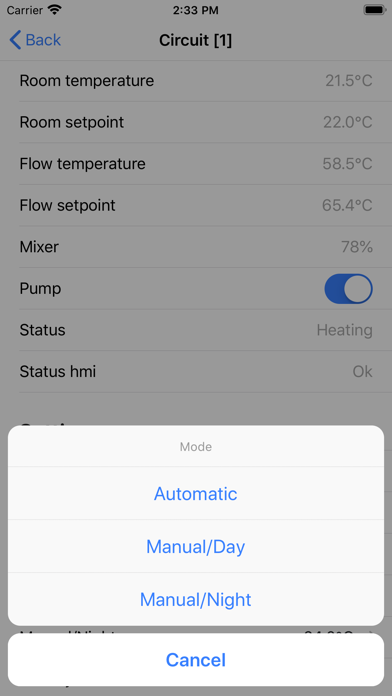
- Change heating circuit mode (Day/Night or Automatic/Manual)
- Change the room's set temperature
- Change hot water mode (Day/Night or Automatic/Manual)
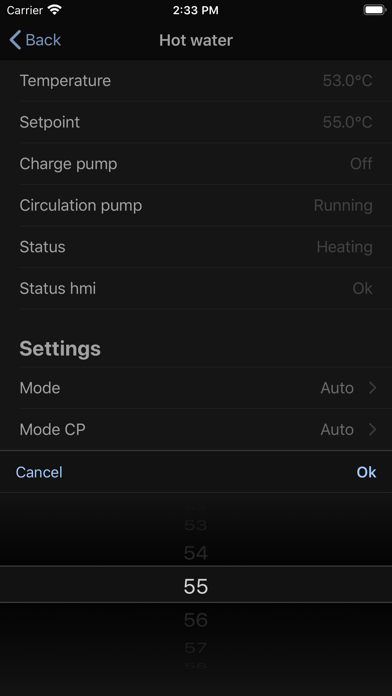
- Change hot water set temperature
- Change FM-AM module mode and temperature setpoints
Features:
- Quick access to control system parameters from your local network
- Show controller settings without SMS and registration
- Don't required connect to Buderus Commercial Center
Connection:
First, you'll need connect Buderus Logamatic to your local network and find IP address.
Second, for LAN1 controller settings select connection type - Modbus TCP/IP, Modbus - w/o HeartBeat.
Attention! If you select this types you can't use Buderus Control Center.
After all, start application, enter system IP address and connect to controller.
If you need remote control you can set up your router, for example VPN connection to your local network.
System requirements:
- Buderus Logamatic 5000 (version from 1.4.7)
- LAN/WLAN router
Supported devices:
- Buderus Logamatic 5311
- Buderus Logamatic 5313
- Bosch Control 8000
For more information, please visit our website: www.techno-line.info