Byword is made and published by
Metaclassy, Lda.
AppBrain is an independent app data site and isn't affiliated with Metaclassy, Lda.
The app name, icon, screenshots and description belong to Metaclassy, Lda. and are shown as
published on the App Store.
About Byword
Byword is a productivity app developed by Metaclassy, Lda.
User Ratings
The app has no ratings yet.
App Information
Byword costs $10.99. The app size is 2.87 MB. The latest version available is 2.9.6. The last update was on October 16, 2023.
Technical Requirements
The app has a content rating of Everyone. The app has been available on the App Store since March 2011.
Description by Metaclassy, Lda.(from the App Store)
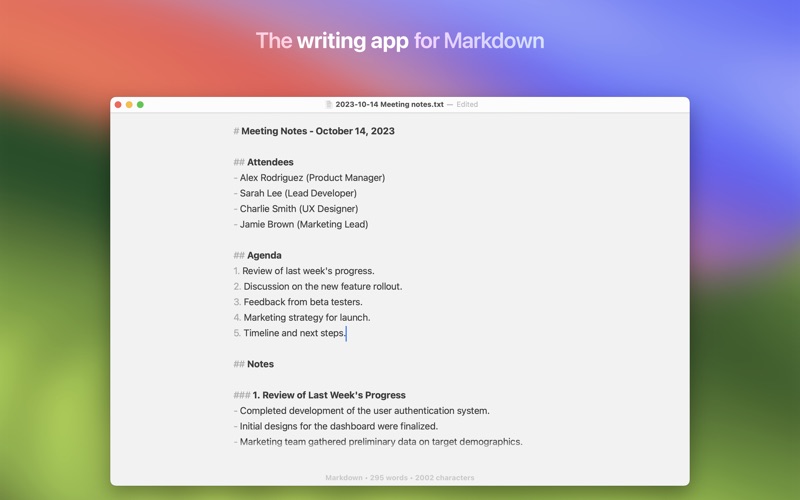
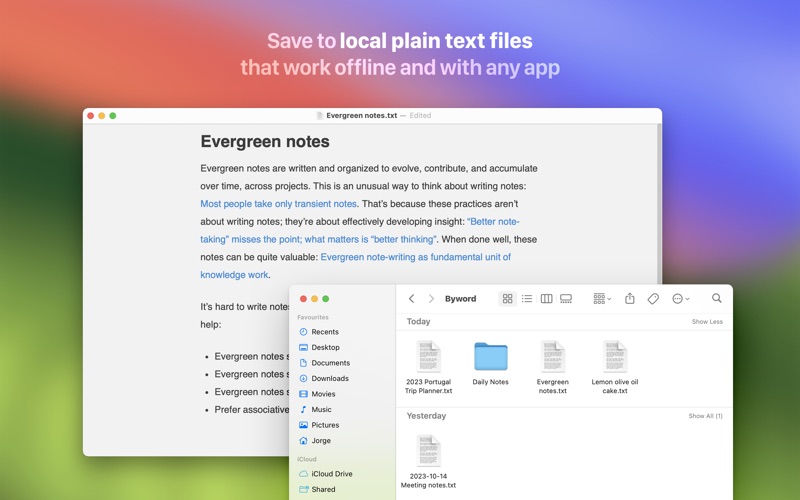
Byword makes writing notes and long-form texts easier on your Mac.
# Key features of Byword
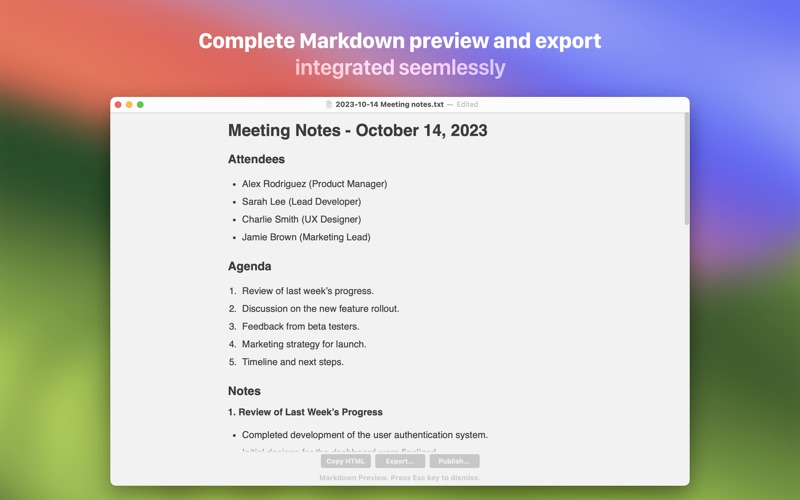
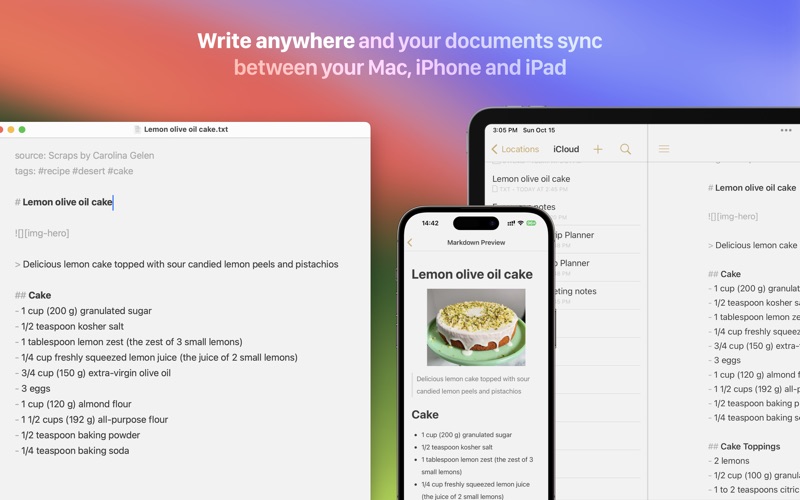
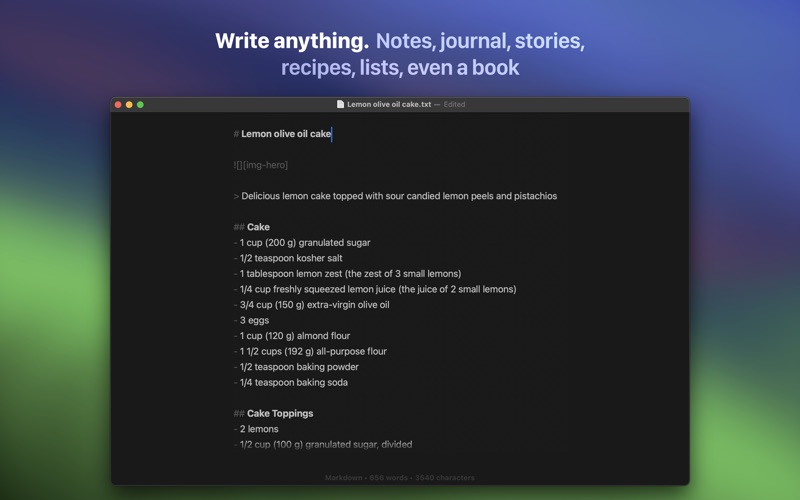
- Designed to make writing easier with Markdown - Sync text documents across all your Mac, iPhone, iPad devices - Comprehensive keyboard shortcuts for extra efficiency - Alternate dark theme for extra comfort in low-light situations - The most complete Markdown support including footnotes, tables and cross-references - Export documents to PDF and HTML documents - Publish to Medium, WordPress, Tumblr, Blogger and Evernote
# Blog publishing
Publish to Medium, WordPress, Tumblr, Blogger and Evernote from Byword. Posting to your blog with Byword is as simples as:
1. Write something in Byword 2. Open File menu and select Publish 3. Confirm metadata 4. Publish
# More features
- List continuations - Typewriter scrolling mode - Great text manipulation helpers - Word and character counters with live update - Spell and Grammar checking and Dictionary lookup - Extensive VoiceOver API support for visual impaired users
Here are some ways to use Byword in your life:
- For posting to your blog without using clunky web interfaces - For research, meeting and class notes - To write that important email without being distracted - To capture ideas and notes and have them available in all devices
# Enhanced for macOS Sonoma
- Match System Preferences' Dark appearance - Tabs: Merge multiple documents in one window (Window > Merge All Windows) - iCloud Drive: Sync your documents seamlessly across your devices and apps - Handoff: Start writing on your iPhone and pick up where you left off when you sit down at your Mac - Split screen: In case you need an extra window side by side for research - Full screen: Get even more immersed in your words - Autosave: Time to stop worrying about saving your work - Versions: Review past iterations of your compositions - Resume: Always open your documents where you left off - Tags: A powerful new way to organize your files
# Support
We are proud to provide a super friendly customer support over email. If you have suggestions or questions, please contact us using one the methods below.
Each subscription will automatically renew 3 days before the expiration date for
the same time period. Subscriptions can be cancelled at any time before the renewal.