

CamScan App - Doc to PDF
CamScan App - Doc to PDF is made and published by 琦 张. AppBrain is an independent app data site and isn't affiliated with 琦 张. The app name, icon, screenshots and description belong to 琦 张 and are shown as published on the App Store.
AppBrain's verdict
- Last updated
- April 29, 2024
Rankings
App Store top chartsApp Store Rankings for CamScan App - Doc to PDF
Competitors
Similar apps and more from 琦 张Alternatives to CamScan App - Doc to PDF


Releases
Updates seen on the App Store- Version
- 1.4
- Launched
- October 2022
No changelog data
User feedback
Ratings and reviews on the App StoreComments on CamScan App - Doc to PDF for iOS
We don't have enough comments to show example comments. Please check back later.
Technology
Found in the app by AppBrain- Price
- Free
- App size
- 100.6 MB
- Content rating
- Everyone
Technologies used by CamScan App - Doc to PDF
About the app and developer
About CamScan App - Doc to PDF
CamScan App - Doc to PDF is a productivity app developed by 琦 张.
User Ratings
The app has no ratings yet.
App Information
CamScan App - Doc to PDF is freely available from the App Store. The app size is 100.61 MB. The latest version available is 1.4. The last update was on April 29, 2024.
Technical Requirements
The app has a content rating of Everyone. The app has been available on the App Store since October 2022.
Developer information for 琦 张
Address:
Store listing
By 琦 张, from the App Store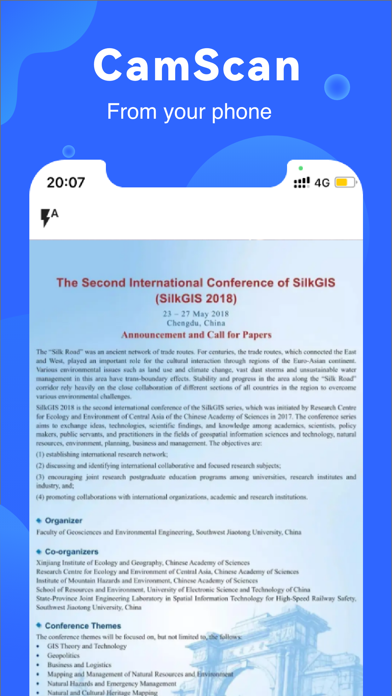

Description by 琦 张 Written by the developer, not by AppBrain. Click to read.
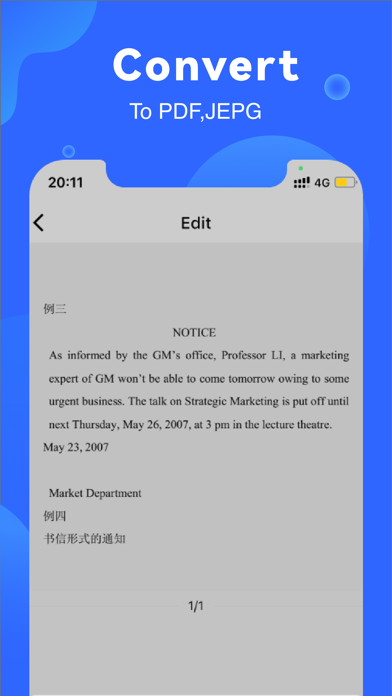
Go paperless with our fast PDF scanner – store all your documents in a neat mobile office right on your phone! DOCUMENT SCANNER This tiny yet powerful free scanner app is a must-have for students and anyone involved in a small business: accountants, realtors, managers, or lawyers. Scan anything you need, including receipts, contracts, paper notes, fax papers, books, and store your scans as multipage PDF or JPEG files.
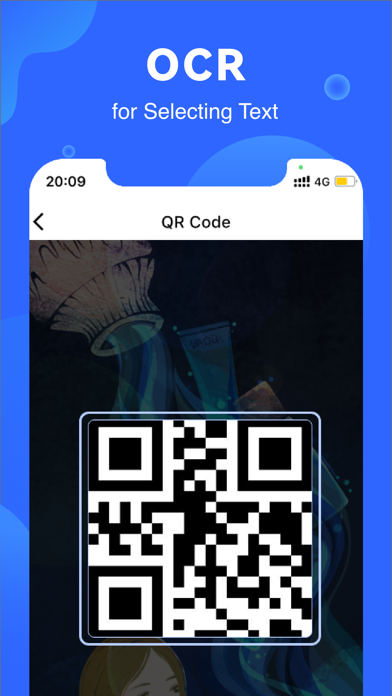
Main Features: PDF Converter: create pdf from a website, convert document files (doc, docx, ppt, pptx) to PDF. - PDF Downloader: download multiple pdf files at same time. - PDF Editor: read and edit pdf document with necessary to such as text highlight, annotation. - File Manager: delete or transfer saved file to other devices. If you need tool which help you find pdf or convert news, recipes, exam from a website, PDF Converter would be right choice.
In App Purchase: You can be a premium user and use all features through auto-renewable subscription: Price of subscription: 1 Month Plan- $8.99 1 Year Plan- $59.99 • Payment will be charged to iTunes Account on confirmation of purchase • Subscription automatically renews unless auto-renew is turned off at least 24 hours before the end of the current period • Account will be charged for renewal within 24 hours prior to the end of the current period, and identify the cost of the renewal • Subscriptions may be managed by the user and auto-renewal may be turned off by going to the user's Account Settings after purchase • No cancellation of the current subscription is allowed during an active subscription period
Terms of service: https://sites.google.com/view/pdftermsofuse/%E9%A6%96%E9%A1%B5
Privacy policy: https://sites.google.com/view/scannerpdf-privacypolicy/%E9%A6%96%E9%A1%B5