

Card Game Simulator
Card Game Simulator is made and published by Finol Digital LLC. AppBrain is an independent app data site and isn't affiliated with Finol Digital LLC. The app name, icon, screenshots and description belong to Finol Digital LLC and are shown as published on the App Store.
AppBrain's verdict
Established- Rating on App Store
- 3.59
- 17 ratings
- Last updated
- October 3, 2026
It doesn't have enough ratings yet to judge what users think.
Rankings
App Store top chartsApp Store Rankings for Card Game Simulator
Competitors
Similar apps and more from Finol Digital LLCAlternatives to Card Game Simulator








Releases
Updates seen on the App Store- Version
- 1.166.0
- Launched
- September 2018
No changelog data
User feedback
Ratings and reviews on the App StoreComments on Card Game Simulator for iOS
We don't have enough comments to show example comments. Please check back later.
Technology
Found in the app by AppBrain- Price
- Free
- App size
- 193.2 MB
- Content rating
- Everyone
Technologies used by Card Game Simulator
About the app and developer
About Card Game Simulator
Card Game Simulator is a games app developed by Finol Digital LLC.
User Ratings
Card Game Simulator is rated 3.59 out of 5 stars. The rating is based on 17 ratings.
App Information
Card Game Simulator is freely available from the App Store. The app size is 193.18 MB. The latest version available is 1.166.0. The last update was on October 3, 2026.
Technical Requirements
The app has a content rating of Everyone. The app has been available on the App Store since September 2018.
Developer information for Finol Digital LLC
Address:
Store listing
By Finol Digital LLC, from the App Store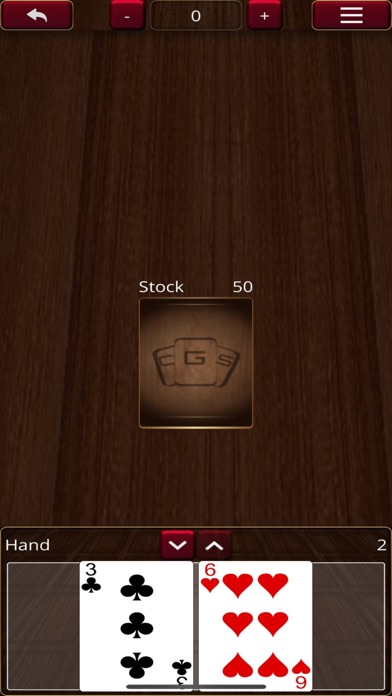


Description by Finol Digital LLC Written by the developer, not by AppBrain. Click to read.
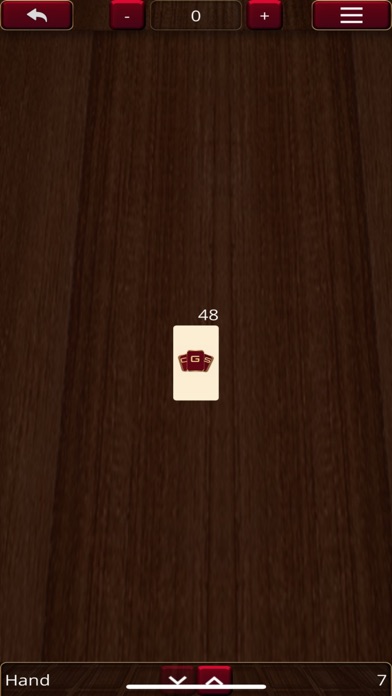
Create your own original card games, import custom cards, organize your decks and cards, and play card games with your friends.
All on an intuitive virtual tabletop!
# Create and Share Games:
You can download additional games by selecting the center card game in the Main Menu. Press the download button that appears and enter the CGS AutoUpdate URL for the game you would like to download.
If you enable Developer Mode, you can easily create your own games by importing images onto custom boards and tables, and create custom cards and decks.
You can also define your own custom game(s) by following the Custom Games Documentation on the CGS website!
# Cards Explorer:
See all the cards laid out neatly and easily search-able, with the option to filter for any search criteria.
If you enable Developer Mode, you can also add custom cards here.
# Deck Editor:
Some card games will come with pre-built decks, but you can always create new decks by writing in card names or with the visual Deck Editor.
You can load up and edit existing decks, or you can start with completely new decks to add and save for later.
# Multi-player:
Create online rooms with optional passwords to ensure only your friends Join your game.
You can play over LAN or over the internet.
# Single-player:
You can immediately Start a game, either to play by yourself or to play with friends hot-seat style.
# Key Features:
- Online sandbox with unlimited games to play how you want.
- Create and play your own original games.
- Play just like you do in real life; pick up, rotate, and flip any card.
- Up to 10 people can play online together on the same table.
- Save, load, and share decks.
- Multiple "drawer"s allow you to play locally on the same computer with your friends.
- Default games: Standard French-Suited 52-cards, Dominoes, and Mahjong