

CarterMobile24
CarterMobile24 is made and published by Carter Federal Credit Union. AppBrain is an independent app data site and isn't affiliated with Carter Federal Credit Union. The app name, icon, screenshots and description belong to Carter Federal Credit Union and are shown as published on the App Store.
AppBrain's verdict
EstablishedLoved by users- Rating on App Store
- 4.85
- 6,485 ratings
- Last updated
- September 19, 2026
Users love it: 4.9 stars from 6,485 ratings.
Rankings
App Store top chartsApp Store Rankings for CarterMobile24
Competitors
Similar apps and more from Carter Federal Credit UnionAlternatives to CarterMobile24


More from Carter Federal Credit Union

Releases
Updates seen on the App Store- Version
- 4022.2.2
- Launched
- December 2012
No changelog data
User feedback
Ratings and reviews on the App StoreComments on CarterMobile24 for iOS
We don't have enough comments to show example comments. Please check back later.
Technology
Found in the app by AppBrain- Price
- Free
- App size
- 118.9 MB
- Content rating
- Everyone
Technologies used by CarterMobile24
About the app and developer
About CarterMobile24
CarterMobile24 is a finance app developed by Carter Federal Credit Union.
What is the rating of CarterMobile24?
CarterMobile24 is rated 4.85 out of 5 stars, based on 6.5 thousand ratings.
Is CarterMobile24 free?
CarterMobile24 is free. The app size is 118.92 MB. The latest version available is 4022.2.2. The last update was on September 19, 2026.
What are the requirements for CarterMobile24?
The app has a content rating of Everyone. The app has been available on the App Store since December 2012.
Developer information for Carter Federal Credit Union
Address:
Store listing
By Carter Federal Credit Union, from the App Store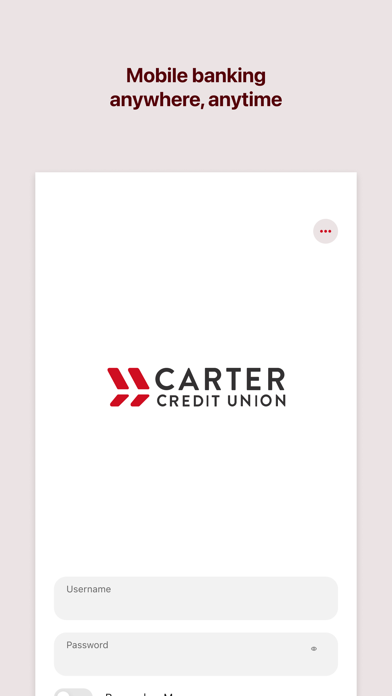

Description by Carter Federal Credit Union Written by the developer, not by AppBrain. Click to read.
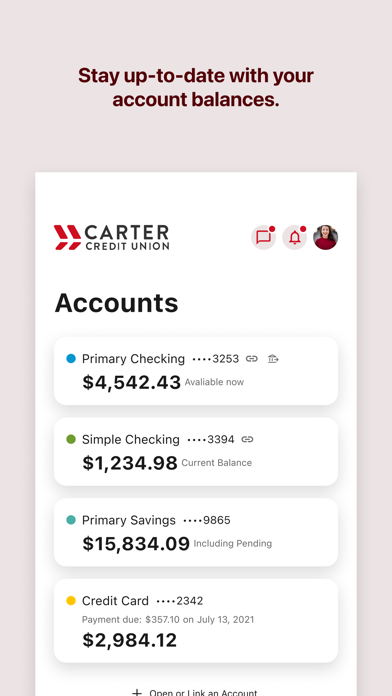
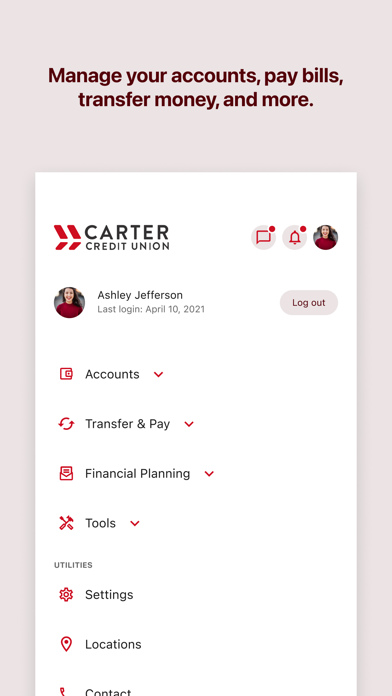
Can’t get to the branch? Not a problem….Take the branch with you. Our iPhone web-app CarterMobile24 gives users the ability to:
Check Balances
View Recent Transactions
Transfer Funds
Pay Bills to Existing Payees
To get started, you’ll need to be an existing user of Internet Banking and opt into Mobile Banking from that system. It’s easy to do and takes seconds. Once you’ve allowed “Mobile Access” you can begin to login to Mobile Banking from your iPhone.
The system will confirm your login information along with your device to ensure it’s really you. Once you are logged in, you can view your information and make transactions safely and securely."