

CashWise is made and published by Adam Wasiak. AppBrain is an independent app data site and isn't affiliated with Adam Wasiak. The app name, icon, screenshots and description belong to Adam Wasiak and are shown as published on the App Store.
AppBrain's verdict
Established- Rating on App Store
- 4.89
- 9 ratings
- Last updated
- September 11, 2024
It doesn't have enough ratings yet to judge what users think.
Rankings
App Store top chartsApp Store Rankings for CashWise
Competitors
Similar apps and more from Adam WasiakAlternatives to CashWise






More from Adam Wasiak


Releases
Updates seen on the App Store- Version
- 3.6
- Launched
- August 2011
No changelog data
User feedback
Ratings and reviews on the App StoreComments on CashWise for iOS
We don't have enough comments to show example comments. Please check back later.
Technology
Found in the app by AppBrain- Price
- Free
- App size
- 7.78 MB
- Content rating
- Everyone
Technologies used by CashWise
About the app and developer
About CashWise
CashWise is a finance app developed by Adam Wasiak.
User Ratings
CashWise is rated 4.89 out of 5 stars. The rating is based on 9 ratings.
App Information
CashWise is freely available from the App Store. The app size is 7.78 MB. The latest version available is 3.6. The last update was on September 11, 2024.
Technical Requirements
The app has a content rating of Everyone. The app has been available on the App Store since August 2011.
Developer information for Adam Wasiak
Address:
Store listing
By Adam Wasiak, from the App Store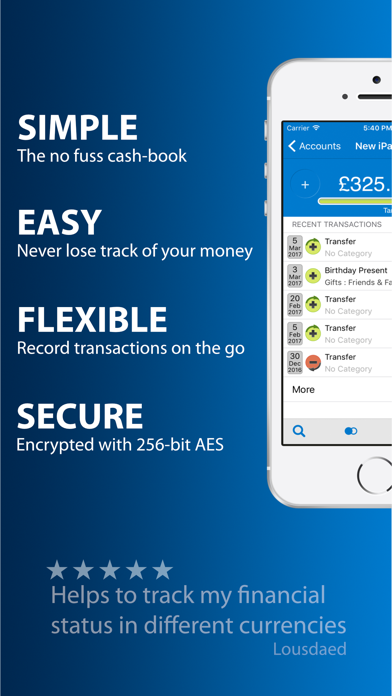
Description by Adam Wasiak Written by the developer, not by AppBrain. Click to read.
CATEGORIES
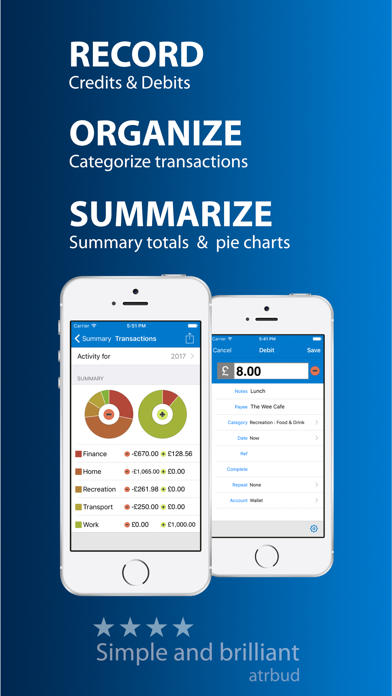
Get super-organised by arranging your finances into categories, then view or print them with summary totals and pie charts.
BREAKDOWN
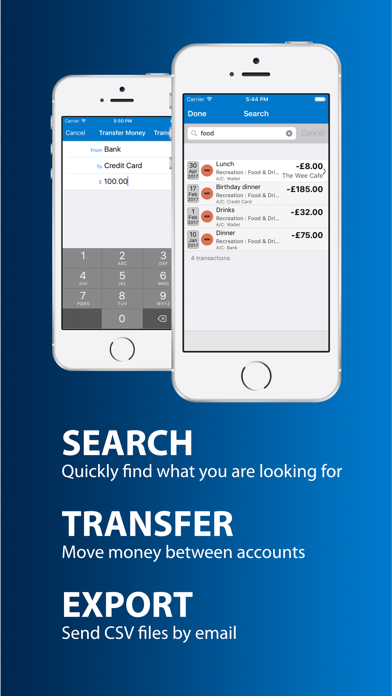
A detailed breakdown lets you quickly see what you have spent money on. And with a quick search, you can view and change any transaction.
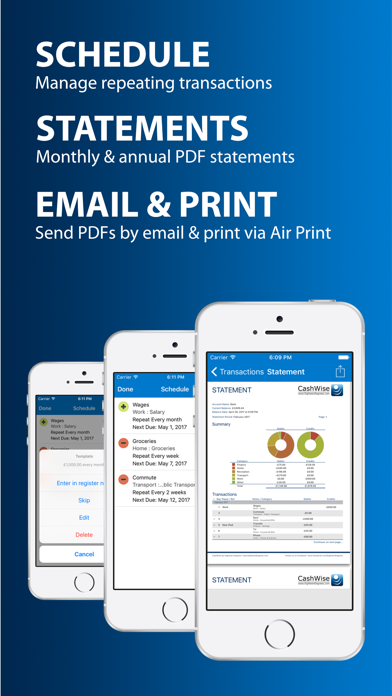
STATEMENTS
View and send monthly PDF statements by email, or upgrade to CashWise Pro (via a single in-app purchase) to produce annual statements and print directly to an AirPrint enabled printer.
EXPORT & IMPORT
Export all your financial information whenever you want, or Go Pro for the ability to export your data on a monthly or annual basis and import data from CSV files.
SECURITY
Your financial details are kept safe in an encrypted vault using state-of-the-art 256-bit AES encryption, simply set a passcode to restrict access.
FREE vs PRO
CashWise is a free app, and all the basic features will remain free forever - that is a promise.
Go Pro and you can unlock all the Pro features with a single in-app purchase to:
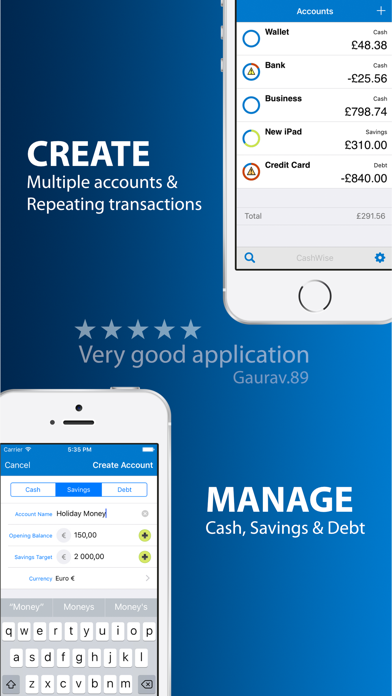
• Manage your money across several accounts at once (one account is included free).
• Create recurring transactions.
• Completely customise your categories (built-in categories are included free).
• View an annual breakdown of your transactions (monthly breakdown is included free).
• Export your financial data on a monthly or annual basis (full export is included free).
• Import data from CSV files.
• Produce annual PDF statements (monthly statements are included free)
• Print a statement direct to an AirPrint enabled printer (emailing statements is included free)
• Turn off adverts.
TRY-BEFORE-YOU-BUY
Try all the Pro features for free before you upgrade by using the built-in 'demonstration mode'. This also lets you show off CashWise to others without revealing your finances.
NEED HELP?
If you need help or want to make a suggestion, just drop us an email and we'll do our best — BeCashWise.com/Help
- Be CashWise