

C'entro
C'entro is made and published by Targa Telematics S.p.A. AppBrain is an independent app data site and isn't affiliated with Targa Telematics S.p.A. The app name, icon, screenshots and description belong to Targa Telematics S.p.A. and are shown as published on the App Store.
AppBrain's verdict
- Last updated
- May 7, 2026
Rankings
App Store top chartsApp Store Rankings for C'entro
Competitors
Similar apps and more from Targa Telematics S.p.A.Alternatives to C'entro





More from Targa Telematics S.p.A.


Releases
Updates seen on the App Store- Version
- 7.10.15
- Launched
- October 2019
No changelog data
User feedback
Ratings and reviews on the App StoreComments on C'entro for iOS
We don't have enough comments to show example comments. Please check back later.
Technology
Found in the app by AppBrain- Price
- Free
- App size
- 98.0 MB
- Content rating
- High
Technologies used by C'entro
About the app and developer
About C'entro
C'entro is a travel app developed by Targa Telematics S.p.A.
What is the rating of C'entro?
C'entro has no ratings yet.
Is C'entro free?
C'entro is free. The app size is 97.98 MB. The latest version available is 7.10.15. The last update was on May 7, 2026.
What are the requirements for C'entro?
The app has a content rating of High Maturity. The app has been available on the App Store since October 2019.
Developer information for Targa Telematics S.p.A.
Address:
Store listing
By Targa Telematics S.p.A., from the App Store


Description by Targa Telematics S.p.A. Written by the developer, not by AppBrain. Click to read.
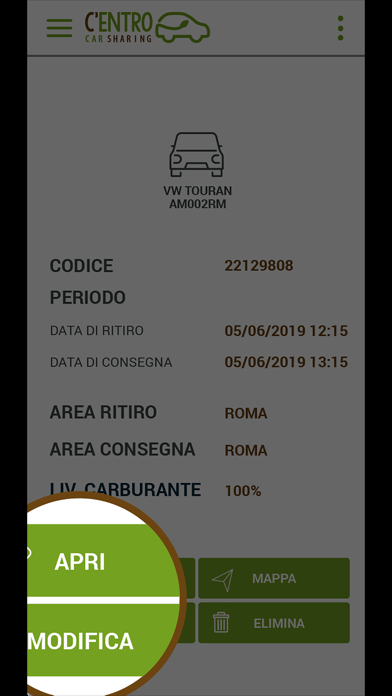
Come funziona? Innanzitutto REGISTRATI sul sito o direttamente dall'APP C'ENTRO CAR SHARING, inserendo le informazion richieste: dati anagrafici, informazioni sulla patente ed il metodo di pagamento. Fatto! E poi?
1 PRENOTA
Accedi all’app via web o via mobile con le tue credenziali e
prenota il tuo veicolo.
2 RITIRO DEL VEICOLO
Avvicinati all’auto e aprila con la tua app
3 PARTI
Ora che l’auto è aperta puoi prendere le chiavi che trovi nel cruscotto, verificare le condizioni dell’auto e se è tutto regolare iniziare il tuo noleggio.
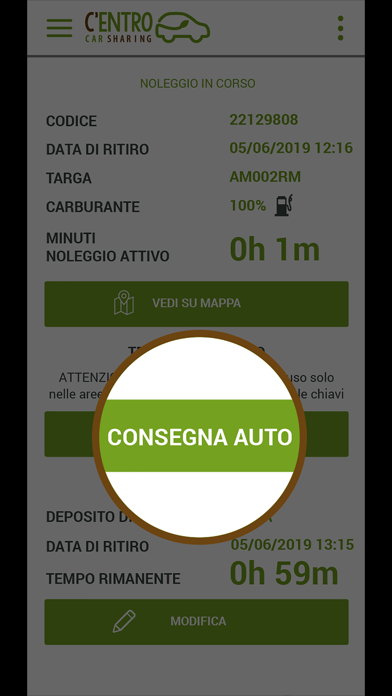
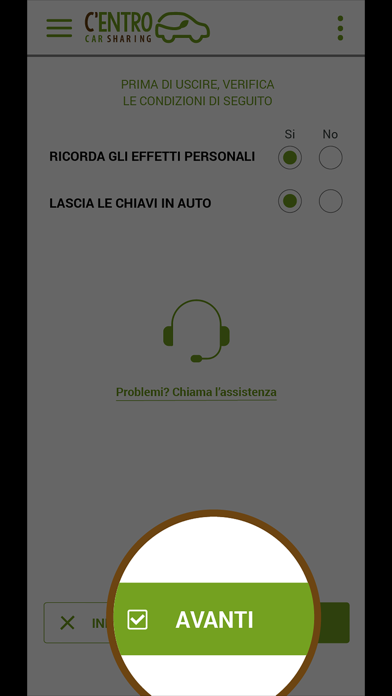
4 CONCLUDI IL NOLEGGIO
Per terminare il noleggio parcheggia il veicolo, inserisci le chiavi nel vano in cui le hai trovate ed esci dall’auto. Controlla di aver chiuso i finestrini e che il veicolo sia nelle stesse condizioni di quando lo hai preso. Avvia la procedura di chiusura con la tua app per chiudere il veicolo e concludere il tuo noleggio.
Sulla base di quanto previsto dal DL 76/2020, abbiamo pubblicato la dichiarazione di accessibilità della presente app alla seguente pagina web: https://centro.targatelematics.com/?t=pages&p=a11y-ios