

Chemical Balancer & Elements
Chemical Balancer & Elements is made and published by Faruk Sinopluoglu. AppBrain is an independent app data site and isn't affiliated with Faruk Sinopluoglu. The app name, icon, screenshots and description belong to Faruk Sinopluoglu and are shown as published on the App Store.
AppBrain's verdict
Established- Rating on App Store
- 4.20
- 15 ratings
- Last updated
- May 15, 2021
It doesn't have enough ratings yet to judge what users think.
Rankings
App Store top chartsApp Store Rankings for Chemical Balancer & Elements
Competitors
Similar apps and more from Faruk SinopluogluAlternatives to Chemical Balancer & Elements





More from Faruk Sinopluoglu



Releases
Updates seen on the App Store- Version
- 1.0.0
- Launched
- May 2021
No changelog data
User feedback
Ratings and reviews on the App StoreComments on Chemical Balancer & Elements for iOS
We don't have enough comments to show example comments. Please check back later.
Technology
Found in the app by AppBrain- Price
- Free
- App size
- 5.52 MB
- Content rating
- Everyone
Technologies used by Chemical Balancer & Elements
About the app and developer
About Chemical Balancer & Elements
Chemical Balancer & Elements is an education app developed by Faruk Sinopluoglu.
User Ratings
Chemical Balancer & Elements is rated 4.20 out of 5 stars. The rating is based on 15 ratings.
App Information
Chemical Balancer & Elements is freely available from the App Store. The app size is 5.52 MB. The latest version available is 1.0.0. The last update was on May 15, 2021.
Technical Requirements
The app has a content rating of Everyone. The app has been available on the App Store since May 2021.
Developer information for Faruk Sinopluoglu
Address:
Store listing
By Faruk Sinopluoglu, from the App Store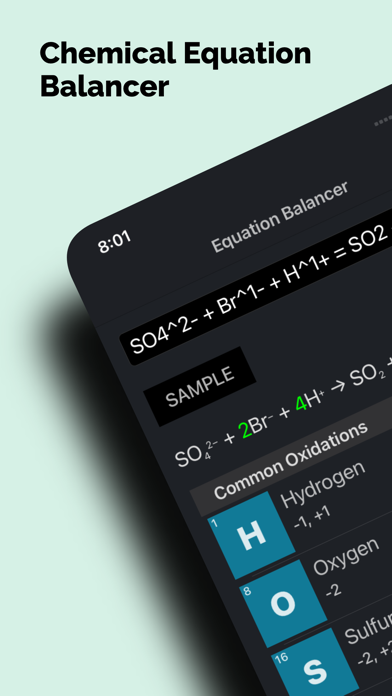


Description by Faruk Sinopluoglu Written by the developer, not by AppBrain. Click to read.
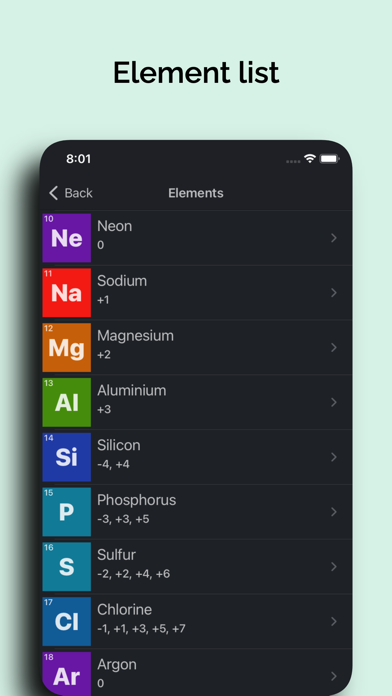
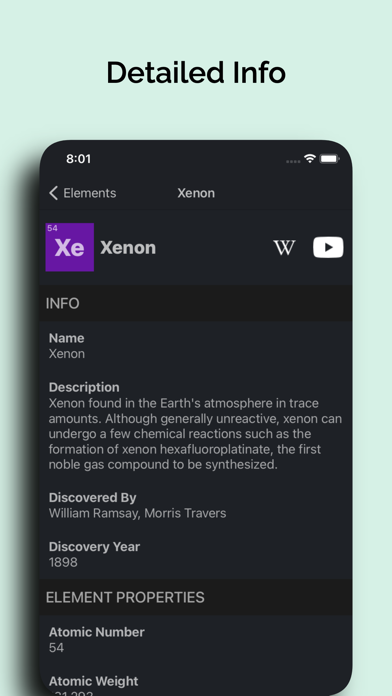
Also includes the full list of periodic table elements. Get detailed info about all of the 118 elements. For every element you can see;
- Atomic properties such as electronegativity and oxidation states...
- Physical properties such as boiling and melting points, heat of vaporization...
- Basic info for the elements such as discovery year, and whom it's discovered by...
- A brief description of the element
- List of isotopes.
and lots of other info like CAS number and radioactivity...
How to use?
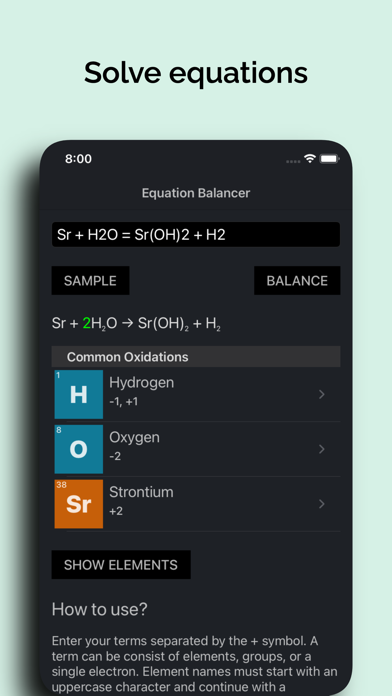
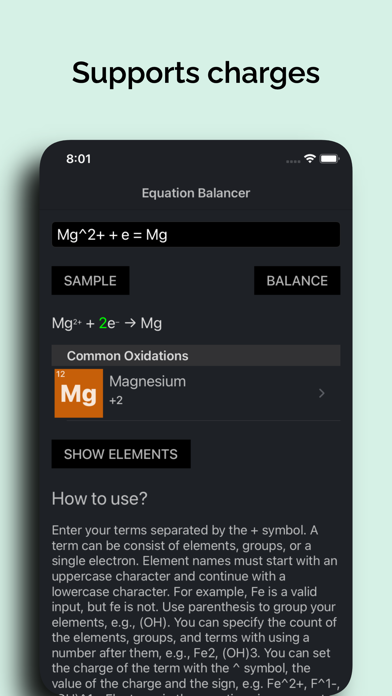
Enter your terms separated by the + symbol. A term can be consist of elements, groups, or a single electron. Element names must start with an uppercase character and continue with a lowercase character. For example, Fe is a valid input, but fe is not. Use parenthesis to group your elements, e.g., (OH). You can specify the count of the elements, groups, and terms with using a number after them, e.g., Fe2, (OH)3. You can set the charge of the term with the ^ symbol, the value of the charge and the sign, e.g. Fe^2+, F^1-, (OH)^1-. Electrons in the equations is represented with the e letter. The left side and the right side of the equation must be separated with the = symbol.
Some equations cannot be balanced. And some equations have multiple independent solutions, means they are a combination of more than one equation. And some equations can be balanced by adding electrons to the left of the right side.
You can use the Sample button to see some examples to help you enter your own equations.