It doesn't have enough ratings yet to judge what users think.
Chitro Video Editor & Maker is made and published by
Inverse.AI.
AppBrain is an independent app data site and isn't affiliated with Inverse.AI.
The app name, icon, screenshots and description belong to Inverse.AI and are shown as
published on the App Store.
About Chitro Video Editor & Maker
Chitro Video Editor & Maker is a photo & video app developed by Inverse.AI.
User Ratings
Chitro Video Editor & Maker is rated 4.70 out of 5 stars. The rating is based on 20 ratings.
App Information
Chitro Video Editor & Maker is freely available from the App Store. The app size is 88.30 MB. The latest version available is 2.3. The last update was on June 16, 2022.
Technical Requirements
The app has a content rating of Everyone. The app has been available on the App Store since June 2021.
Description by Inverse.AI(from the App Store)
Free Movie Maker and Video Editor
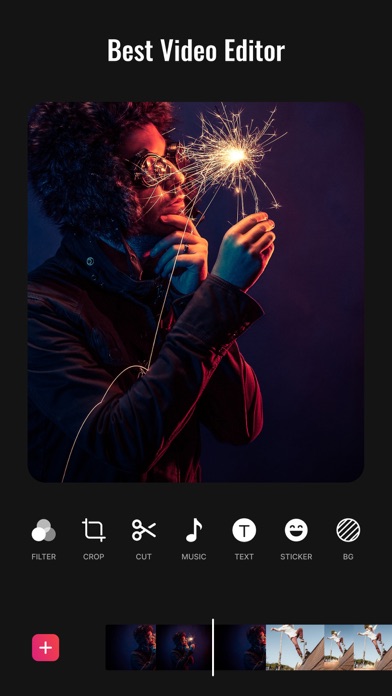
Chitro has the most useful features that other top pro video editing apps, or movie maker, video cutter apps have, but it is free and has no banner ads.
Video Trimmer & Video Cutter Cut & trim video as you want. Edit video with music, Instagram story cutter. Export video in HD quality. Easy-to-use movie maker, and the best video cutter & pro video editor.
No Watermark As a free music video editor and full screen video maker for YouTube, Chitro will never add Watermark to your video. No ads when editing videos There is no banner ads on the screen, unlike other video editing apps.
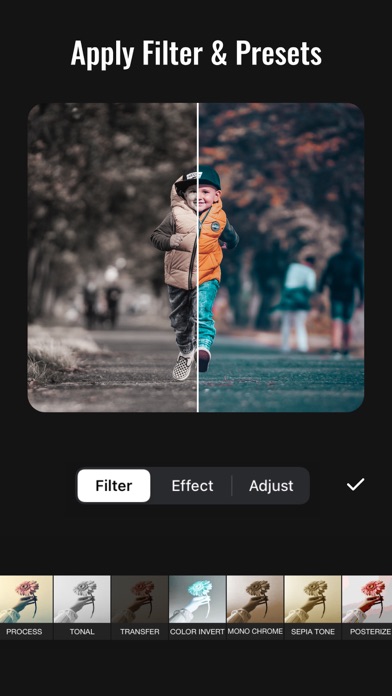
Video Filters Add beautiful movie style video filters to video.
Video Effects Numerous Video effect such as sketching, mosaic,comic, and many more are available
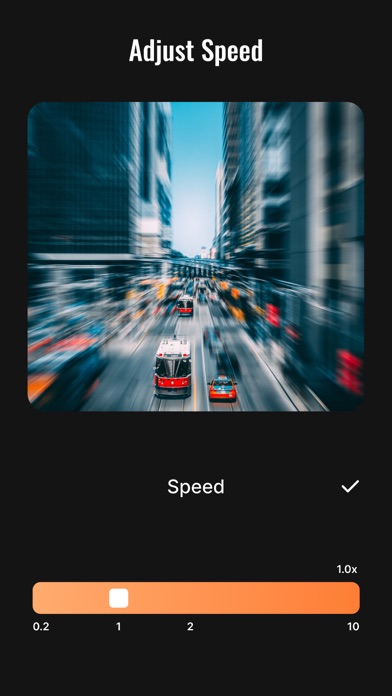
Video Speed Scale the video speed up to 10x. You can also add the slow-mo effect.
Change Video Aspect Ratio Fit your video in any Aspect Ratios like 1:1, 16:9, 3:2, etc.
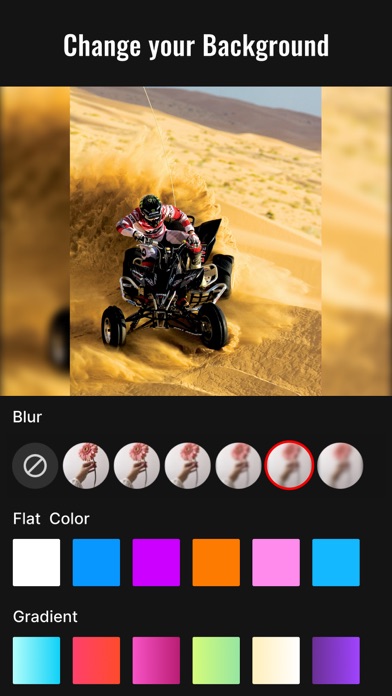
Change Video Background Add different borders and no crop video. 1. Change the background color of your video. 2. White background can most assimilate into social media app like Instagram. Perfect Instagram story cutter app. 3. Black background make your video feel like a professional movie. 4. Don’t like flat color? You can use blur background.
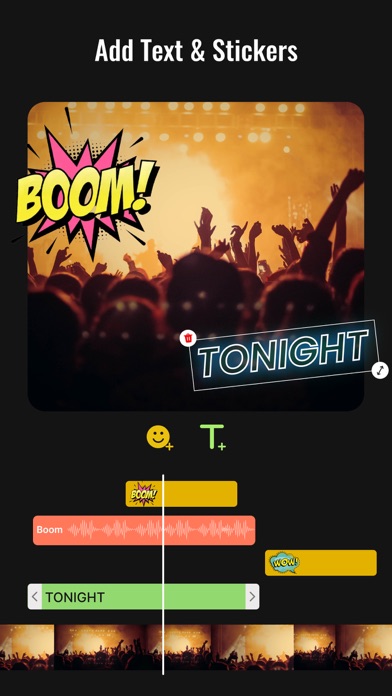
Add Text Add text on video with font and style.
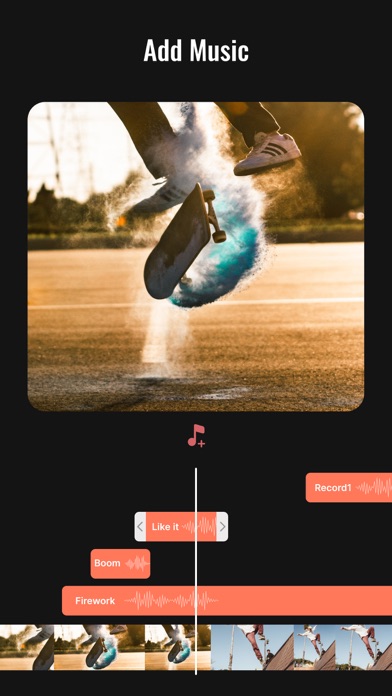
Mix Audio Add multiple audio sources to video with volume mixing.
Rotate Video Rotate video to your desired transformation
Flip Video Flip video and see the magic
Share Video Share video to social media like YouTube, Instagram, Signal, Twitter…to get hundreds of 'likes'!
Chitro Video Editor Terms of Use at https://docs.google.com/document/d/1sjCpwsrHCufCvdOi6c0rd7Isu33_STR30NmX1YIn8Uo/edit?usp=sharing Chitro Video Editor Privacy Policy at https://docs.google.com/document/d/1FALaYGEl1n_SKCHyi3AXAlFpHdD1teJU51YqfoBNtvI/edit?usp=sharing
Each subscription will automatically renew 3 days before the expiration date for
the same time period. Subscriptions can be cancelled at any time before the renewal.