

ClinicalKey Student Bookshelf
ClinicalKey Student Bookshelf is made and published by Elsevier Inc. AppBrain is an independent app data site and isn't affiliated with Elsevier Inc. The app name, icon, screenshots and description belong to Elsevier Inc. and are shown as published on the App Store.
AppBrain's verdict
EstablishedLoved by users- Rating on App Store
- 4.72
- 213 ratings
- Last updated
- August 11, 2026
- Size
- 183.0 MB
Users love it: 4.7 stars from 213 ratings. Its best ranking is #56 in Top Free, Medical in Austria.
User feedback
Ratings and reviews on the App StoreComments on ClinicalKey Student Bookshelf for iOS
We don't have enough comments to show example comments. Please check back later.
Store listing
By Elsevier Inc., from the App Store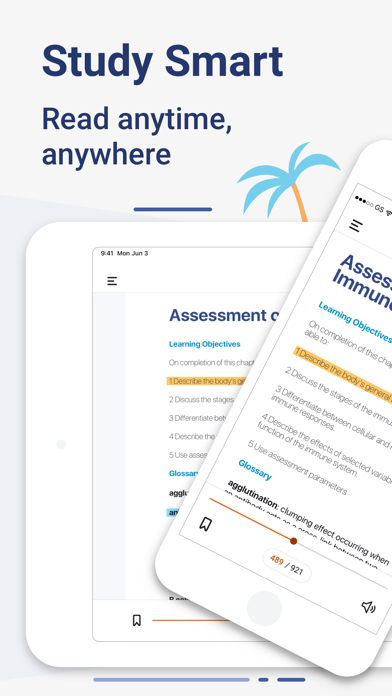
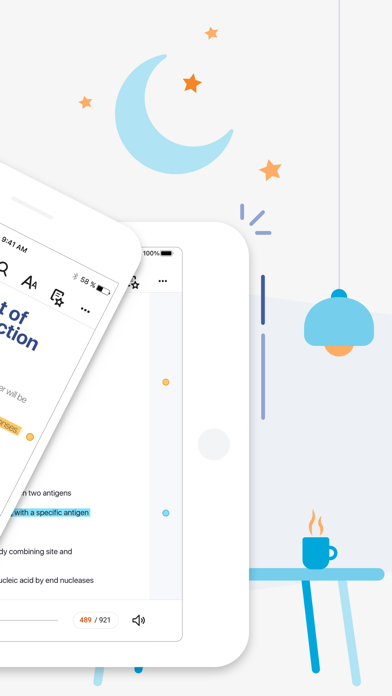
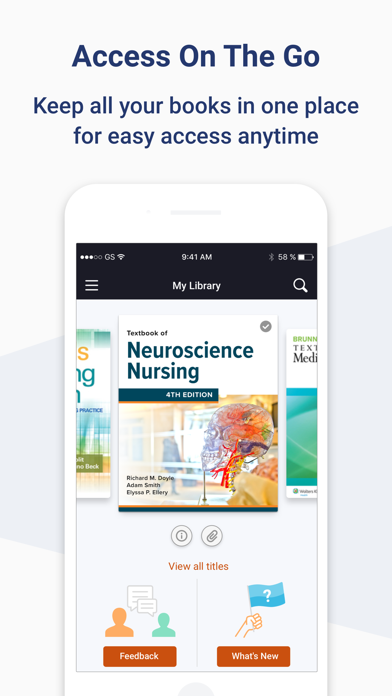
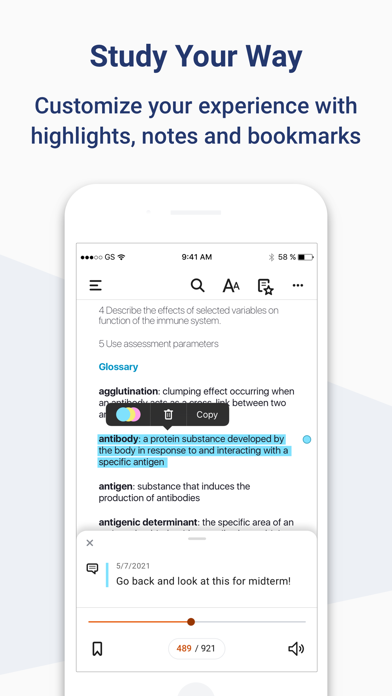
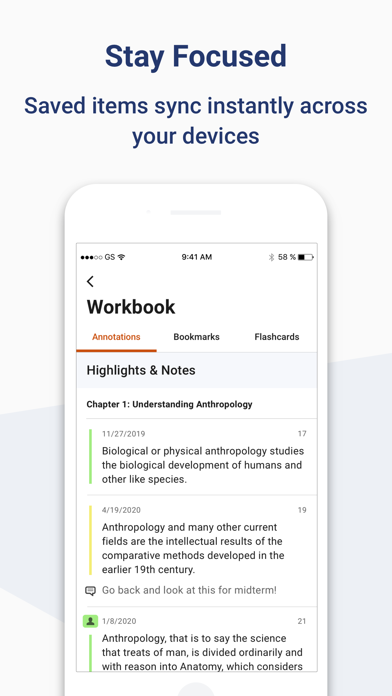
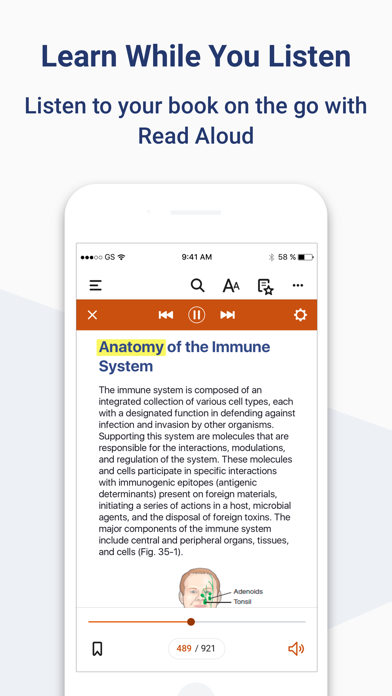
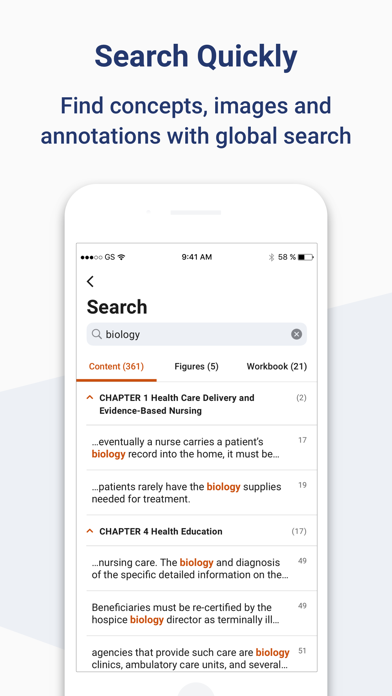
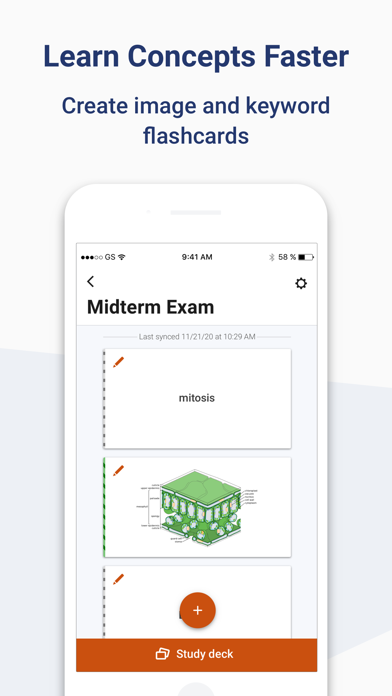
Description by Elsevier Inc. Written by the developer, not by AppBrain. Click to read.
Requirements:
• iOS 17+
• ClinicalKey Student account
• The app is available in the following languages: English, Spanish, French, German, Portuguese
How to Access:
• Download the app for free and open it.
• On the welcome screen, click Sign In with your CK Student email and password. NOTE: The first time you log in, you must be on your university network.
• If you have been given a Registration ID to create your account, go to https://www.clinicalkey.com/student/register and follow the steps on-screen. You can then use your login to sign into the Bookshelf app.
• Launch any title you want to add to your bookshelf on the CK Student website. The app will synchronise any books you have added from CK Student. NOTE: You must be online to synchronize your book collection.
For Support and FAQs, go to https://service.elsevier.com/app/home/supporthub/ckstudent/
Safety and technology
Found in the app by AppBrain- Price
- Free
- App size
- 183.0 MB
- Content rating
- Everyone
Technologies used by ClinicalKey Student Bookshelf
Releases
Updates seen on the App Store- Version
- 11.4.1
- Launched
- February 2018
No changelog data
Alternatives
Similar apps and more from Elsevier Inc.








Rankings
App Store top charts- Highest rank
- #56
- Chart
- Top Free
- Medical
- Country
- Austria
App Store Rankings for ClinicalKey Student Bookshelf
Top rankings
| Rank | Country | Category | List |
|---|---|---|---|
| 56 | Austria | Medical | Top Free |
Ranking history in Austria
About the app and developer
About ClinicalKey Student Bookshelf
ClinicalKey Student Bookshelf is a medical app developed by Elsevier Inc.
User Ratings
ClinicalKey Student Bookshelf is rated 4.72 out of 5 stars. The rating is based on 210 ratings.
App Information
ClinicalKey Student Bookshelf is freely available from the App Store. The app size is 182.96 MB. The latest version available is 11.4.1. The last update was on August 11, 2026.
Technical Requirements
The app has a content rating of Everyone. The app has been available on the App Store since February 2018.
Developer information for Elsevier Inc.
Address: