

clock4all is made and published by Juergen Held. AppBrain is an independent app data site and isn't affiliated with Juergen Held. The app name, icon, screenshots and description belong to Juergen Held and are shown as published on the App Store.
AppBrain's verdict
Established- Rating on App Store
- 1.00
- 1 ratings
- Last updated
- December 20, 2025
It doesn't have enough ratings yet to judge what users think.
Rankings
App Store top chartsApp Store Rankings for clock4all
Competitors
Similar apps and more from Juergen HeldAlternatives to clock4all


More from Juergen Held

Releases
Updates seen on the App Store- Version
- 1.4.2
- Launched
- March 2020
No changelog data
User feedback
Ratings and reviews on the App StoreComments on clock4all for iOS
We don't have enough comments to show example comments. Please check back later.
Technology
Found in the app by AppBrain- Price
- $0.99
- App size
- 8.27 MB
- Content rating
- Everyone
Technologies used by clock4all
About the app and developer
About clock4all
clock4all is an utilities app developed by Juergen Held.
User Ratings
clock4all is rated 1.00 out of 5 stars. The rating is based on one rating ratings.
App Information
clock4all costs $0.99. The app size is 8.27 MB. The latest version available is 1.4.2. The last update was on December 20, 2025.
Technical Requirements
The app has a content rating of Everyone. The app has been available on the App Store since March 2020.
Developer information for Juergen Held
Address:
Frequently asked questions about clock4all
Is clock4all free?
No. clock4all costs $0.99 on the App Store.
Is clock4all still available?
Yes. clock4all is on the App Store, and the last update we saw was on December 20, 2025.
How large is clock4all?
clock4all is 8.27 MB.
Is clock4all suitable for children?
App Store rates the content of clock4all as suitable for everyone.
How do people rate clock4all?
clock4all has one rating of 1.00 stars on the App Store.
Who made clock4all?
clock4all was developed by Juergen Held. It is listed in the utilities category on the App Store.
What are the best alternatives to clock4all?
People looking at clock4all also look at these utilities apps: TunShare, FotoSafe-Sorglos, iEasyLPA, SpeedIQ – Speed Test & WiFi, Sound Stitch.
Store listing
By Juergen Held, from the App Store

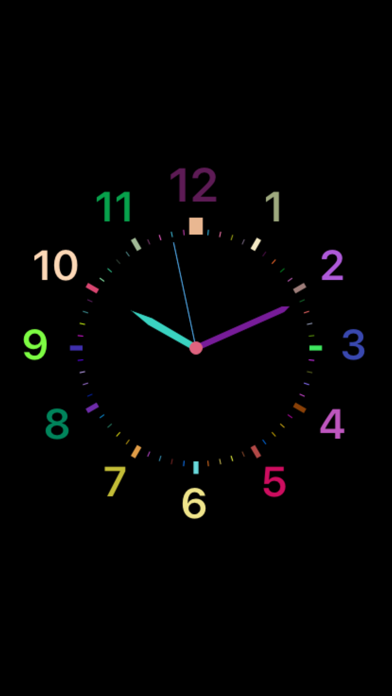
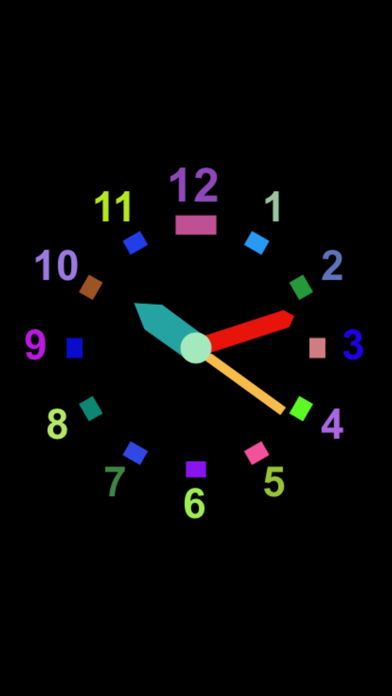
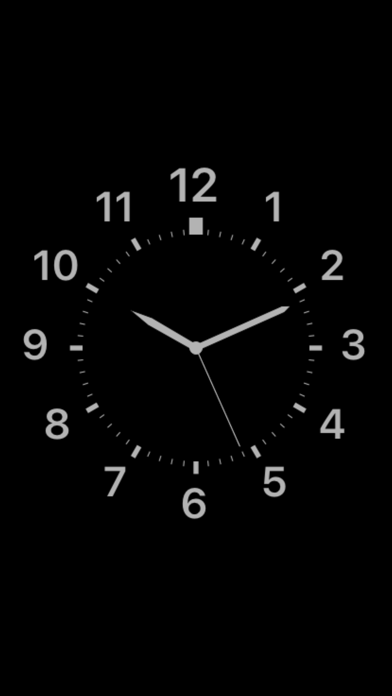
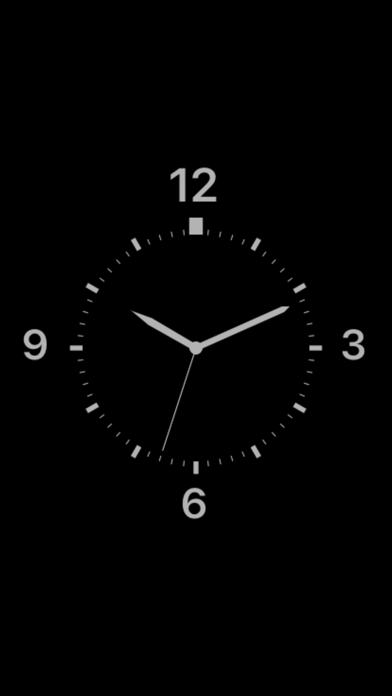
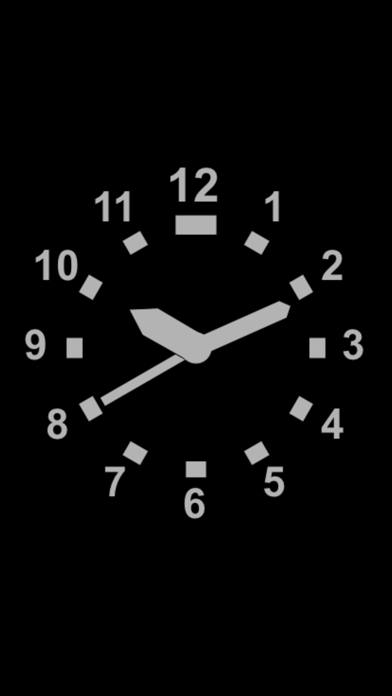

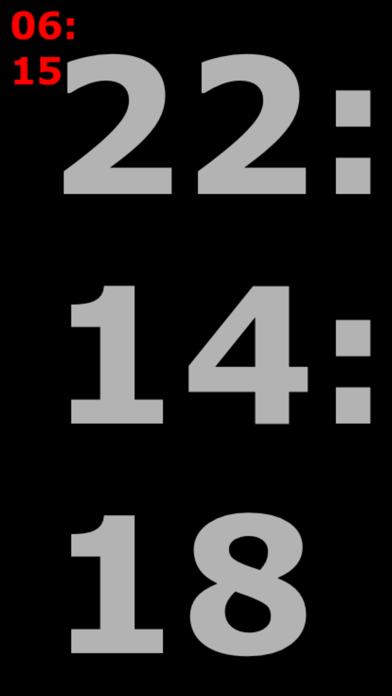

Description by Juergen Held Written by the developer, not by AppBrain. Click to read.
- for users aiming visual pleasing clock faces
- for visual impaired users reading the time with better contrasts
- for blind users hearing the speech synthesizer time message in their language
- for children learning to read the clock
- for children and adults having fun to select a clock’s face with random colors
- for all users preferring apps easy to use and designed for all
Thus it is a powerful clock in the sense of:
„Technology is most powerful when it empowers everyone“
(cited from www.apple.com/accessibility).
The clock4all app provides 10 different clock faces.
And one extra large digital time display.
Alarm time can be set.
The clock indicates low battery levels with a color index.
Your questions may be:
1. Must I fumble with menus, settings and modes?
No. This clock app is designed for simple and robust use.
You will not have to make settings in menus.
There are no menus, no buttons, no sliders.
Because blind, partly sighed or elderly users can hardly deal with them.
2. How does it work then, to interact with this app?
There are only three interactions:
- You touch the display and a voice will speak out the time in your language.
- You swipe over the display and the clock face will change its design.
- You shake the device and a prompt appear to set the alarm time.
3. How do the app know about the language I prefer?
The app simply uses the selected language of your iPad or iPhone.
4. Can I hear the voice speaking out the time in different languages?
Just go to your general iPad/iPhone settings of „Language & Region“ and change the language and its region.
5. Which languages/nations are supported by this app?
USA/England, Spain, French, Italy, Germany, Netherlands, Ireland, Czech Republic, Hungary, China. Japan, Korea.
6. My language is not supported yet. Do you plan to update for it?
Yes, of course, it is a clock4all.
Get in contact with the author: juergen.held@hfg-gmuend.de
Explain how to spell the time in your language for to update the app.
7. Does the clock4all app supports different display sizes?
Yes all displays are supported. The clock’s faces will be presented at best readable sizes.
8. Can I use the clock4all in portrait and landscape orientation?
Yes, the clock will rotate if you rotate your iPad or iPhone device.
9. How will the clock tell about low battery levels?
Less 10% battery capacity will trigger the clocks face to have blue colored markers.
Less 5% battery and the markers became red colored.
If you tap then to hear the time message, the voice will append:
"Battery level is less x%".