

Cloud Opener - File manager
Cloud Opener - File manager is made and published by Jacks-apps. AppBrain is an independent app data site and isn't affiliated with Jacks-apps. The app name, icon, screenshots and description belong to Jacks-apps and are shown as published on the App Store.
AppBrain's verdict
Established- Rating on App Store
- 2.71
- 38 ratings
- Last updated
- July 19, 2022
It doesn't have enough ratings yet to judge what users think.
Rankings
App Store top chartsApp Store Rankings for Cloud Opener - File manager
Competitors
Similar apps and more from Jacks-appsAlternatives to Cloud Opener - File manager








Releases
Updates seen on the App Store- Version
- 3.9.4
- Launched
- October 2014
No changelog data
User feedback
Ratings and reviews on the App StoreComments on Cloud Opener - File manager for iOS
We don't have enough comments to show example comments. Please check back later.
Technology
Found in the app by AppBrain- Price
- Free
- App size
- 28.3 MB
- Content rating
- High
Technologies used by Cloud Opener - File manager
About the app and developer
About Cloud Opener - File manager
Cloud Opener - File manager is a productivity app developed by Jacks-apps.
User Ratings
Cloud Opener - File manager is rated 2.71 out of 5 stars. The rating is based on 38 ratings.
App Information
Cloud Opener - File manager is freely available from the App Store. The app size is 28.31 MB. The latest version available is 3.9.4. The last update was on July 19, 2022.
Technical Requirements
The app has a content rating of High Maturity. The app has been available on the App Store since October 2014.
Developer information for Jacks-apps
Address:
Store listing
By Jacks-apps, from the App Store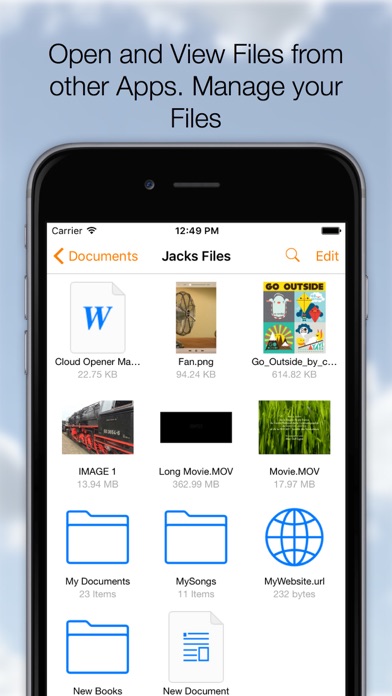

Description by Jacks-apps Written by the developer, not by AppBrain. Click to read.
Download, Share, Manage, Send, Open, Read, Play, Listen, View, Create, Edit, Move, Rename, Import, Export your documents, Videos, Music, Books and any other type of files on your Cloud Services.
On your iPhone or iPad it all comes together, many Clouds, One App.
◆Remember Long Press is your friend.
On a File to activate the Action Menu.
On the Titlebar to call the Menu at any time.
On the Titlebar in edit mode to Select-Deselect all documents.
Cloud Opener Features:
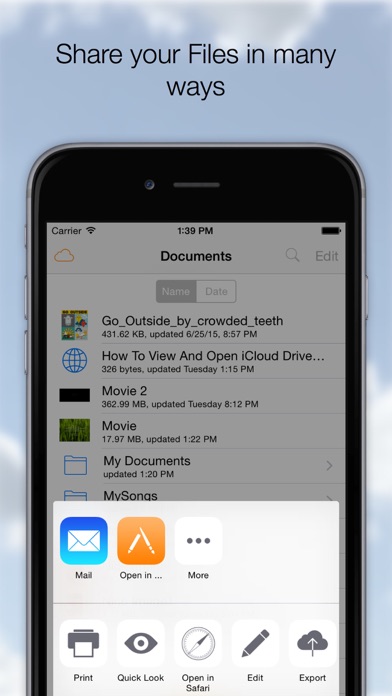
◆ SHARE
- Share iCloud Drive documents by weblink (download)
- Web Server and WebDAV Server
- Send to App
- Message
- Attach to email
- Social Media Apps
◆ OPEN and VIEW
- Open files from iCloud Drive and Apps supporting the iOS "Document Provider Extensions" like DropBox, OneDrive etc.
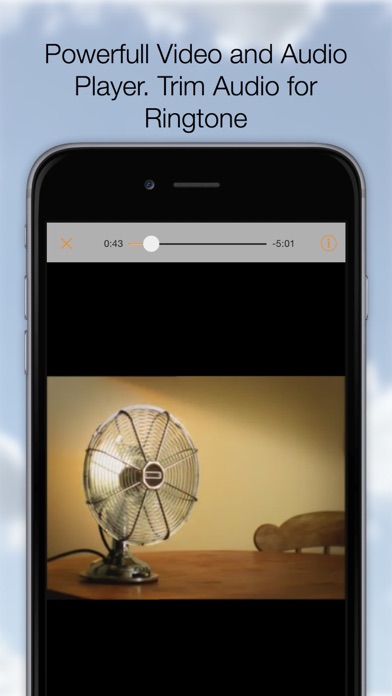
- Play any kind of Video file (m4v, mkv, avi etc)**
- Play Music
- Advanced PDF Reader
- Photos
- iWork Documents
- Office Documents
- Text and Images
- Open a Webarchive, .webloc or .url file.
- WebBrowser, Save webpages as PDF or as webloc
And many more
◆ EDIT
- Images or Photos with a powerful Image Editor.
Enhance, Resize, Copy, Paste (Also from Pasteboard), Draw, Stickers, Text, Filter
and many more.
- Rich Text Editing.
Font, Style, Size, Alignment, Color and many more.
- Trim Audio Files and Save as Ringtone
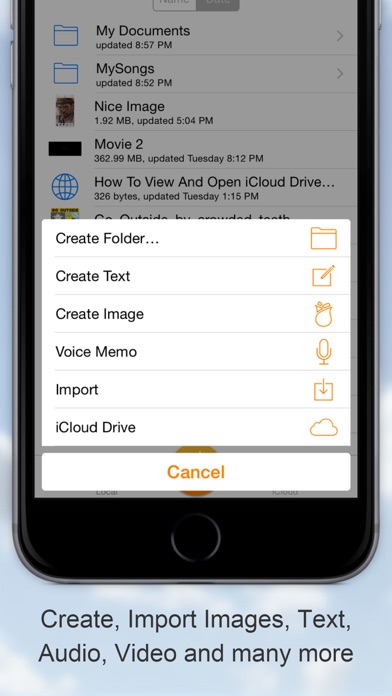
◆ CREATE
- New Images (jpg, png)
- Rich Text documents, save as Text, Rich Text or PDF
- Voice Recording
- Create File From PasteBoard (Clipboard)
- Folders
- Zip/Unzip Archives
◆ MANAGE FILES
- Create Folders
- Duplicate
- Rename
- Delete
- Move, Drag and Drop file moving
- Zip
- Unzip
- Copy
- Edit Action, perform an action (email, message, send to etc.) on multiple documents
◆ IMPORT - EXPORT from many Cloud services
- iCloud Drive
- Google Drive
- Drop Box
- OneDrive
- Box
- Photo Library
- Camera
- Share Images to Instagram
- Any App that support the documents provider interface
Importing will make a copy of your File and stores it on your device.
◆ COPY TO Cloud Opener
- Apps that support "Send To" can send Files to Cloud Opener
◆ COMPRESSION
- Zip multiple Files into one archive and send anywhere
- UnZip zip archives into a new folder
◆ SETTINGS
Check out the Setting App for the Cloud Opener Settings
- Swap Long Press Action
- Show External Files
- Show File Extensions
- Open In: Store In iCloud
- Passcode Lock with Touch ID SUpport
- And many more options
◆ Store locally for Offline Usage
All in your pocket!
Supported File types:
pdf, png, jpg, jpeg, mov, m4v, mp3, aac, txt, html, (iWork) Pages, Numbers, Keynote, webloc, url, (Office) .docx, .ppt, .xlsx. ...
Support for any type of File depends on the installed Apps.
**Supported Movie types:
mov, mkv, avi, flv, mp3, caff, ogg, wma, m4a, m4v,mwv, 3gp, mp4, mpeg, mpg, vob