

CloudMAX
CloudMAX is made and published by PT Telekomunikasi Selular. AppBrain is an independent app data site and isn't affiliated with PT Telekomunikasi Selular. The app name, icon, screenshots and description belong to PT Telekomunikasi Selular and are shown as published on the App Store.
AppBrain's verdict
Established- Rating on App Store
- 3.33
- 3 ratings
- Last updated
- April 24, 2024
It doesn't have enough ratings yet to judge what users think.
Rankings
App Store top chartsApp Store Rankings for CloudMAX
Competitors
Similar apps and more from PT Telekomunikasi Selular











Releases
Updates seen on the App Store- Version
- 7.3.0
- Launched
- February 2018
No changelog data
User feedback
Ratings and reviews on the App StoreComments on CloudMAX for iOS
We don't have enough comments to show example comments. Please check back later.
Technology
Found in the app by AppBrain- Price
- Free
- App size
- 34.8 MB
- Content rating
- Everyone
Technologies used by CloudMAX
About the app and developer
About CloudMAX
CloudMAX is a productivity app developed by PT Telekomunikasi Selular.
What is the rating of CloudMAX?
CloudMAX is rated 3.33 out of 5 stars, based on 3 ratings.
Is CloudMAX free?
CloudMAX is free. The app size is 34.84 MB. The latest version available is 7.3.0. The last update was on April 24, 2024.
What are the requirements for CloudMAX?
The app has a content rating of Everyone. The app has been available on the App Store since February 2018.
Developer information for PT Telekomunikasi Selular
Address:
Store listing
By PT Telekomunikasi Selular, from the App Store
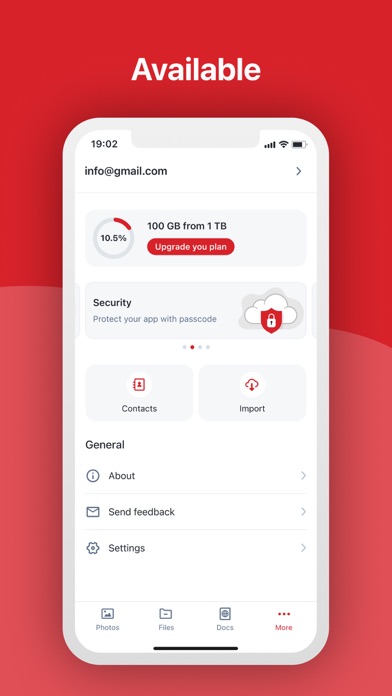
Description by PT Telekomunikasi Selular Written by the developer, not by AppBrain. Click to read.
CloudMAX features:
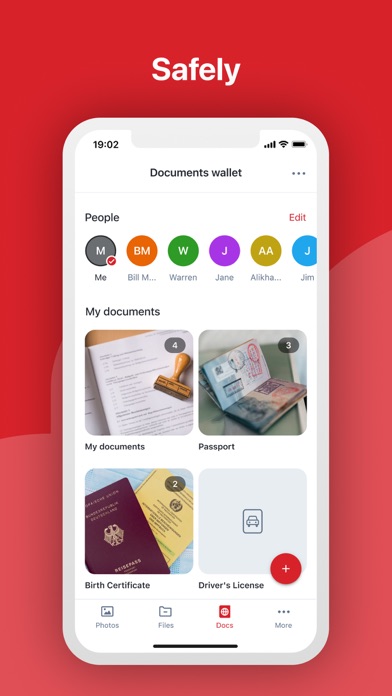
-Safely backup and restore your files
-Easily share files and folders with others
-Quickly view your favorite files offline with offline mode
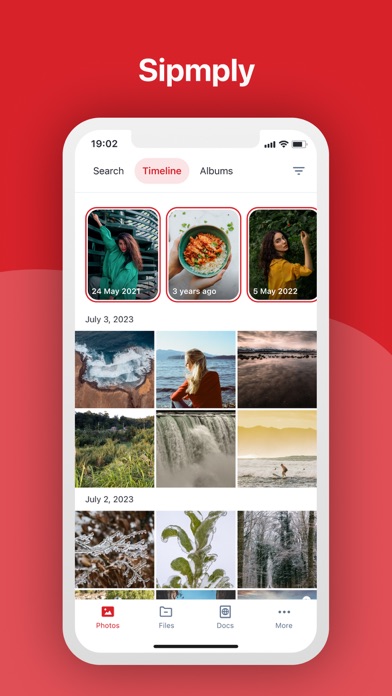
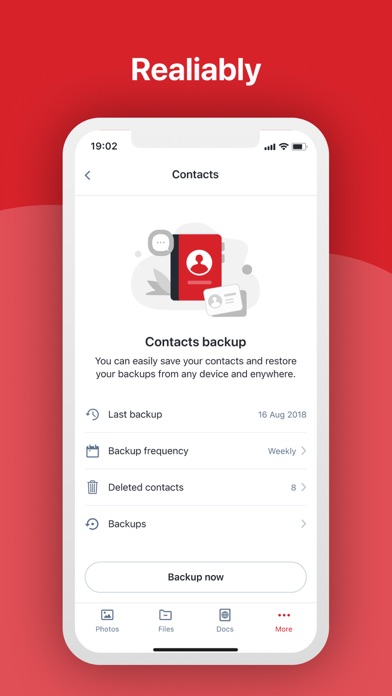
-Automatically backup your contacts, photos, and documents
-Create extra space on your device by cleaning uploaded photos with Memory Cleaner
-Search photos based on facial recognition
-Collaborate and share files with others through Family Cloud
We’re always excited to hear from you. Send your feedback, question, or any other concern by sending us email at cs@telkomsel.co.id, or mention to https://twitter.com/Telkomsel or post a wall on https://www.facebook.com/telkomsel