

Collage Creator: Photo Grids
Collage Creator: Photo Grids is made and published by Jonathan Brennecke. AppBrain is an independent app data site and isn't affiliated with Jonathan Brennecke. The app name, icon, screenshots and description belong to Jonathan Brennecke and are shown as published on the App Store.
AppBrain's verdict
- Rating on App Store
- 5.00
- 6 ratings
- Last updated
- May 1, 2023
It doesn't have enough ratings yet to judge what users think.
Rankings
App Store top chartsApp Store Rankings for Collage Creator: Photo Grids
Competitors
Similar apps and more from Jonathan BrenneckeAlternatives to Collage Creator: Photo Grids








More from Jonathan Brennecke

Releases
Updates seen on the App Store- Version
- 1.0.21
- Launched
- February 2022
No changelog data
User feedback
Ratings and reviews on the App StoreComments on Collage Creator: Photo Grids for iOS
We don't have enough comments to show example comments. Please check back later.
Technology
Found in the app by AppBrain- Price
- Free
- App size
- 15.4 MB
- Content rating
- Everyone
Technologies used by Collage Creator: Photo Grids
About the app and developer
About Collage Creator: Photo Grids
Collage Creator: Photo Grids is a photo & video app developed by Jonathan Brennecke.
What is the rating of Collage Creator: Photo Grids?
Collage Creator: Photo Grids is rated 5.00 out of 5 stars, based on 6 ratings.
Is Collage Creator: Photo Grids free?
Collage Creator: Photo Grids is free. The app size is 15.38 MB. The latest version available is 1.0.21. The last update was on May 1, 2023.
What are the requirements for Collage Creator: Photo Grids?
The app has a content rating of Everyone. The app has been available on the App Store since February 2022.
Developer information for Jonathan Brennecke
Address:
Frequently asked questions about Collage Creator: Photo Grids
Is Collage Creator: Photo Grids free?
Yes. Collage Creator: Photo Grids is free on the App Store.
Is Collage Creator: Photo Grids still available?
Yes. Collage Creator: Photo Grids is on the App Store, and the last update we saw was on May 1, 2023.
How large is Collage Creator: Photo Grids?
Collage Creator: Photo Grids is 15.38 MB.
Is Collage Creator: Photo Grids suitable for children?
App Store rates the content of Collage Creator: Photo Grids as suitable for everyone.
How do people rate Collage Creator: Photo Grids?
Collage Creator: Photo Grids scores 5.00 out of 5 stars, from 6 ratings on the App Store.
Who made Collage Creator: Photo Grids?
Collage Creator: Photo Grids was developed by Jonathan Brennecke. It is listed in the photo & video category on the App Store.
What are the best alternatives to Collage Creator: Photo Grids?
People looking at Collage Creator: Photo Grids also look at these photo & video apps: Transitions & Slideshow Maker, Albumm.ai, Remove Background - Pik Change, iPictureMaster, Photo Collage Grid Maker.
Store listing
By Jonathan Brennecke, from the App Store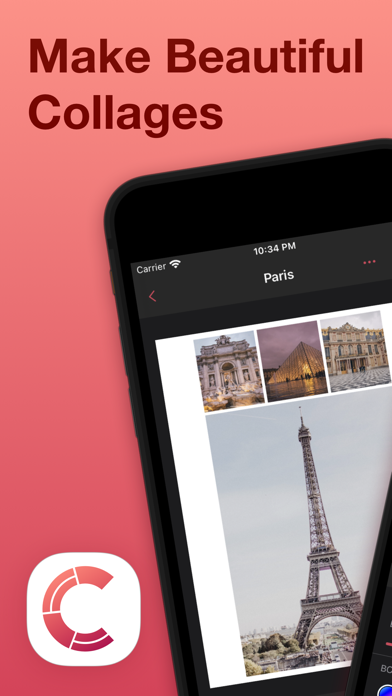

Description by Jonathan Brennecke Written by the developer, not by AppBrain. Click to read.
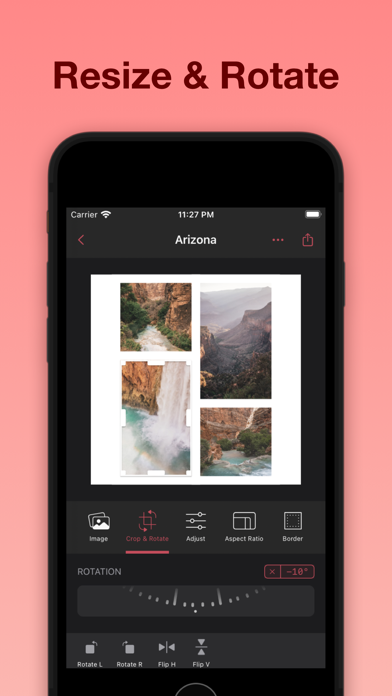
One of the best features of Collage Creator is its ability to work with both photos and videos. This means that you can easily create collages that incorporate both types of media, allowing you to tell a richer and more engaging story. With the ability to resize, rotate, zoom, and move images, you'll have complete control over the look and feel of your collage.
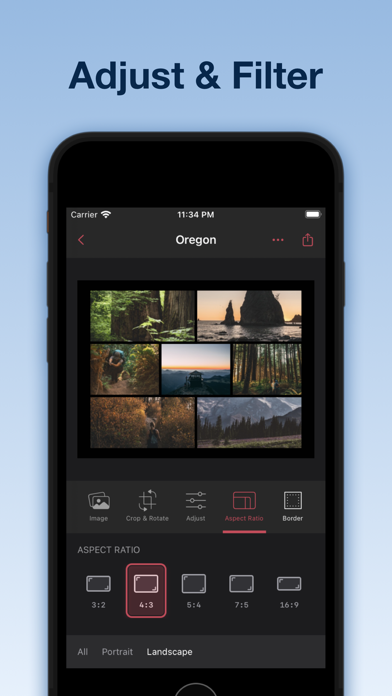
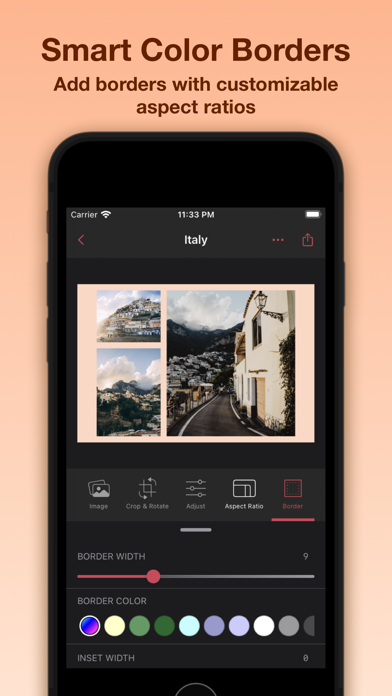
Collage Creator also offers a wide range of image controls that let you adjust exposure, contrast, and more. This means that you can fine-tune your images to get the perfect look and feel for your collage. And with smart colors generated to match the colors in your images, your collage will always look amazing.
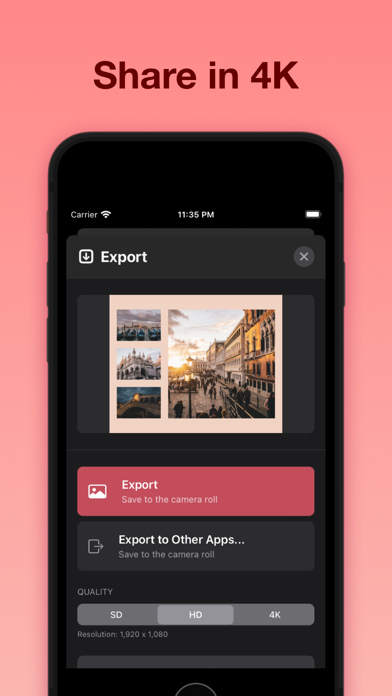
When it comes to sharing your creations, Collage Creator makes it easy. You can share your collages in 4k resolution, ensuring that they look their best no matter where you share them. And with the app's fast and lightweight design, you'll be able to create and share collages in no time.
Finally, privacy is a top priority with Collage Creator. Your images never leave your device, so you can rest assured that your data is always safe and secure. So why wait? Download Collage Creator today and start creating amazing collages that you'll be proud to share with the world.
Features:
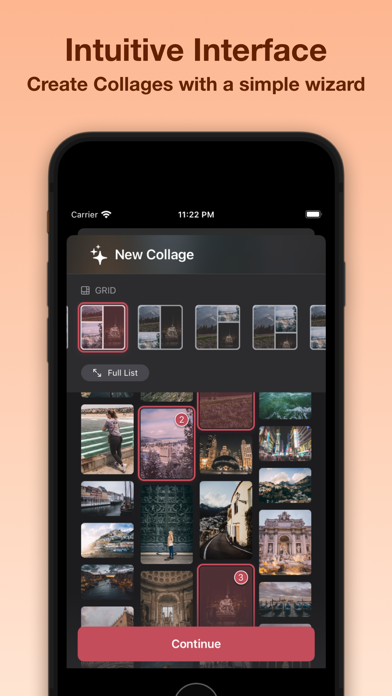
* Dozens of dynamic layout options
* Create collages with photos, videos, or both
* Resize, rotate, zoom, and move images
* Adjust exposure, contrast, and other image controls
* Share in 4k resolution
* Smart colors generated to match the colors in your images
* Fast and lightweight
* Privacy first, your images never leave your device
*** Collage Creator Pro ***
Unlock Collage Creator Pro with a subscription, or a one-time purchase that provides unlimited access to all the app’s functionality for the duration of your subscription period.
We offer 2 subscription options: annual and monthly. We also offer a one-time purchase to unlock the full functionality of Collage Creator Pro. The subscription options renew automatically at the end of the subscription period, unless cancelled 24-hours in advance. The subscription fee is charged to your AppStore account at confirmation of purchase. You can manage your subscription and turn off auto-renewal by going to your Settings after purchase. No cancellation of the current subscription is allowed during active period.
Terms and Conditions: https://jonbrennecke.com/collage-creator/terms-and-conditions
Privacy Policy: https://jonbrennecke.com/collage-creator/privacy-policy