

Colors AR
Colors AR is made and published by Wasim Tayara. AppBrain is an independent app data site and isn't affiliated with Wasim Tayara. The app name, icon, screenshots and description belong to Wasim Tayara and are shown as published on the App Store.
AppBrain's verdict
- Rating on App Store
- 4.00
- 4 ratings
- Last updated
- August 17, 2026
It doesn't have enough ratings yet to judge what users think.
Rankings
App Store top chartsApp Store Rankings for Colors AR
Competitors
Similar apps and more from Wasim TayaraAlternatives to Colors AR





More from Wasim Tayara


Releases
Updates seen on the App Store- Version
- 1.9
- Launched
- August 2024
No changelog data
User feedback
Ratings and reviews on the App StoreComments on Colors AR for iOS
We don't have enough comments to show example comments. Please check back later.
Technology
Found in the app by AppBrain- Price
- Free
- App size
- 6.25 MB
- Content rating
- Everyone
Technologies used by Colors AR
About the app and developer
About Colors AR
Colors AR is a graphics & design app developed by Wasim Tayara.
User Ratings
Colors AR is rated 4.00 out of 5 stars. The rating is based on 4 ratings.
App Information
Colors AR is freely available from the App Store. The app size is 6.25 MB. The latest version available is 1.9. The last update was on August 17, 2026.
Technical Requirements
The app has a content rating of Everyone. The app has been available on the App Store since August 2024.
Developer information for Wasim Tayara
Address:
Store listing
By Wasim Tayara, from the App Store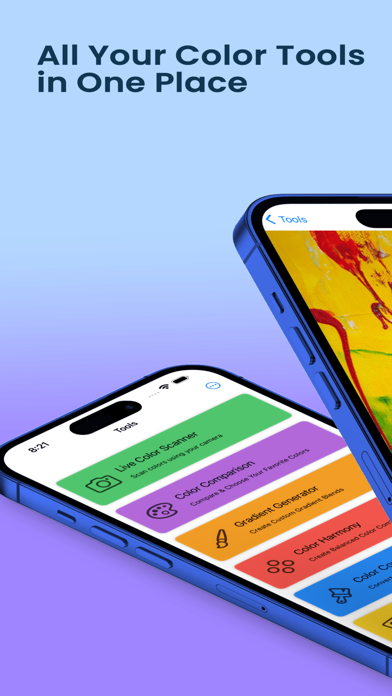


Description by Wasim Tayara Written by the developer, not by AppBrain. Click to read.
App Features:
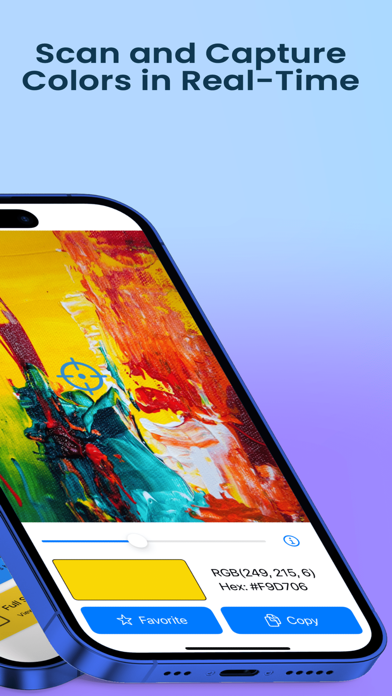
1. Live Color Scanner
Use your camera to scan and detect colors in real-time. The app displays the color in the center of the screen, allowing you to capture and identify colors instantly.
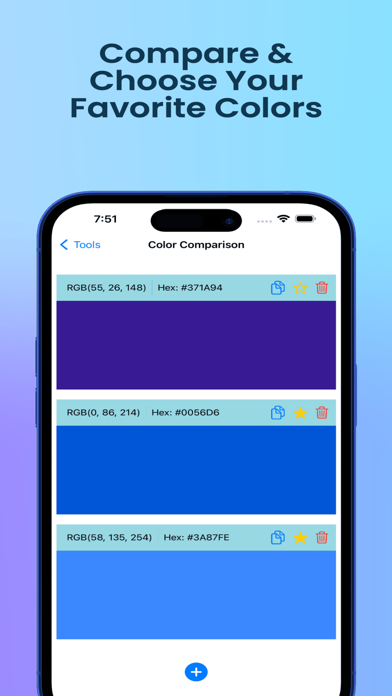
2. Color Comparison
Compare multiple colors side by side. You can easily add colors using the live scanner and see how they stack up against each other.
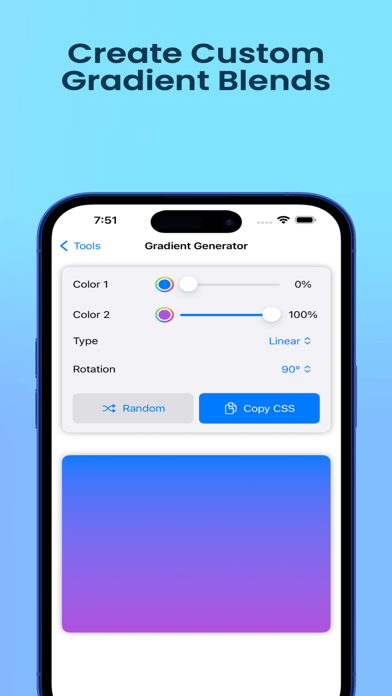
3. Gradient Generator
Create beautiful gradients by selecting multiple colors. Adjust the gradient direction and customize your designs with ease, then save your creations for future use.
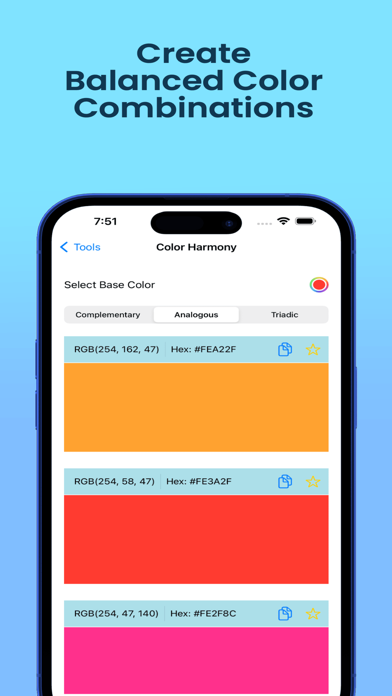
4. Color Harmony Tool
Discover harmonious color combinations based on a selected color. Choose from various harmony types like complementary, analogous, and triadic to find the perfect palette.
5. Color Converter
Easily convert colors between hex and RGB formats. Enter the color in one format and instantly see the result in the other, making it simple to work with different color codes.
6.Full-Screen Color Display
Display and customize a full-screen color with quick access to editing and saving options.
Terms of Use: https://www.apple.com/legal/internet-services/itunes/dev/stdeula/
Privacy Policy: https://boringapps.io/privacy-policy-colors-ar