

Contact & File Transfer Wizard
Contact & File Transfer Wizard is made and published by CyberValue LLC. AppBrain is an independent app data site and isn't affiliated with CyberValue LLC. The app name, icon, screenshots and description belong to CyberValue LLC and are shown as published on the App Store.
AppBrain's verdict
Established- Rating on App Store
- 4.70
- 33 ratings
- Last updated
- November 15, 2020
It doesn't have enough ratings yet to judge what users think.
Rankings
App Store top chartsApp Store Rankings for Contact & File Transfer Wizard
Competitors
Similar apps and more from CyberValue LLCAlternatives to Contact & File Transfer Wizard






More from CyberValue LLC



Also available on Google Play

Releases
Updates seen on the App Store- Version
- 2.0.3
- Launched
- May 2020
No changelog data
User feedback
Ratings and reviews on the App StoreComments on Contact & File Transfer Wizard for iOS
We don't have enough comments to show example comments. Please check back later.
Technology
Found in the app by AppBrain- Price
- Free
- App size
- 65.9 MB
- Content rating
- Everyone
Technologies used by Contact & File Transfer Wizard
About the app and developer
About Contact & File Transfer Wizard
Contact & File Transfer Wizard is an utilities app developed by CyberValue LLC.
User Ratings
Contact & File Transfer Wizard is rated 4.70 out of 5 stars. The rating is based on 33 ratings.
App Information
Contact & File Transfer Wizard is freely available from the App Store. The app size is 65.90 MB. The latest version available is 2.0.3. The last update was on November 15, 2020.
Technical Requirements
The app has a content rating of Everyone. The app has been available on the App Store since May 2020.
Developer information for CyberValue LLC
Address:
Store listing
By CyberValue LLC, from the App Store
Description by CyberValue LLC Written by the developer, not by AppBrain. Click to read.
Here are some feature we built into our App:
- No need for complicated network or Wifi connection setup
- Reliable file transfers.
- Reliable contact transfers.
- Photos and Videos automatically show in your photos app on the destination phone
- Optimized for ease of use and short self explaining UI
In case of any issue please contact the Developer directly using "Contact Developer" on this page also make sure you are:
- Granting app permission to external storage
- Using WiFi not Data
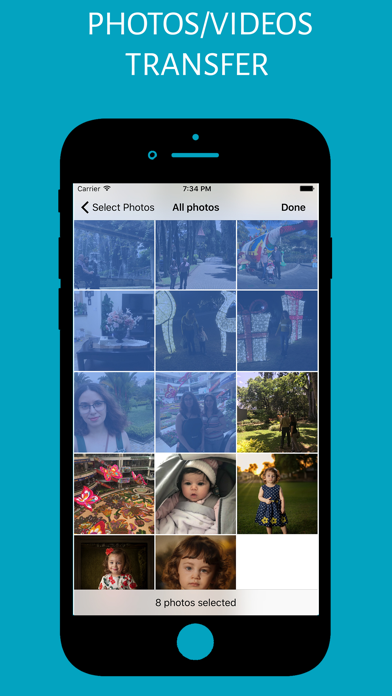
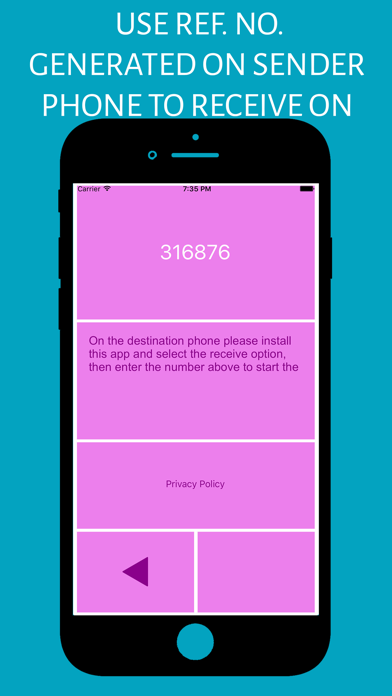
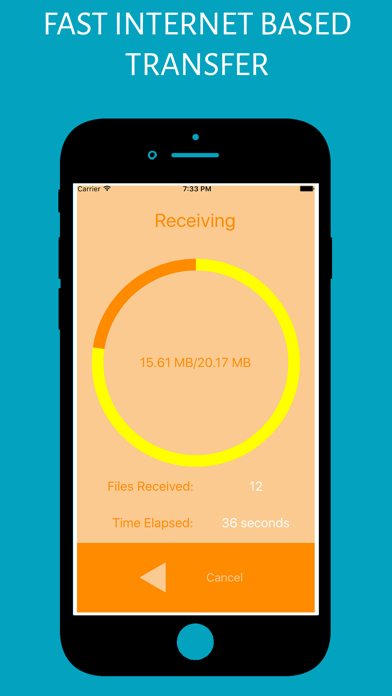
To transfer files choose the Send Photos/Video/Files and select files using one of the tools on your phone (some of the tools don't allow "Select All" so look for one that does, usually photos app does), then tap next to get Reference ID.
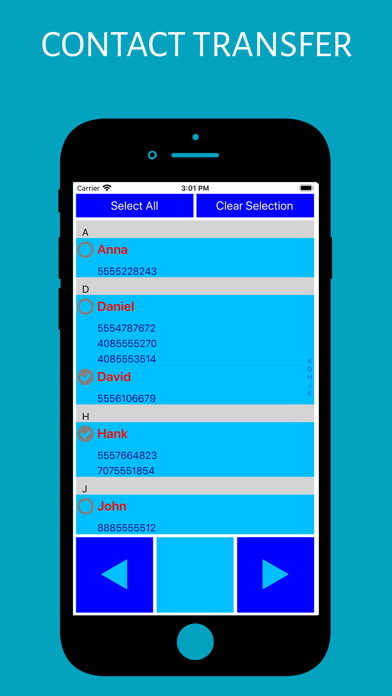
To transfer your contacts (phone number and names only) choose Send Contacts and select the contacts you want to send to the other device, then tap next to see the reference number. use that number to receive contacts on the other phone.
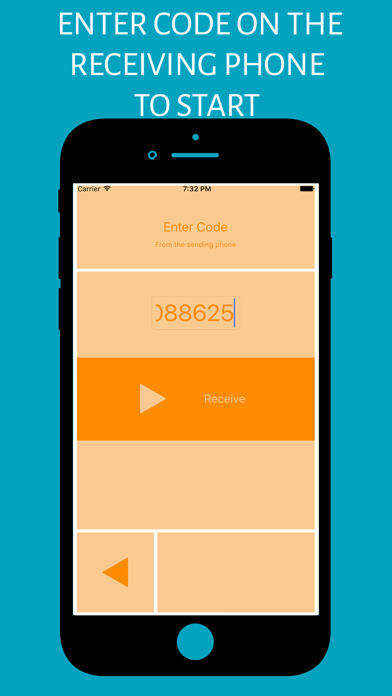
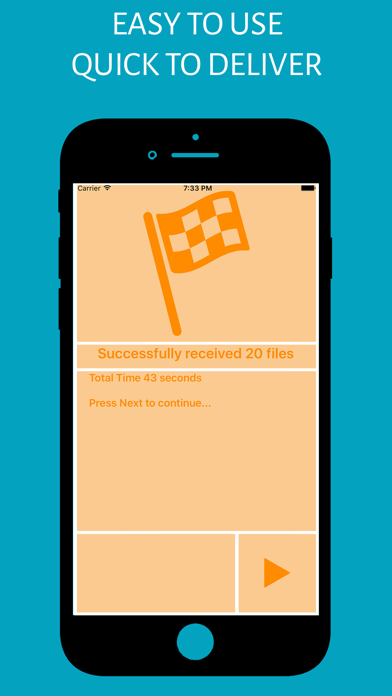
On the destination phone enter the reference ID to start the transfer process.