

Contact Hi
Contact Hi is made and published by Vandalay Industries. AppBrain is an independent app data site and isn't affiliated with Vandalay Industries. The app name, icon, screenshots and description belong to Vandalay Industries and are shown as published on the App Store.
AppBrain's verdict
- Best rank
- #97
- Top Paid, Czech Republic
- Last updated
- December 17, 2023
Rankings
App Store top charts- Highest rank
- #97
- Chart
- Top Paid
- Social Networking
- Country
- Czech Republic
App Store Rankings for Contact Hi
Top rankings
| Rank | Country | Category | List |
|---|---|---|---|
| 97 | Czech Republic | Social Networking | Top Paid |
Ranking history in Czech Republic
Competitors
Similar apps and more from Vandalay IndustriesMore from Vandalay Industries


Releases
Updates seen on the App Store- Version
- 1.1
- Launched
- January 2020
No changelog data
User feedback
Ratings and reviews on the App StoreComments on Contact Hi for iOS
We don't have enough comments to show example comments. Please check back later.
Technology
Found in the app by AppBrain- Price
- $0.99
- App size
- 3.24 MB
- Content rating
- Everyone
Technologies used by Contact Hi
About the app and developer
About Contact Hi
Contact Hi is a social networking app developed by Vandalay Industries.
User Ratings
The app has no ratings yet.
App Information
Contact Hi costs $0.99. The app size is 3.24 MB. The latest version available is 1.1. The last update was on December 17, 2023.
Technical Requirements
The app has a content rating of Everyone. The app has been available on the App Store since January 2020.
Developer information for Vandalay Industries
Address:
Store listing
By Vandalay Industries, from the App Store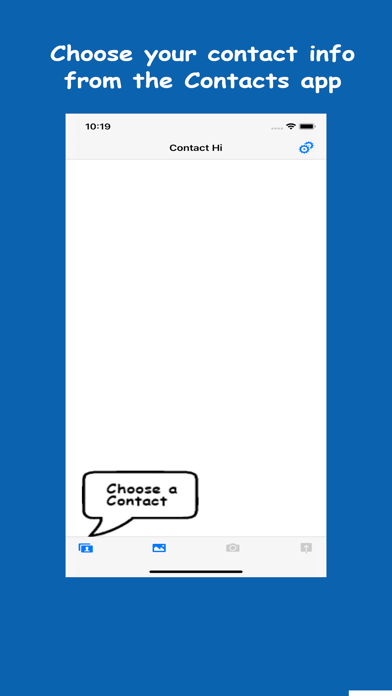
Description by Vandalay Industries Written by the developer, not by AppBrain. Click to read.
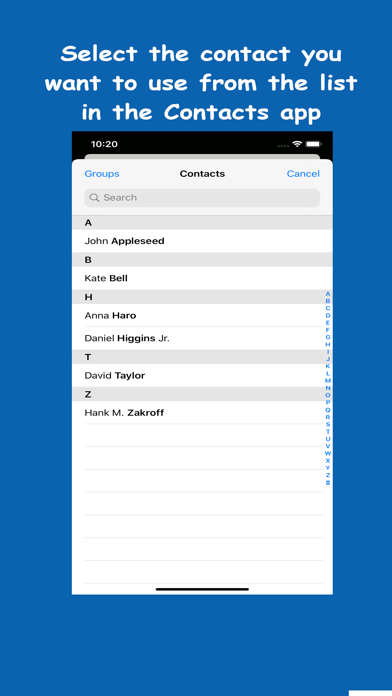
• Simply select your personal Contact card from your device's "Contacts" list
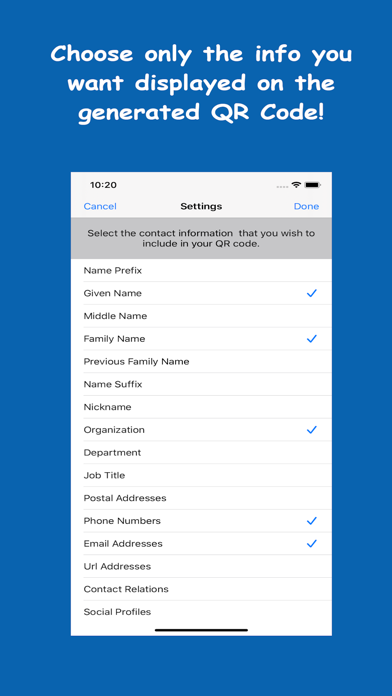
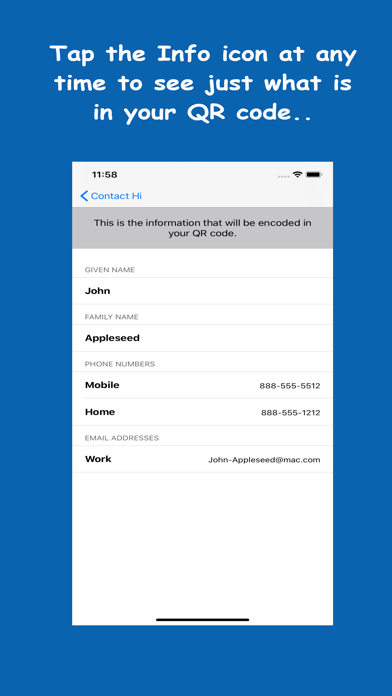
• Tap the Settings icon to control how much or how little info from your Contacts card you want to share. There might not be a need to share your birthday, or other details you wish to keep private.
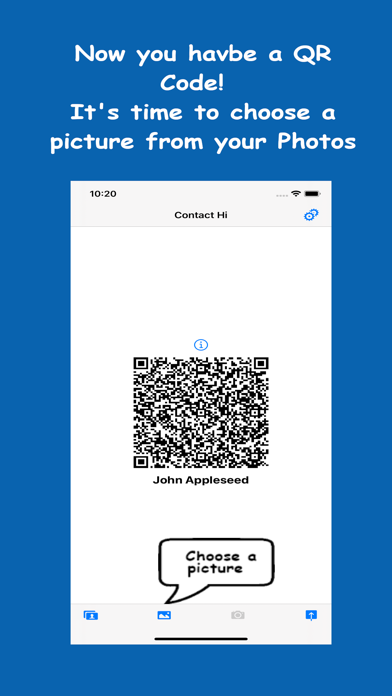
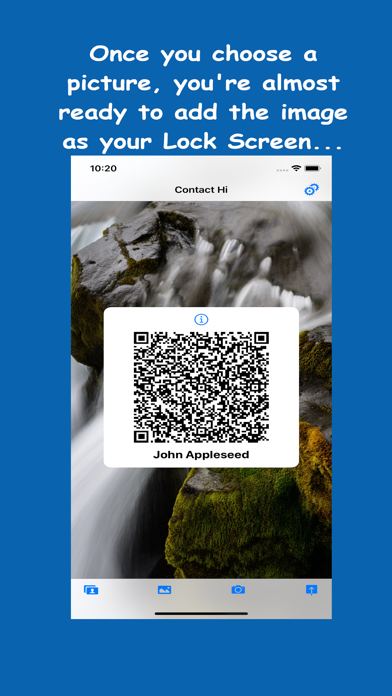
• A scannable QR code is then created. Every time you change a contact, or modify your Settings, a new QR code is generated.
* You can always see at a glance the info you have embedded in the QR code by tapping the "Info" icon above it.
• Select a picture from your Photos library to be displayed behind the QR code image. It is best to select a picture that does not contain a face, as this can sometimes confuse the iPhone scanner.
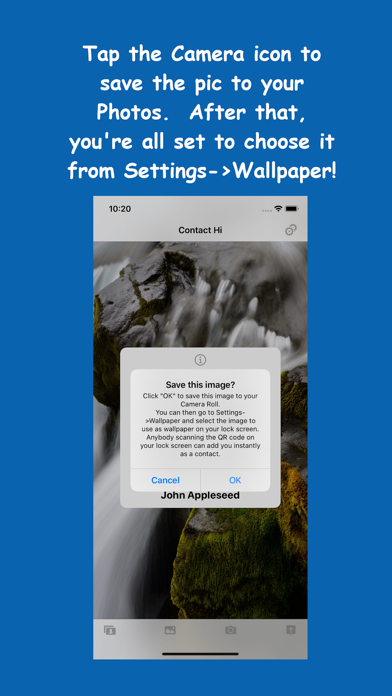
• Save the new combined image (QR Code and your backing image) to your Photos with one click of the camera icon.
• You can now go Settings->Wallpaper and set this new image to be your Lock Screen image. Now anyone can quickly scan your lock screen to add you as a contact!
• Great for conventions, business meetings, or group social events. As long as your Lock screen is visible, you don't need to do anything else to share your contact information with others!