

Contacts Backup Utility
Contacts Backup Utility is made and published by Ebrahim Rahban. AppBrain is an independent app data site and isn't affiliated with Ebrahim Rahban. The app name, icon, screenshots and description belong to Ebrahim Rahban and are shown as published on the App Store.
AppBrain's verdict
Established- Rating on App Store
- 4.60
- 5 ratings
- Last updated
- November 5, 2025
It doesn't have enough ratings yet to judge what users think.
Rankings
App Store top chartsApp Store Rankings for Contacts Backup Utility
Competitors
Similar apps and more from Ebrahim RahbanAlternatives to Contacts Backup Utility








More from Ebrahim Rahban


Releases
Updates seen on the App Store- Version
- 2.5
- Launched
- February 2019
No changelog data
User feedback
Ratings and reviews on the App StoreComments on Contacts Backup Utility for iOS
We don't have enough comments to show example comments. Please check back later.
Technology
Found in the app by AppBrain- Price
- $5.99
- App size
- 1.50 MB
- Content rating
- Everyone
Technologies used by Contacts Backup Utility
About the app and developer
About Contacts Backup Utility
Contacts Backup Utility is an utilities app developed by Ebrahim Rahban.
User Ratings
Contacts Backup Utility is rated 4.60 out of 5 stars. The rating is based on 5 ratings.
App Information
Contacts Backup Utility costs $5.99. The app size is 1.50 MB. The latest version available is 2.5. The last update was on November 5, 2025.
Technical Requirements
The app has a content rating of Everyone. The app has been available on the App Store since February 2019.
Developer information for Ebrahim Rahban
Address:
Frequently asked questions about Contacts Backup Utility
Is Contacts Backup Utility free?
No. Contacts Backup Utility costs $5.99 on the App Store.
Is Contacts Backup Utility still available?
Yes. Contacts Backup Utility is on the App Store, and the last update we saw was on November 5, 2025.
How large is Contacts Backup Utility?
Contacts Backup Utility is 1.50 MB.
Is Contacts Backup Utility suitable for children?
App Store rates the content of Contacts Backup Utility as suitable for everyone.
How do people rate Contacts Backup Utility?
Contacts Backup Utility scores 4.60 out of 5 stars, from 5 ratings on the App Store.
Who made Contacts Backup Utility?
Contacts Backup Utility was developed by Ebrahim Rahban. It is listed in the utilities category on the App Store.
What are the best alternatives to Contacts Backup Utility?
People looking at Contacts Backup Utility also look at these utilities apps: Snoop Cover - Mask Content, ManMouse Phone Master, Text Grabber: Image to text, Import & Export Contacts Excel, DeDuplicate - Cloud Cleaner.
Store listing
By Ebrahim Rahban, from the App Store




Description by Ebrahim Rahban Written by the developer, not by AppBrain. Click to read.
Your ultimate all-in-one contact management app for iPhone and iPad.
Easily back up, restore, clean, and manage your entire address book in one beautifully designed, privacy-focused app.
Whether you are switching devices, cleaning duplicates, or keeping your data safe, Contacts Backup Utility gives you full control over your contact list.
Key Features
• Universal Compatibility: Works seamlessly across iPhone and iPad.
• Local Backup: Save your contacts securely on your device. No cloud or server needed.
• Quick Restore: Restore any backup instantly with a single tap.
• Smart Export: Export contacts as vCard (.vcf) or CSV for easy sharing or transfer.
• Backup Comparison: Detect and recover contacts missing from your current phonebook.
• Duplicate Merge: Automatically find and merge duplicate contacts.
• Cleanup Tools: Identify and remove empty or incomplete contacts.
• Advanced Search: Instantly find contacts across all saved backups.
• Custom Backup: Choose exactly which fields to include in your backups.
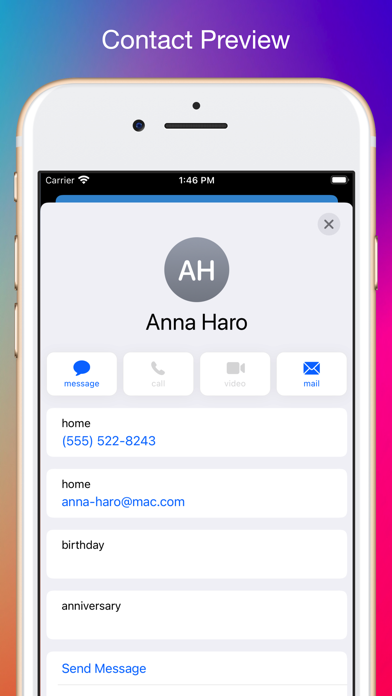
• iOS-Style Preview: Enjoy a familiar, native iOS interface when viewing contacts.
Why Users Love It
• 100% private. Your data never leaves your device.
• Fast, simple, and reliable.
• Perfect for anyone who values control, privacy, and organization.