

Container Inspection
Container Inspection is made and published by Maersk Container Industry. AppBrain is an independent app data site and isn't affiliated with Maersk Container Industry. The app name, icon, screenshots and description belong to Maersk Container Industry and are shown as published on the App Store.
AppBrain's verdict
- Last updated
- December 28, 2020
Rankings
App Store top chartsApp Store Rankings for Container Inspection
Competitors
Similar apps and more from Maersk Container IndustryAlternatives to Container Inspection






More from Maersk Container Industry


Also available on Google Play

Releases
Updates seen on the App Store- Version
- 3.5.0
- Launched
- November 2018
No changelog data
User feedback
Ratings and reviews on the App StoreComments on Container Inspection for iOS
We don't have enough comments to show example comments. Please check back later.
Technology
Found in the app by AppBrain- Price
- Free
- App size
- 24.7 MB
- Content rating
- Everyone
Technologies used by Container Inspection
About the app and developer
About Container Inspection
Container Inspection is a business app developed by Maersk Container Industry.
User Ratings
The app has no ratings yet.
App Information
Container Inspection is freely available from the App Store. The app size is 24.68 MB. The latest version available is 3.5.0. The last update was on December 28, 2020.
Technical Requirements
The app has a content rating of Everyone. The app has been available on the App Store since November 2018.
Developer information for Maersk Container Industry
Address:
Store listing
By Maersk Container Industry, from the App Store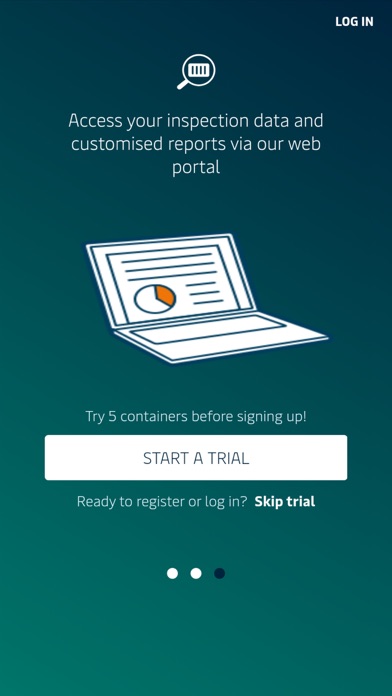
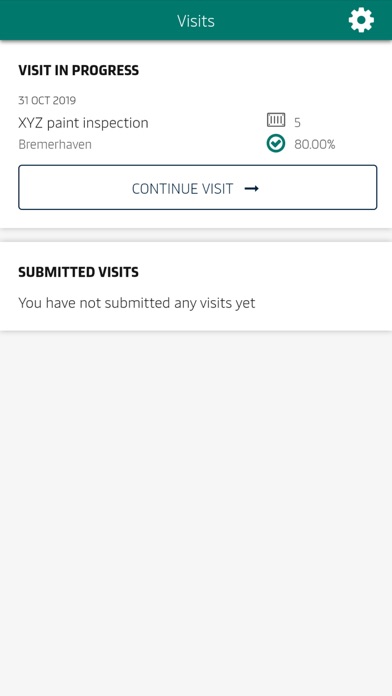
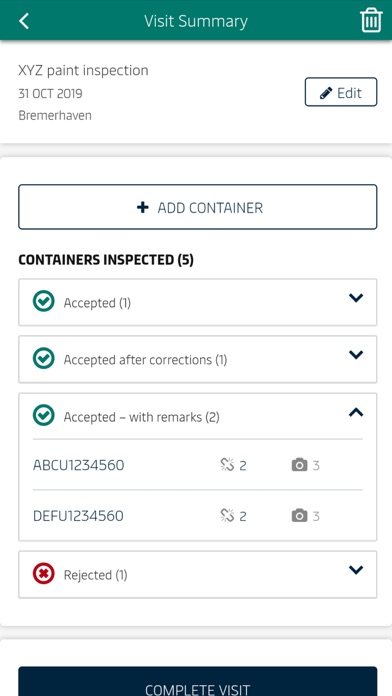
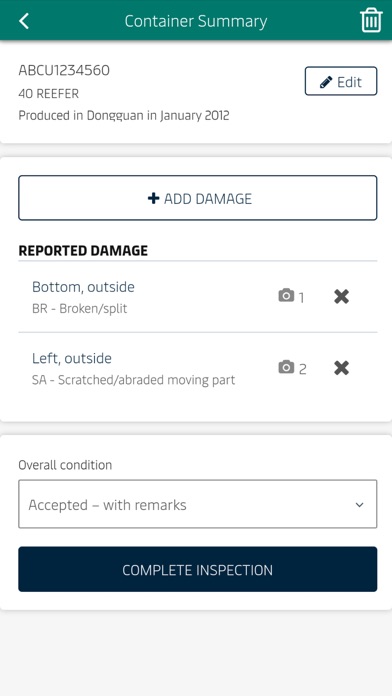
Description by Maersk Container Industry Written by the developer, not by AppBrain. Click to read.
The Container Inspection app will make this process much easier and more efficient!
- Inspect and rate large amounts of containers in individual, structured visits.
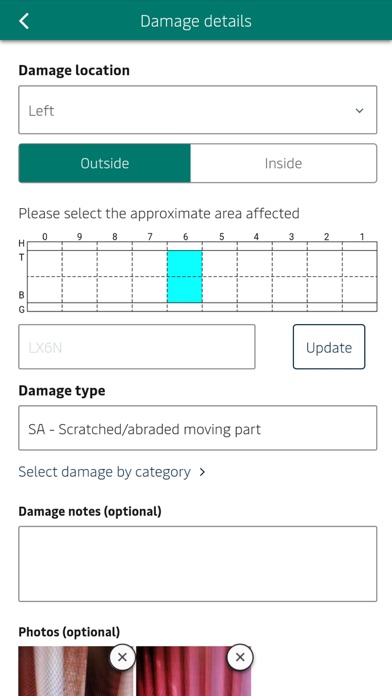
- Add details, identify damage types and locations and even include photos for each container.
- On submission of your visit, you can share your report from your device, as well as accessing the raw data from the Box Inspection portal, from where you can import your data into Excel, PowerBI, etc.