

Crane Finder is made and published by Liebherr. AppBrain is an independent app data site and isn't affiliated with Liebherr. The app name, icon, screenshots and description belong to Liebherr and are shown as published on the App Store.
AppBrain's verdict
- Last updated
- July 9, 2026
Rankings
App Store top chartsApp Store Rankings for Crane Finder
Competitors
Similar apps and more from LiebherrMore from Liebherr




Also available on Google Play

Releases
Updates seen on the App Store- Version
- 2.1.0
- Launched
- May 2024
No changelog data
User feedback
Ratings and reviews on the App StoreComments on Crane Finder for iOS
We don't have enough comments to show example comments. Please check back later.
Technology
Found in the app by AppBrain- Price
- Free
- App size
- 56.4 MB
- Content rating
- Everyone
Technologies used by Crane Finder
About the app and developer
About Crane Finder
Crane Finder is a business app developed by Liebherr.
What is the rating of Crane Finder?
Crane Finder has no ratings yet.
Is Crane Finder free?
Crane Finder is free. The app size is 56.37 MB. The latest version available is 2.1.0. The last update was on July 9, 2026.
What are the requirements for Crane Finder?
The app has a content rating of Everyone. The app has been available on the App Store since May 2024.
Developer information for Liebherr
Address:
Frequently asked questions about Crane Finder
Is Crane Finder free?
Yes. Crane Finder is free on the App Store.
Is Crane Finder still available?
Yes. Crane Finder is on the App Store, and the last update we saw was on July 9, 2026.
How large is Crane Finder?
Crane Finder is 56.37 MB.
Is Crane Finder suitable for children?
App Store rates the content of Crane Finder as suitable for everyone.
Who made Crane Finder?
Crane Finder was developed by Liebherr. It is listed in the business category on the App Store.
Store listing
By Liebherr, from the App Store
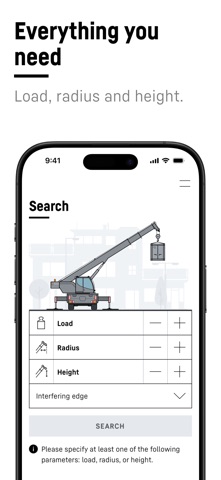
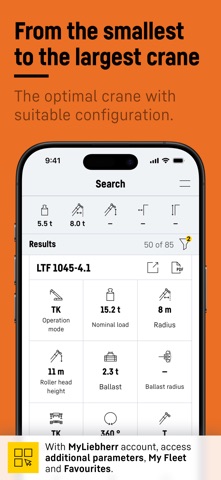
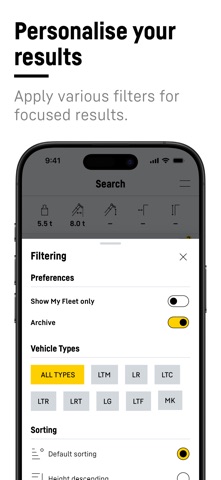
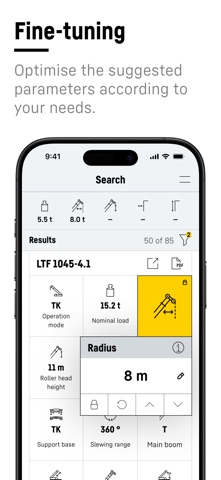

Description by Liebherr Written by the developer, not by AppBrain. Click to read.
Your fleet in view:
With the "My fleet" function, you can immediately see which cranes in the results list are already part of your crane fleet. These cranes are displayed at the top of the results list. This saves you valuable time when planning your deployment.
Practical favourites list:
As a crane operator, for example, you can define your favourites and limit the results list to the cranes you use most frequently. This saves time and increases efficiency.
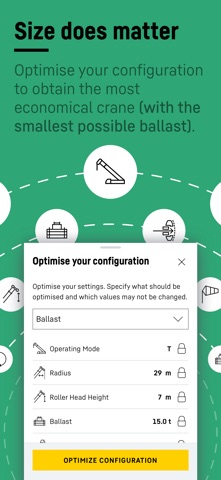
Optimise configuration:
Optimise the crane configuration fully automatically at the click of a button to save ballast and reduce transport costs, fuel consumption and CO2 emissions - sustainably and efficiently.
Action Pad:
Optimise your settings with the Action Pad! Navigate conveniently through values using the arrow keys or scroll function. Use the refresh function to restore the original configuration. See at a glance which value was previously selected.
Lock values:
Lock certain values so that they remain the same when other parameters are changed. Useful, for example, if you only have a certain amount of ballast available on site.
Register free of charge and without obligation in the MyLiebherr portal to gain access to the app's extended functions and thus make your crane selection even easier.
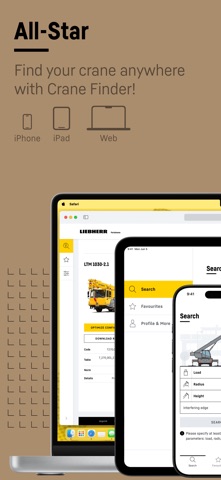
Download the Crane Finder app now and experience a new dimension in crane planning!