

CrewTracks
CrewTracks is made and published by Track It All Software, Inc. AppBrain is an independent app data site and isn't affiliated with Track It All Software, Inc. The app name, icon, screenshots and description belong to Track It All Software, Inc. and are shown as published on the App Store.
AppBrain's verdict
Established- Rating on App Store
- 3.81
- 36 ratings
- Last updated
- October 20, 2026
It doesn't have enough ratings yet to judge what users think.
Rankings
App Store top chartsApp Store Rankings for CrewTracks
Competitors
Similar apps and more from Track It All Software, Inc.Alternatives to CrewTracks


Releases
Updates seen on the App Store- Version
- 1.12.1
- Launched
- June 2016
No changelog data
User feedback
Ratings and reviews on the App StoreComments on CrewTracks for iOS
We don't have enough comments to show example comments. Please check back later.
Technology
Found in the app by AppBrain- Price
- Free
- App size
- 100.9 MB
- Content rating
- Everyone
Technologies used by CrewTracks
About the app and developer
About CrewTracks
CrewTracks is a business app developed by Track It All Software, Inc.
User Ratings
CrewTracks is rated 3.81 out of 5 stars. The rating is based on 36 ratings.
App Information
CrewTracks is freely available from the App Store. The app size is 100.87 MB. The latest version available is 1.12.1. The last update was on October 20, 2026.
Technical Requirements
The app has a content rating of Everyone. The app has been available on the App Store since June 2016.
Developer information for Track It All Software, Inc.
Address:
Store listing
By Track It All Software, Inc., from the App Store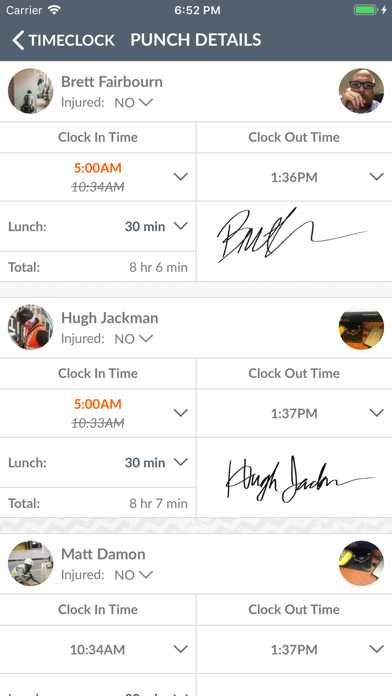


Description by Track It All Software, Inc. Written by the developer, not by AppBrain. Click to read.
Helps you keep track of jobs, time, production, documents, location, materials, and equipment.
Features:
* Time Clock
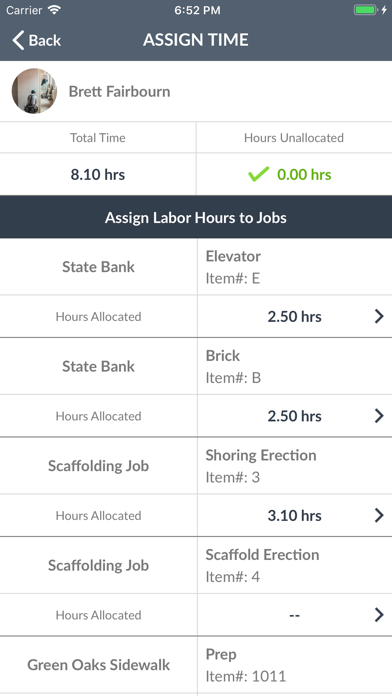
* Project Hours
* Job, Phases, and Percent complete
* Production Tracking
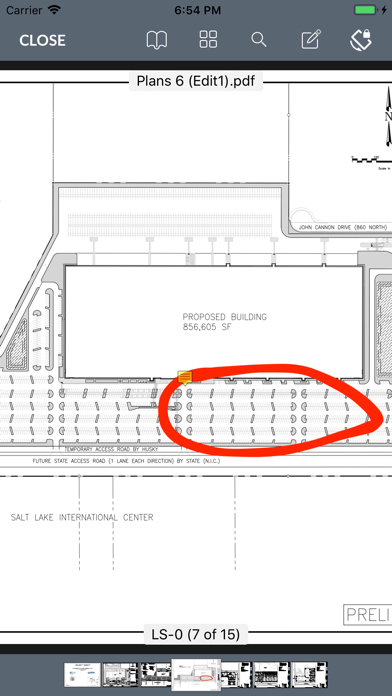
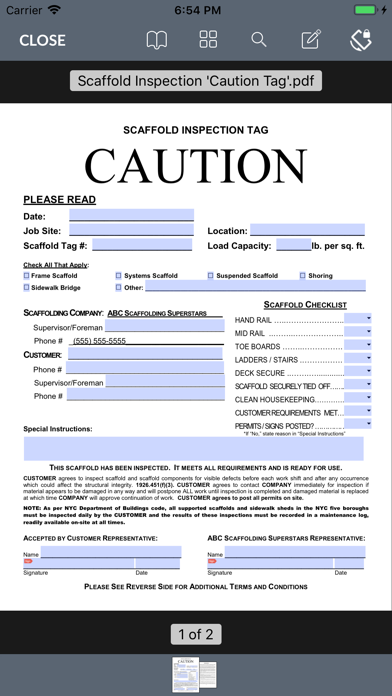
* Document Management
* Real-time Location (GPS)
* Job Sign-off
* Estimation of miles traveled between job sites
* Equipment
* Materials
* Job Photos
* Notes, Weather, etc.
Use this data to easily build daily job reports.
This application can track your location in the background and helps you keep track of your daily mileage. Continued use of GPS running in the background can dramatically decrease battery life.