

Crop Video Square Editor
Crop Video Square Editor is made and published by i-App Creation Co., Ltd. AppBrain is an independent app data site and isn't affiliated with i-App Creation Co., Ltd. The app name, icon, screenshots and description belong to i-App Creation Co., Ltd. and are shown as published on the App Store.
AppBrain's verdict
EstablishedLoved by users- Rating on App Store
- 4.75
- 19,660 ratings
- Last updated
- January 17, 2026
Users love it: 4.8 stars from 19,660 ratings.
Rankings
App Store top chartsApp Store Rankings for Crop Video Square Editor
Competitors
Similar apps and more from i-App Creation Co., Ltd.Alternatives to Crop Video Square Editor





More from i-App Creation Co., Ltd.


Releases
Updates seen on the App Store- Version
- 4.5.1
- Launched
- January 2014
No changelog data
User feedback
Ratings and reviews on the App StoreComments on Crop Video Square Editor for iOS
We don't have enough comments to show example comments. Please check back later.
Technology
Found in the app by AppBrain- Price
- Free
- App size
- 124.9 MB
- Content rating
- Everyone
Technologies used by Crop Video Square Editor
About the app and developer
About Crop Video Square Editor
Crop Video Square Editor is a photo & video app developed by i-App Creation Co., Ltd.
What is the rating of Crop Video Square Editor?
Crop Video Square Editor is rated 4.75 out of 5 stars, based on 20 thousand ratings.
Is Crop Video Square Editor free?
Crop Video Square Editor is free. The app size is 124.91 MB. The latest version available is 4.5.1. The last update was on January 17, 2026.
What are the requirements for Crop Video Square Editor?
The app has a content rating of Everyone. The app has been available on the App Store since January 2014.
Developer information for i-App Creation Co., Ltd.
Address:
Store listing
By i-App Creation Co., Ltd., from the App Store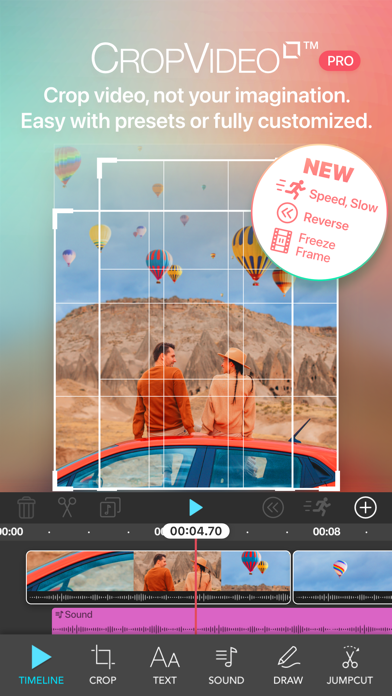

Description by i-App Creation Co., Ltd. Written by the developer, not by AppBrain. Click to read.
CropVideoSquare™ gives you incredibly quick and easy ways to pinch, zoom, drag and crop! anywhere
on your video to square size in just a few sec.
Give Keyframe creative in your videos without limits!
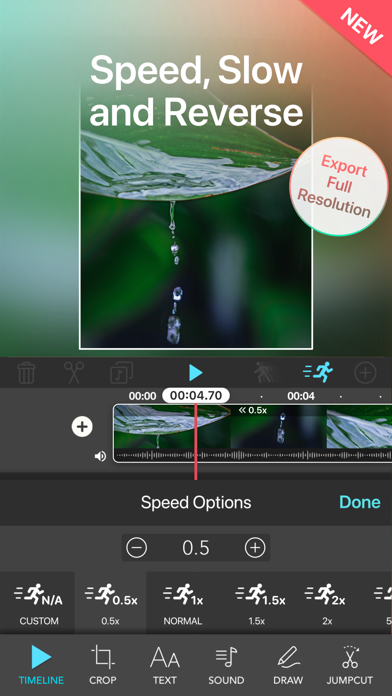
Make your videos fun and amazing with adding speed or slow motion, reverse, freeze frames.
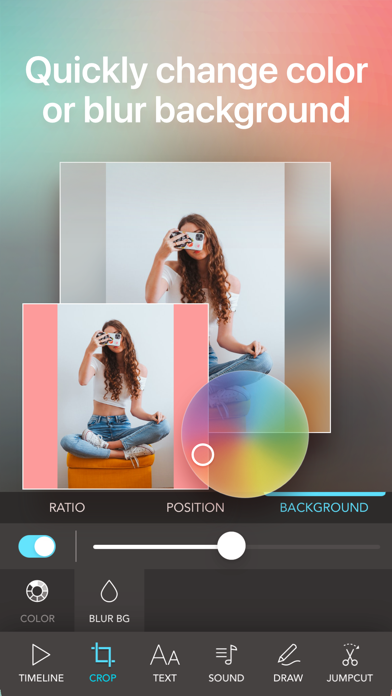
Adjust video position, resize, rotate and fill background with colors
Flip your video Horizontally and Vertically and Export with full resolution or optimized size as you require.
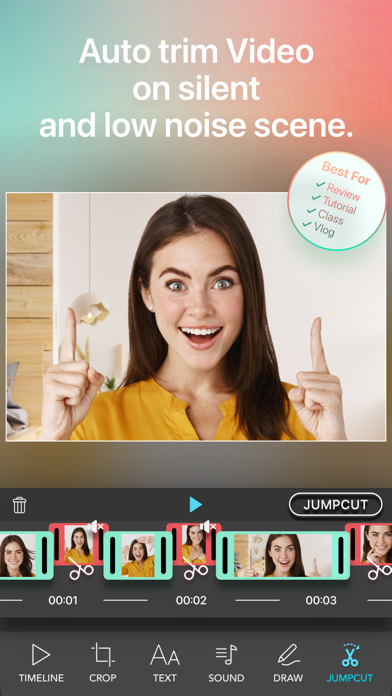
Easily Cut silent and low noise clip in video with single tap.
We have designed a new Timeline Dashboard that makes Crop Video Square Flexible and Powerful on video editing but we still keep a simple and fast workflow for video cropping.
KEY FEATURES
- All done in just a few sec.
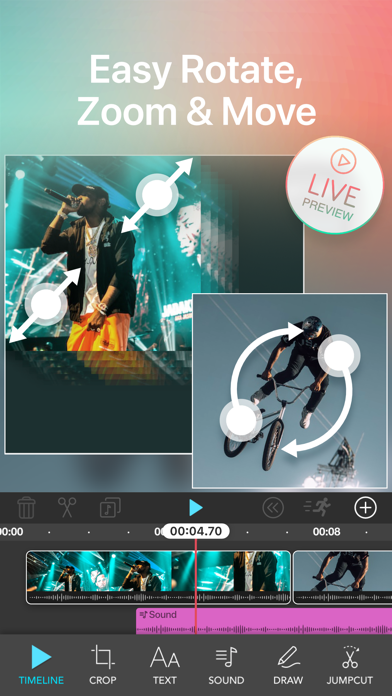
- Pinch to zoom in, zoom out video.
- Rotate Video.
- Drag your video to select position.
- Crop your video.
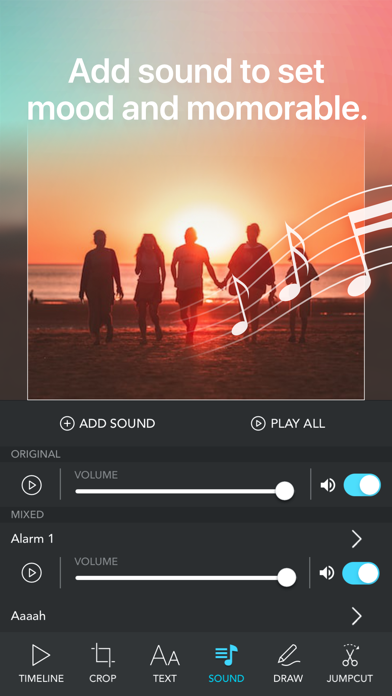
- Add music up to 10 songs on video
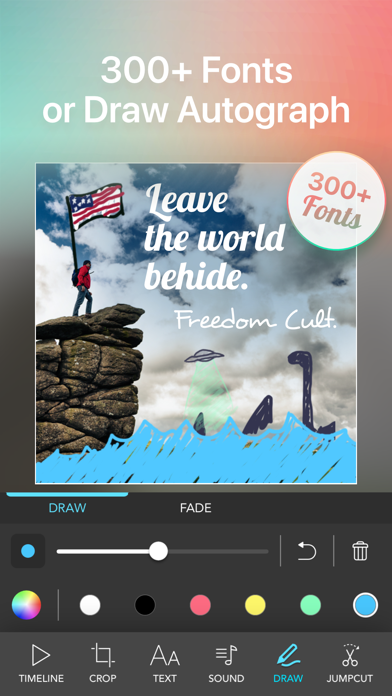
- Add imagination with brush size, color and opacity
- Reset button. Back to original.
- Preview video before share or save.
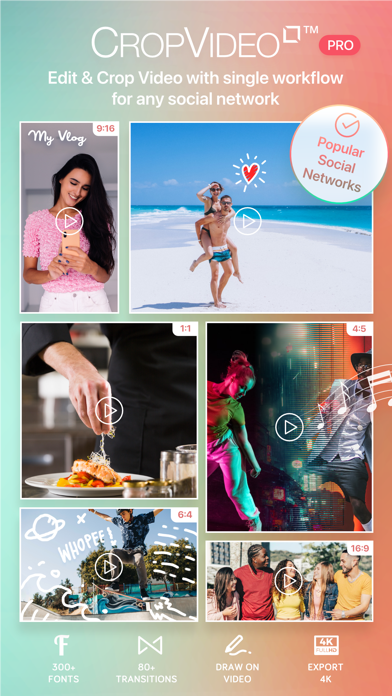
- Export Video with full resolution or select preset to fit popular social media platforms such as facebook post,Your story,TikTok and many more.
MORE FEATURES
- New! Voice recording and select sound effects that fit the voice acting.
- New! Manage multiple Video and Photo projects, all in one page.
- Gorgeous and Easy-to-use UI New Optimized
- Keyframe creating stunning videos by using zoom or move never been this easy!
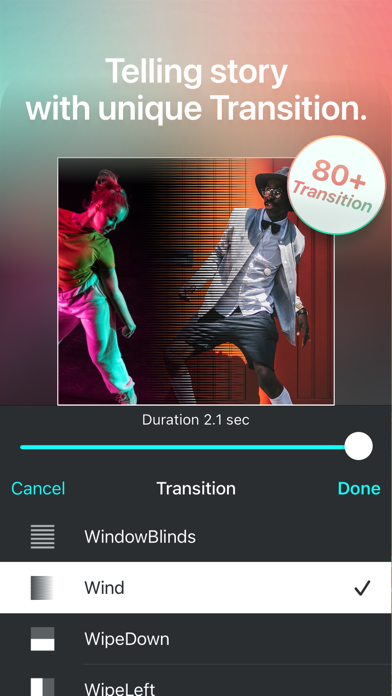
- Video Transitions
- Import video from another app using Share Extension and Action Extension
- Split and Trim precisely on timeline.
- Position your video on canvas freely with Snap to center and border.
- JumpCut with a single tap.
- Flip video Vertically and Horizontally
- Non-Square ratio and Original Photo and Video Ratio Support
- Live Preview for Quicker Video Preview before export
- Export Hi-Resolution Video!
- Photo and Video iOS Extension
- Powerful Text Management
- Blur Background
- Font Pack Added available for Purchase
- Draw on video add imagination with brush
MILLION PEOPLE LOVED CropVideoSquare™
"I alway had a problem with fitting the whole video. Well not anymore it solves the problem for you.”
"Just started. Rotated and cropped a video and added title text. Super smooth app!”
"Really easy to use and the possibilities of cropping are endless!”
"I recommend this app for anyone who has Instagram.”
CropVideoSquare Pro
With a CropVideoSquare Pro subscription, you have unlimited access to all features
Watermark and advertisements will be removed automatically
Unlimited access to Blur background feature
Unlimited access to Add Music and All Sound Effect feature
Unlimited access to Draw feature
Unlimited access to All fonts
Unlimited access to JumpCut
Unlimited access to All Transition
We have both monthly and yearly subscriptions available.
Monthly Subscription - Free 3 days trial Followed by subscription priced at $1.49 / Month
Yearly Subscription - Yearly : $9.99
This subscription automatically renews for $1.49 a month after 3 days free trial. You can cancel anytime.
If you upgrade to the CropVideoSquare PRO subscription, payment will be charged to your iTune account. And your account will be charged for renewal 24-hours prior to the endow the current period. Subscriptions may be managed by you and auto-renewal may be turned off by going to the your Account Settings after purchase. Any unused portion of a free trial period, if offered, will be forfeited when you purchase a subscription.
Terms of use : https://www.iappcreation.com/terms-and-conditions-of-use