It doesn't have enough ratings yet to judge what users think.
Cross Filter is made and published by
Masanori Katsuta.
AppBrain is an independent app data site and isn't affiliated with Masanori Katsuta.
The app name, icon, screenshots and description belong to Masanori Katsuta and are shown as
published on the App Store.
About Cross Filter
Cross Filter is a photo & video app developed by Masanori Katsuta.
What is the rating of Cross Filter?
Cross Filter is rated 1.00 out of 5 stars, based on one rating ratings.
Is Cross Filter free?
Cross Filter costs $2.99. The app size is 6.73 MB. The latest version available is 1.0.3. The last update was on March 26, 2024.
What are the requirements for Cross Filter?
The app has a content rating of Everyone. The app has been available on the App Store since June 2022.
Description by Masanori Katsuta(from the App Store)
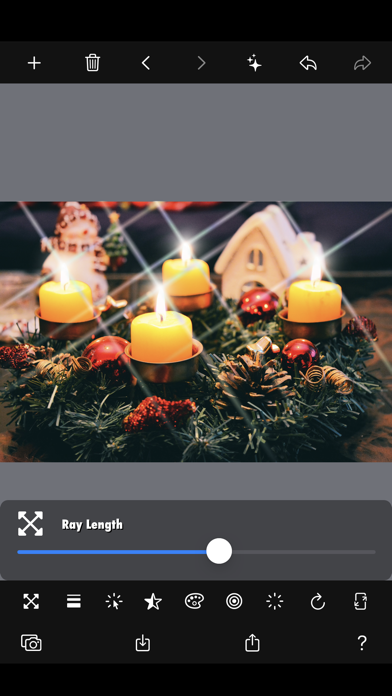
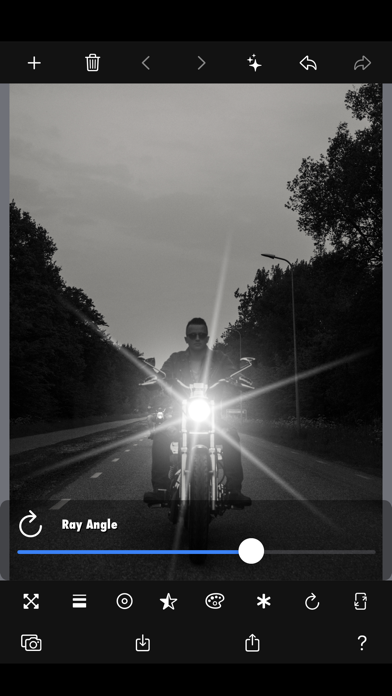
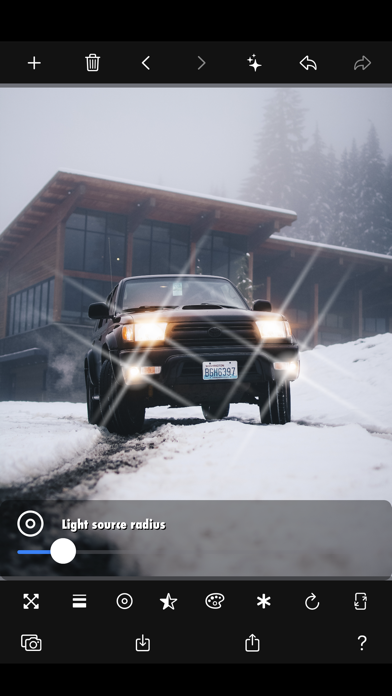
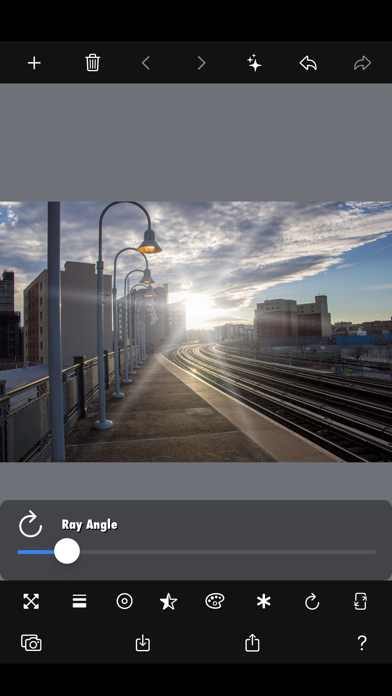
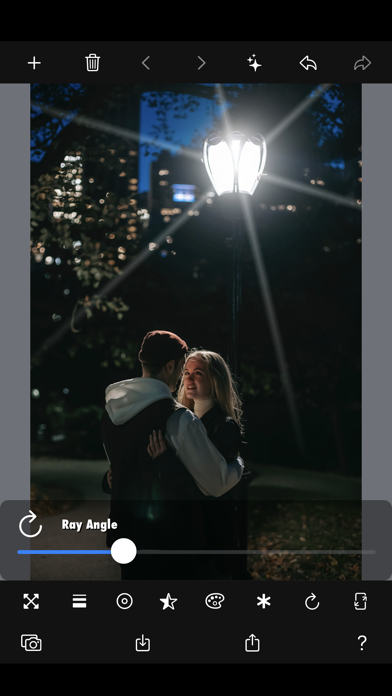
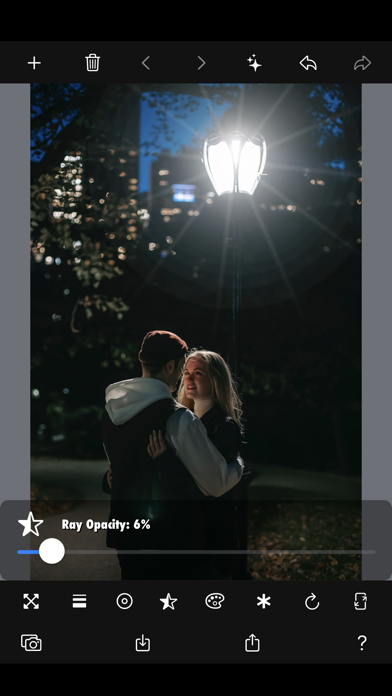
● You can add a beautiful "cross filter effect" to photos such as night views and illuminations. ● The beautiful rays emitted from light sources such as lighting give a stylish "glitter effect" to monotonous and dark photographs. ● It is also effective for light such as reflections on the water surface, sunbeams, and candle flames. ● You can apply a "rainbow effect" that makes lighting, illuminations, candles, etc. look beautiful.
[Disadvantages of conventional glitter apps] - Since the glitter effect is automatic, you cannot edit it freely. - Most of the photos have too many cross rays, which makes the photos unattractive. - No detailed settings can be made for each light source.
[Advantages of this app] - Cross filter effect can be applied only to llight sources that you want to add glitter effect. - You can set the length, width, color, transmission rate, number, angle, etc. of the light beam as you like. - You can apply the beautiful "rainbow effect" unique to the cross filter effect. - Easy operation by swiping or pinching allows quick editing without stress. - Even with simple manual editing, the result is a pretty beautiful photo. - It will not be an unattractive photo with too much glitter.
[Source] - Camera shooting: Photo - Camera roll: Photo - Paste image: Copy and paste a web image - File sharing: Can be sent from AirDrop, SNS, and other apps
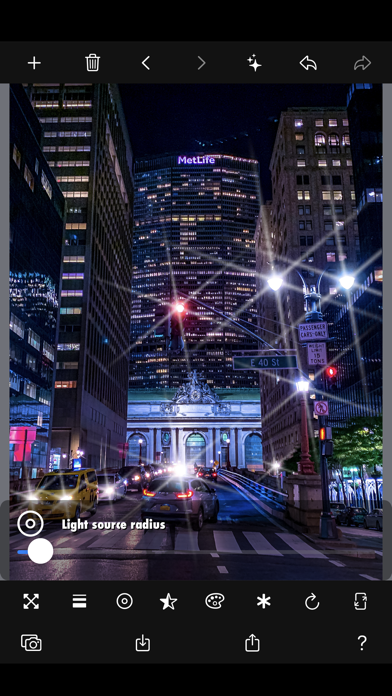
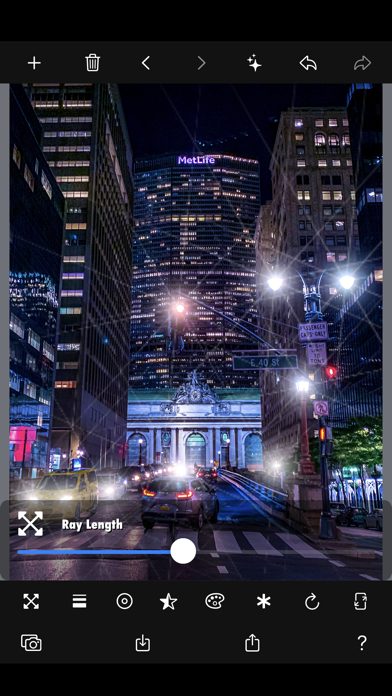
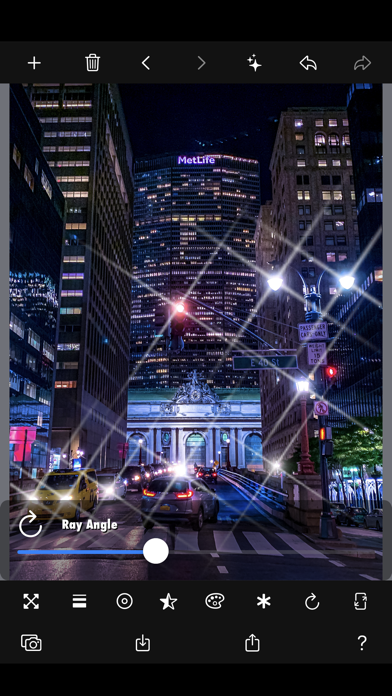
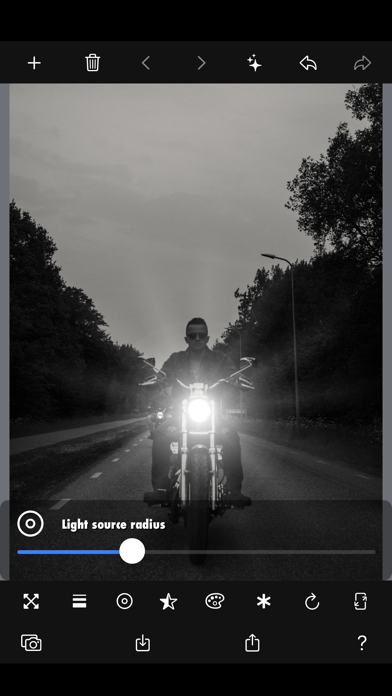
[Cross filter effect] * All rays can be edited at once. - Ray length - Ray width - Light source radius - Impermeability - Light color - Rainbow Effect - Number of rays (4, 6, 8, 10, ...) - Ray angle - Save resolution: 20-100% of the original resolution
[Touch operation] * All rays can be edited at once. - Long press: Add new ray - Swipe: Movement of light rays - Pinch-in / pinch-out: Edit the same ratio of ray length, width, and radius
[Output] - Save to camera roll: Photo - Sharing videos and photos: AirDrop, LINE, Facebook, Dropbox, Instagram, ...
Each subscription will automatically renew 3 days before the expiration date for
the same time period. Subscriptions can be cancelled at any time before the renewal.