

CSV Touch is made and published by Ozymandias. AppBrain is an independent app data site and isn't affiliated with Ozymandias. The app name, icon, screenshots and description belong to Ozymandias and are shown as published on the App Store.
AppBrain's verdict
Established- Rating on App Store
- 4.75
- 16 ratings
- Last updated
- August 17, 2023
It doesn't have enough ratings yet to judge what users think.
Rankings
App Store top chartsApp Store Rankings for CSV Touch
Competitors
Similar apps and more from OzymandiasAlternatives to CSV Touch







More from Ozymandias


Releases
Updates seen on the App Store- Version
- 4.6.3
- Launched
- February 2019
No changelog data
User feedback
Ratings and reviews on the App StoreComments on CSV Touch for iOS
We don't have enough comments to show example comments. Please check back later.
Technology
Found in the app by AppBrain- Price
- $1.99
- App size
- 1.74 MB
- Content rating
- Everyone
Technologies used by CSV Touch
About the app and developer
About CSV Touch
CSV Touch is an utilities app developed by Ozymandias.
What is the rating of CSV Touch?
CSV Touch is rated 4.75 out of 5 stars, based on 16 ratings.
Is CSV Touch free?
CSV Touch costs $1.99. The app size is 1.74 MB. The latest version available is 4.6.3. The last update was on August 17, 2023.
What are the requirements for CSV Touch?
The app has a content rating of Everyone. The app has been available on the App Store since February 2019.
Developer information for Ozymandias
Address:
Frequently asked questions about CSV Touch
Is CSV Touch free?
No. CSV Touch costs $1.99 on the App Store.
Is CSV Touch still available?
Yes. CSV Touch is on the App Store, and the last update we saw was on August 17, 2023.
How large is CSV Touch?
CSV Touch is 1.74 MB.
Is CSV Touch suitable for children?
App Store rates the content of CSV Touch as suitable for everyone.
How do people rate CSV Touch?
CSV Touch scores 4.75 out of 5 stars, from 16 ratings on the App Store.
Who made CSV Touch?
CSV Touch was developed by Ozymandias. It is listed in the utilities category on the App Store.
What are the best alternatives to CSV Touch?
People looking at CSV Touch also look at these utilities apps: Tunetag Editor, Bookmark To File, WIFI Clip - Send Clipboard, CoreMotion Data Recorder, LinkBridge - Share links easy.
Store listing
By Ozymandias, from the App Store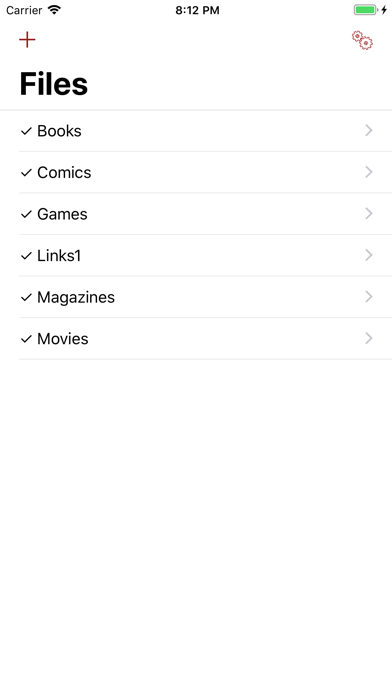

Description by Ozymandias Written by the developer, not by AppBrain. Click to read.
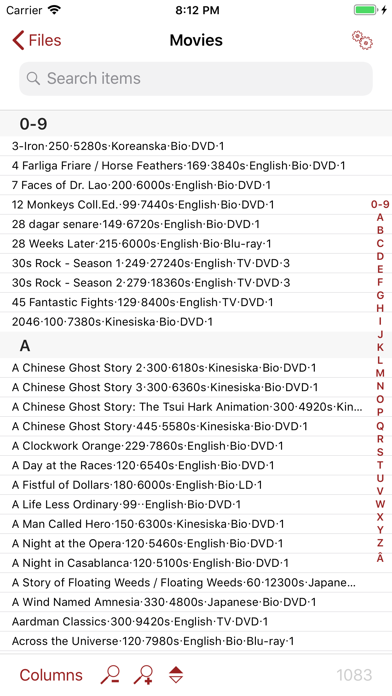
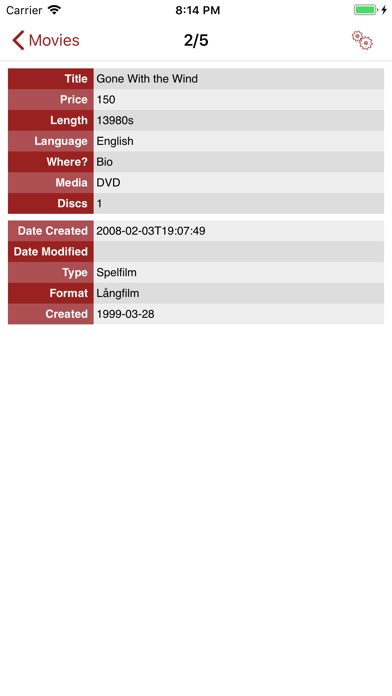
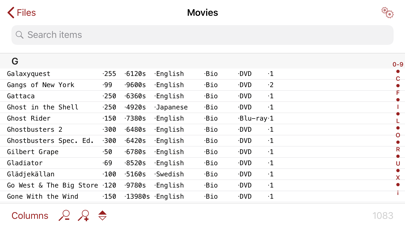
CSV Touch works by reading CSV files, a file format which almost all databases and applications like Excel, Filemaker, Access, Bento and others can export to. To get the CSV files on your iPhone/iPad/iPod Touch, you can import them from the local 'Files' app and all the cloud storage it supports, from attachments, directly from the internet, and other ways. And if you download the files directly from internet, it is trivial to download again in case the file has been updated (manually or at regular scheduled intervals). Once read, the app allows for highly customised ways of how to look at the data.
Note that CSV Touch does not allow editing of your database; it is intended to be a versatile app for searching and visualising your data. See http://csvtouch.wordpress.com for more information and screenshots. If you think CSV Touch might be for you but are not sure, you can try CSV Lite which is free but restricted (only 1 CSV file with 150 items).
FEATURES
- Download CSV files from almost anywhere
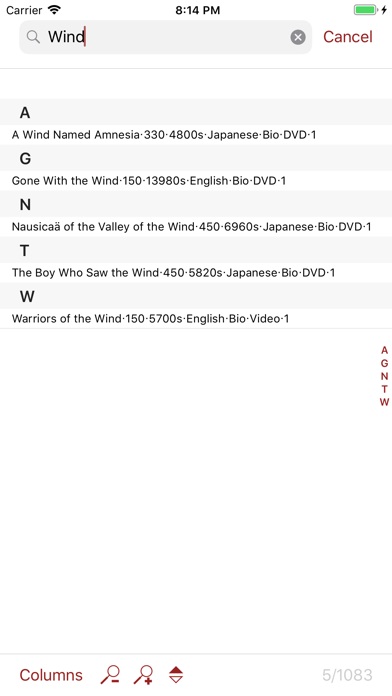
- Fast search and sorting of items
- Support for links in your data (click web address to open Safari, phone number to make a call, email address to open Mail)
- Support for showing pictures from the web inside the application (requires internet connection)
- Handles any number of files
- Custom CSS support for visualising single items
- Supports ",", ";", "|", space, or tab as column separator
- Handles all languages, including Japanese (requires UTF8 encoding; other encodings might also work)