

Cursive Logo Maker for Cricut
Cursive Logo Maker for Cricut is made and published by Vijay Hirpara. AppBrain is an independent app data site and isn't affiliated with Vijay Hirpara. The app name, icon, screenshots and description belong to Vijay Hirpara and are shown as published on the App Store.
AppBrain's verdict
- Rating on App Store
- 4.67
- 12 ratings
- Last updated
- January 19, 2022
It doesn't have enough ratings yet to judge what users think.
Rankings
App Store top chartsApp Store Rankings for Cursive Logo Maker for Cricut
Competitors
Similar apps and more from Vijay HirparaAlternatives to Cursive Logo Maker for Cricut








More from Vijay Hirpara





Releases
Updates seen on the App Store- Version
- 1.0
- Launched
- January 2022
No changelog data
User feedback
Ratings and reviews on the App StoreComments on Cursive Logo Maker for Cricut for iOS
We don't have enough comments to show example comments. Please check back later.
Technology
Found in the app by AppBrain- Price
- Free
- App size
- 104.8 MB
- Content rating
- Everyone
Technologies used by Cursive Logo Maker for Cricut
About the app and developer
About Cursive Logo Maker for Cricut
Cursive Logo Maker for Cricut is a photo & video app developed by Vijay Hirpara.
What is the rating of Cursive Logo Maker for Cricut?
Cursive Logo Maker for Cricut is rated 4.67 out of 5 stars, based on 12 ratings.
Is Cursive Logo Maker for Cricut free?
Cursive Logo Maker for Cricut is free. The app size is 104.79 MB. The latest version available is 1.0. The last update was on January 19, 2022.
What are the requirements for Cursive Logo Maker for Cricut?
The app has a content rating of Everyone. The app has been available on the App Store since January 2022.
Developer information for Vijay Hirpara
Address:
Store listing
By Vijay Hirpara, from the App Store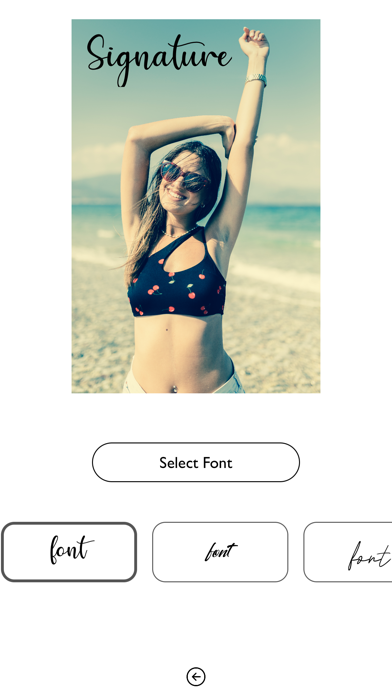
Description by Vijay Hirpara Written by the developer, not by AppBrain. Click to read.
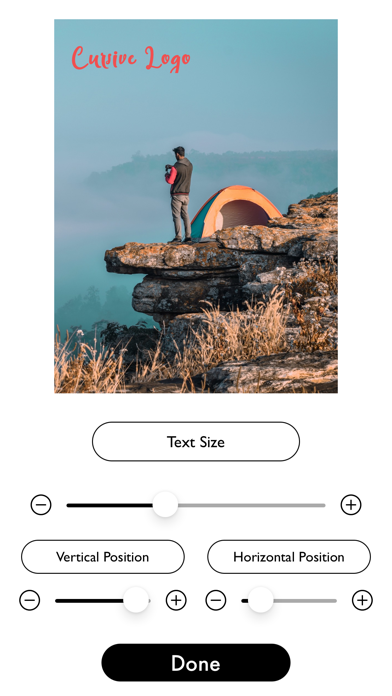
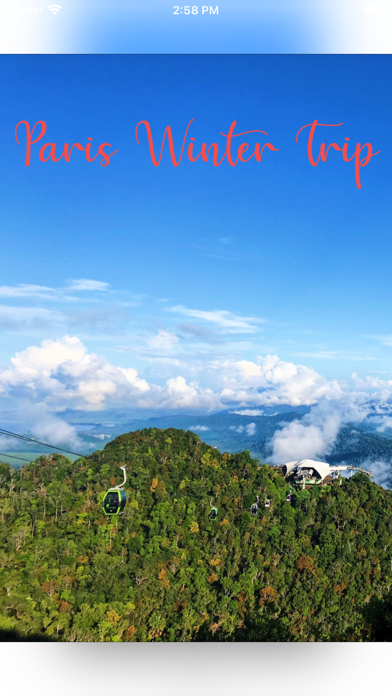
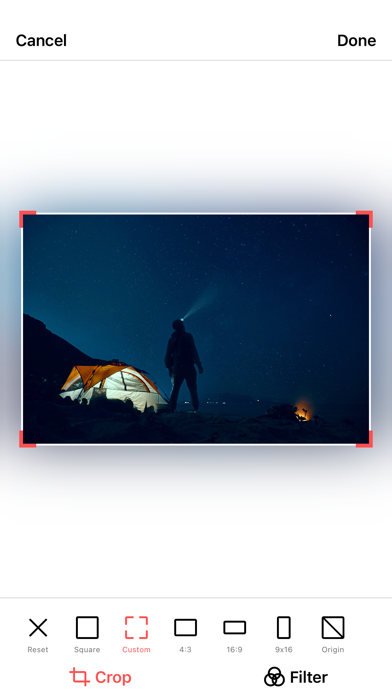
Add text or signature style text on photos is a brand new way to express yourself. Add text and filters directly to your camera pictures! In only a few seconds you can add captions, quotes or anything else you can think of to your camera and share quickly and easily with your friends.
CREATE SIGNATURES USING AMAZING FONTS: Add custom typography directly to your camera with very artistic fonts. Choose from a huge selection of powerful fonts that will make your photos awesome and engaging.
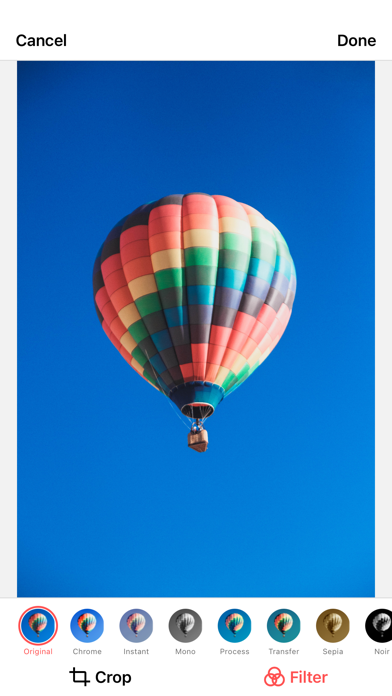
SUPERB FILTERS: Create beautiful photos with filters. There are so many types of them: vintage, artistic and funny! With a single tap, you can transform a soulless pic into a work of art!
There is no need of pen and ink to create cool signatures. This signature generator lets you play with your words because it is also a signature composer and an autograph maker.