

Cursor Pro
Cursor Pro is made and published by App ahead GmbH. AppBrain is an independent app data site and isn't affiliated with App ahead GmbH. The app name, icon, screenshots and description belong to App ahead GmbH and are shown as published on the App Store.
AppBrain's verdict
- Last updated
- August 18, 2026
Rankings
App Store top chartsApp Store Rankings for Cursor Pro
Competitors
Similar apps and more from App ahead GmbHMore from App ahead GmbH






Releases
Updates seen on the App Store- Version
- 2.16
- Launched
- March 2019
No changelog data
User feedback
Ratings and reviews on the App StoreComments on Cursor Pro for iOS
We don't have enough comments to show example comments. Please check back later.
Technology
Found in the app by AppBrain- Price
- $14.99
- App size
- 13.6 MB
- Content rating
- Everyone
Technologies used by Cursor Pro
About the app and developer
About Cursor Pro
Cursor Pro is a productivity app developed by App ahead GmbH.
User Ratings
The app has no ratings yet.
App Information
Cursor Pro costs $14.99. The app size is 13.56 MB. The latest version available is 2.16. The last update was on August 18, 2026.
Technical Requirements
The app has a content rating of Everyone. The app has been available on the App Store since March 2019.
Developer information for App ahead GmbH
Address:
Store listing
By App ahead GmbH, from the App Store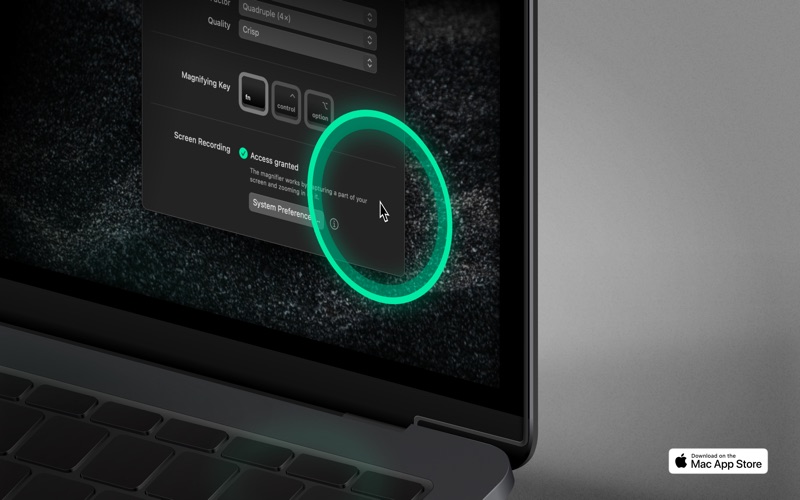

Description by App ahead GmbH Written by the developer, not by AppBrain. Click to read.
“A-plus app for students” — App Store Editorial Team
Make your screen presentations more meaningful. Tailored specifically with pros in mind, Cursor Pro enables you to dedicate your focus to the content of your presentation.
Features
• Looks great, intuitively.
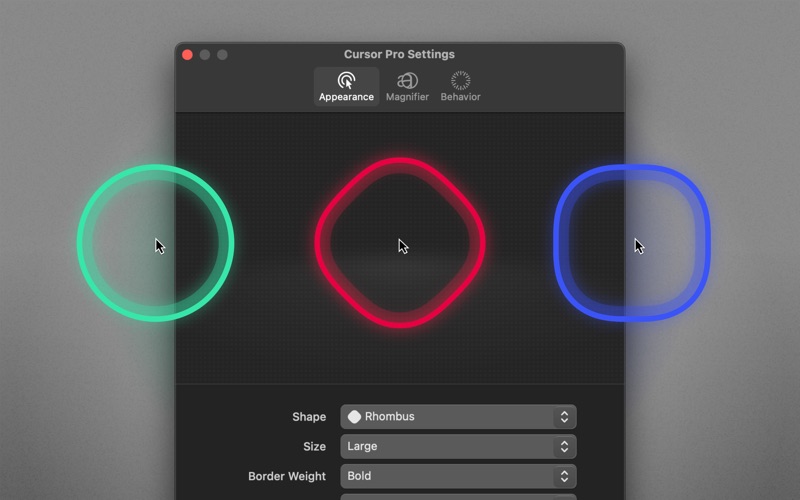
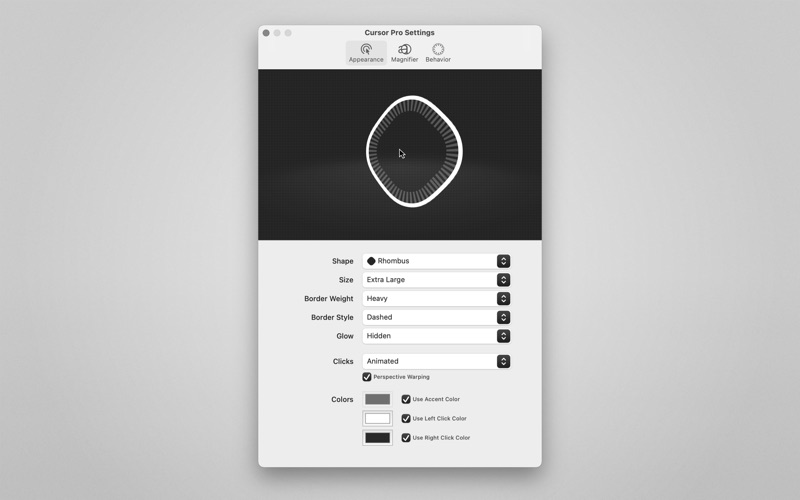
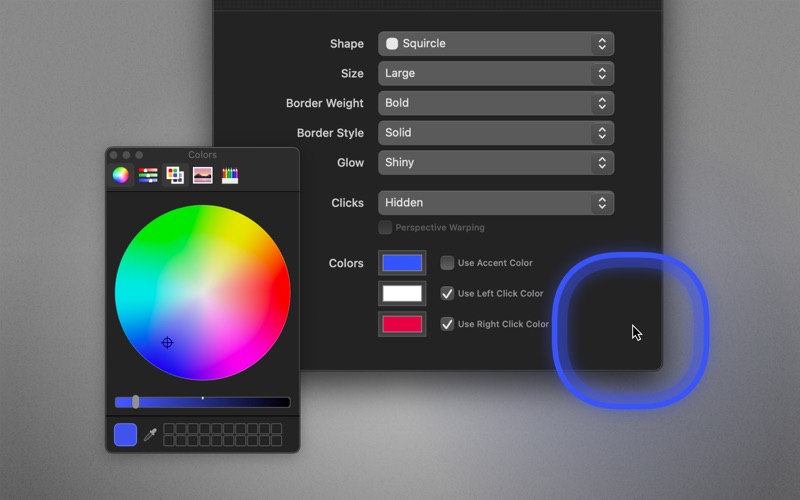
• Select shape, size, and colors
• Choose border weight, style, and glow
• Animations. Visually appealing, but also carries semantic meaning — making it clear at first glance which interaction is currently taking place.
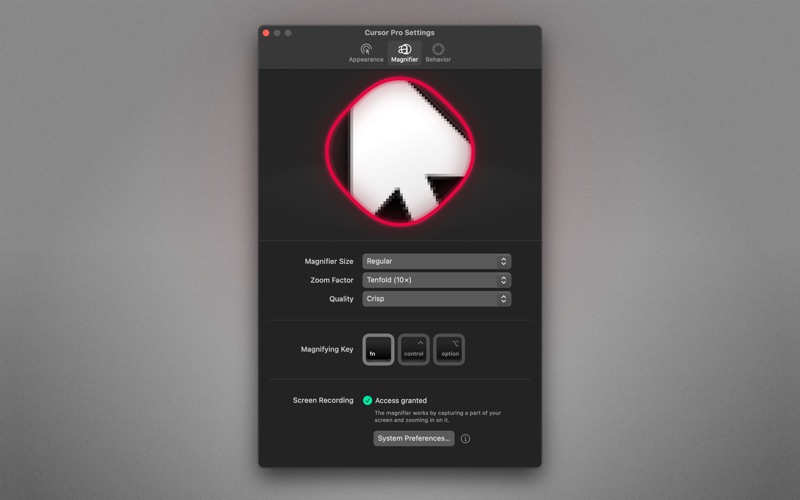
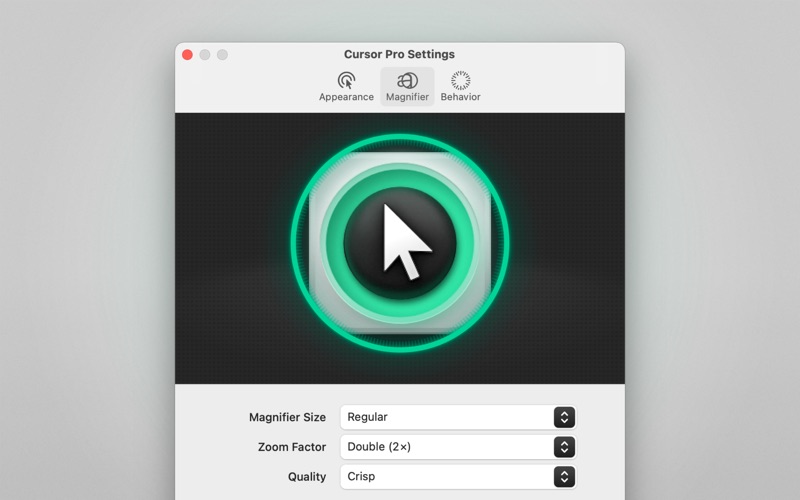
• Magnifier. Set up a magnifying key, choose a zoom factor, define magnifier quality and its size.
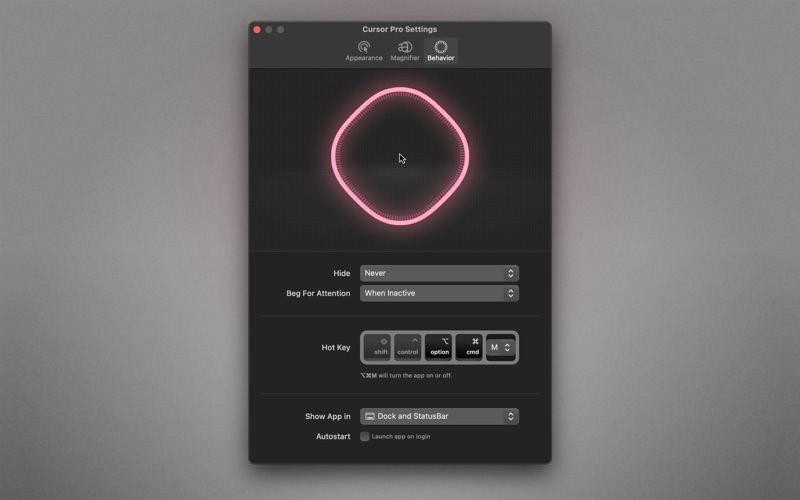
• Never gets out of sight on your Apple Studio Display. Cursor Pro can beg for attention, if you want it to.
• Never gets in the way. Optionally, the cursor highlight automatically hides if no movement is detected.
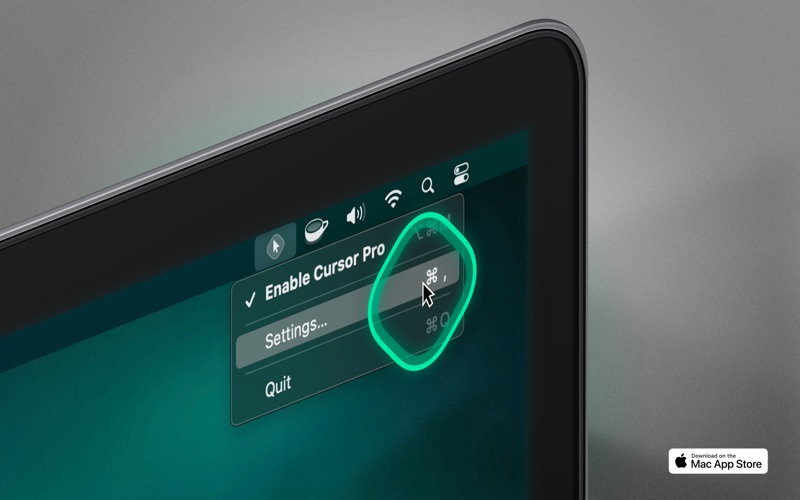
• Lightweight menu bar app
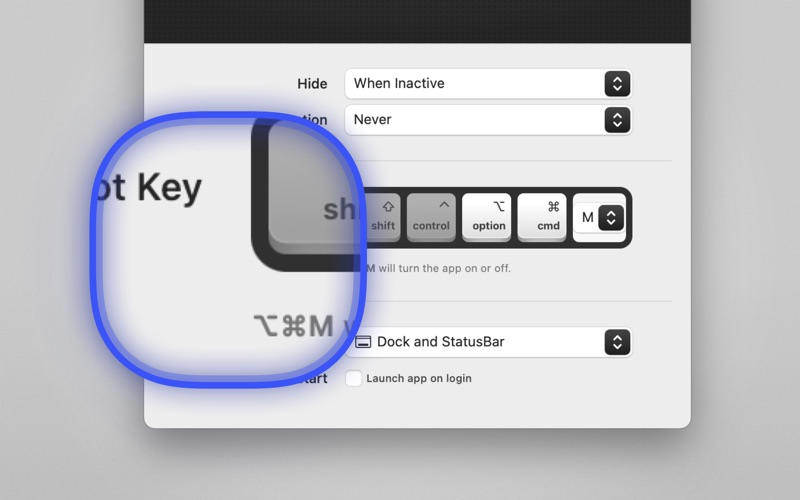
• Autostart. Launch the app automatically on login.
• Customizable keyboard shortcut
• Apple Shortcuts.app support
• Quick-toggle: Option-click on the app icon to enable/disable
• Deliver screen presentations that leave a lasting impression
Use cases
• If you want to make a professional impression. Use your Mac to demonstrate or teach apps, workflows, or anything else. People will see your pointer and the clicks you perform more easily.
• Work remotely and need to share your screen with a colleague without them asking what you’re doing all the time. Your pointer, and the actions your perform with it, will be clearly visible.
• Working with a large screen or even multiple displays. Losing your pointer is something that happens to many of us far too often. Cursor Pro will make sure you always know where your pointer is.
• When capturing or sharing your screen as part of a presentation.
• When creating video tutorials, during lectures, or participating in video calls/meetings.
Privacy
• The magnifier feature requires screen recording permissions to work (because that’s how it works: recording a certain area of your screen and zooming in).
• All of your mouse and screen data remain offline, on your computer, where they belong.
Compatibility
Works great with screen sharing apps like FaceTime, Zoom, Google Meet, Microsoft Teams, Skype, etc. (You have to share your entire screen, not just a single application window!)
⁂
Support
If you need help or want to make a feature suggestion, I’d love hearing from you → martin@appahead.studio
Feedback
If you like Cursor Pro, please take a moment to rate it on the App Store. It’s a great way to support solo developers like yours truly.
About
App ahead GmbH is a German software studio operated by a single individual, Martin Lexow (that’s me!). My company was originally founded in 2015 under the name IXEAU in Berlin. Today, I’m based in the historic old town of Aachen, Germany.
Terms of Use: https://appahead.studio/terms
Privacy Policy: https://appahead.studio/privacy