

Cut Paste Photos, Retouch Pics
Cut Paste Photos, Retouch Pics is made and published by Dexati. AppBrain is an independent app data site and isn't affiliated with Dexati. The app name, icon, screenshots and description belong to Dexati and are shown as published on the App Store.
AppBrain's verdict
EstablishedLoved by users- Rating on App Store
- 4.54
- 15,614 ratings
- Last updated
- February 14, 2025
Users love it: 4.5 stars from 15,614 ratings.
Rankings
App Store top chartsApp Store Rankings for Cut Paste Photos, Retouch Pics
Competitors
Similar apps and more from DexatiAlternatives to Cut Paste Photos, Retouch Pics





More from Dexati





Releases
Updates seen on the App Store- Version
- 3.0
- Launched
- March 2017
No changelog data
User feedback
Ratings and reviews on the App StoreComments on Cut Paste Photos, Retouch Pics for iOS
We don't have enough comments to show example comments. Please check back later.
Technology
Found in the app by AppBrain- Price
- Free
- App size
- 120.6 MB
- Content rating
- Everyone
Technologies used by Cut Paste Photos, Retouch Pics
About the app and developer
About Cut Paste Photos, Retouch Pics
Cut Paste Photos, Retouch Pics is a photo & video app developed by Dexati.
User Ratings
Cut Paste Photos, Retouch Pics is rated 4.54 out of 5 stars. The rating is based on 16 thousand ratings.
App Information
Cut Paste Photos, Retouch Pics is freely available from the App Store. The app size is 120.56 MB. The latest version available is 3.0. The last update was on February 14, 2025.
Technical Requirements
The app has a content rating of Everyone. The app has been available on the App Store since March 2017.
Developer information for Dexati
Address:
Frequently asked questions about Cut Paste Photos, Retouch Pics
Is Cut Paste Photos, Retouch Pics free?
Yes. Cut Paste Photos, Retouch Pics is free on the App Store.
Is Cut Paste Photos, Retouch Pics still available?
Yes. Cut Paste Photos, Retouch Pics is on the App Store, and the last update we saw was on February 14, 2025.
How large is Cut Paste Photos, Retouch Pics?
Cut Paste Photos, Retouch Pics is 120.56 MB.
Is Cut Paste Photos, Retouch Pics suitable for children?
App Store rates the content of Cut Paste Photos, Retouch Pics as suitable for everyone.
How do people rate Cut Paste Photos, Retouch Pics?
Cut Paste Photos, Retouch Pics scores 4.54 out of 5 stars, from 15,614 ratings on the App Store.
Who made Cut Paste Photos, Retouch Pics?
Cut Paste Photos, Retouch Pics was developed by Dexati. It is listed in the photo & video category on the App Store.
What are the best alternatives to Cut Paste Photos, Retouch Pics?
People looking at Cut Paste Photos, Retouch Pics also look at these photo & video apps: Cut & Paste Photos, Cut Paste Photos Pro Edit Chop, Faceover: AI Photo Face Swap, Photo Cut: Cutout pro & paste, Photo Cut Paste.
Store listing
By Dexati, from the App Store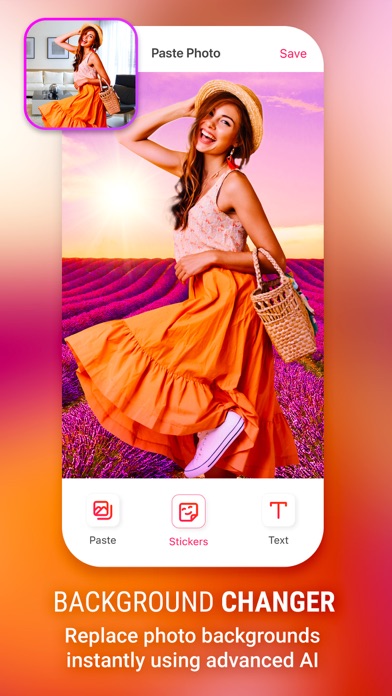
Description by Dexati Written by the developer, not by AppBrain. Click to read.
Want to swap faces? Cut one face and paste it onto another. Want to remove photo background? Cut the people out and put them on another background. Want to remove people from photos? Then this is the app for you.
Missed someone in a family photo? Add them into photos without the need professional photo editing tools. This is the best copy paste tool for photos.
1. Cut Photos with AI Background Eraser: Cut photos or extract people or your pets from photo background. Auto Background Eraser removes background instantly and gives you photos you can paste on any background.
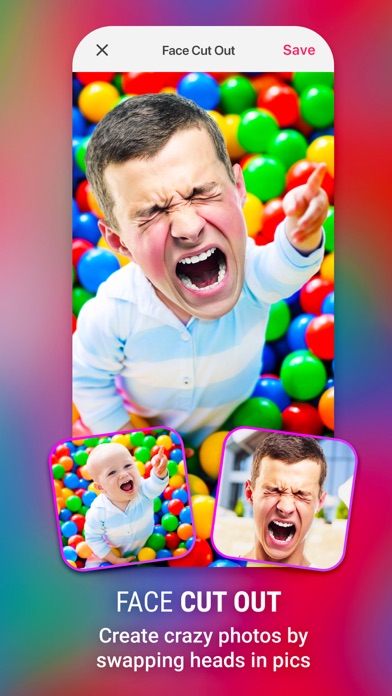
2. Copy Photos with Manual Copy: Copy photos using our Manual Photo Cut to cut out exactly the parts you want. Ideal for Face Swap and Face Changer. Swap faces by cutting photo and placing cut face over another face.
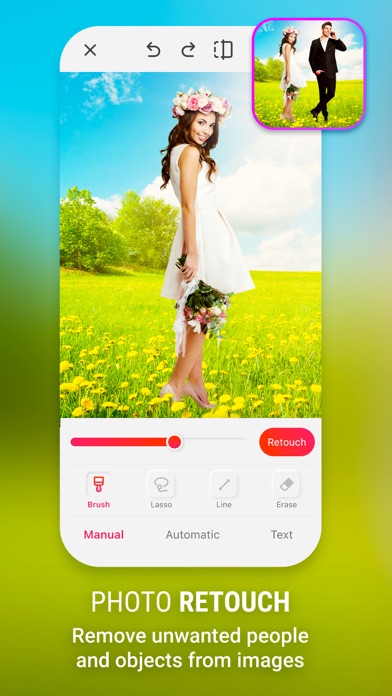
3. Advanced Photo Editor: Edit the cut photos for sharper, exact edges. Ideal to remove people or objects from photos.
4. Paste On Photos: Paste the cut photos on any backgrounds from your gallery. Add yourself into famous locations or in photos with famous people.
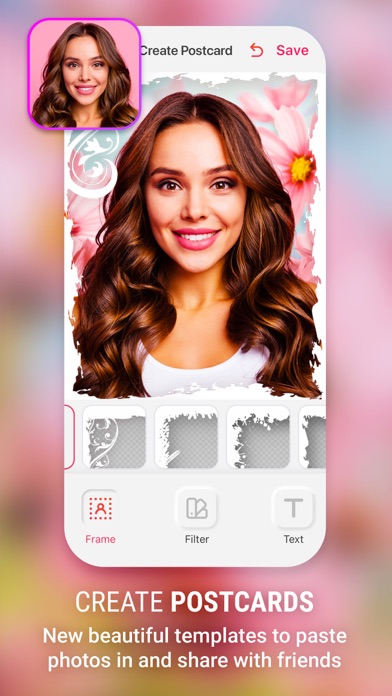
5. Photo Collages: Create your own collages by pasting cut photos on our custom backgrounds, or create without grids to make freeform collages.
Many more tools that help you in day to day photo editing.
Cut Paste Photos with advanced tools like Advanced Photo Editor, Magnifying Glass Support, Collage Maker and more lets you create the best-looking photos and Photo Collages. Changing photo backgrounds is now just one click away.
The subscription Unlock all the features.
The in-app purchase is charged to your iTunes account.
The auto-renewal of subscription can be turned off via iTunes account settings after purchase.
There are three options for in-app purchase:
A> Weekly subscription with 3-Day Free Trial only for $4.99.
B> Monthly subscription only for $9.99.
C> Yearly Subscription only for $79.99 with 3-Day free Trial.
The subscriptions automatically renew unless the subscription is canceled when the subscription period expires
• Subscription automatically renews unless auto-renew is turned off at least 24-hours before the end of the current period
• Account will be charged for renewal within 24-hours prior to the end of the current period, and identify the cost of the renewal
• Subscriptions may be managed by the user and auto-renewal may be turned off by going to the user's Account Settings after purchase
• Any unused portion of a free trial period, if offered, will be forfeited when the user purchases a subscription to that publication, where applicable
Terms of use (Including subscription terms): https://www.dexati.com/ioscutpasteterms.html
Privacy Policy : https://www.dexati.com/ioscutpastephotos.html