

DB Sub | Bowers & Wilkins
DB Sub | Bowers & Wilkins is made and published by B&W Group Ltd. AppBrain is an independent app data site and isn't affiliated with B&W Group Ltd. The app name, icon, screenshots and description belong to B&W Group Ltd and are shown as published on the App Store.
AppBrain's verdict
Established- Rating on App Store
- 2.61
- 18 ratings
- Last updated
- September 9, 2026
It doesn't have enough ratings yet to judge what users think.
Rankings
App Store top chartsApp Store Rankings for DB Sub | Bowers & Wilkins
Competitors
Similar apps and more from B&W Group LtdAlternatives to DB Sub | Bowers & Wilkins





More from B&W Group Ltd

Releases
Updates seen on the App Store- Version
- 1.3.9
- Launched
- June 2017
No changelog data
User feedback
Ratings and reviews on the App StoreComments on DB Sub | Bowers & Wilkins for iOS
We don't have enough comments to show example comments. Please check back later.
Technology
Found in the app by AppBrain- Price
- Free
- App size
- 59.1 MB
- Content rating
- Everyone
Technologies used by DB Sub | Bowers & Wilkins
About the app and developer
About DB Sub | Bowers & Wilkins
DB Sub | Bowers & Wilkins is an utilities app developed by B&W Group Ltd.
User Ratings
DB Sub | Bowers & Wilkins is rated 2.61 out of 5 stars. The rating is based on 18 ratings.
App Information
DB Sub | Bowers & Wilkins is freely available from the App Store. The app size is 59.06 MB. The latest version available is 1.3.9. The last update was on September 9, 2026.
Technical Requirements
The app has a content rating of Everyone. The app has been available on the App Store since June 2017.
Developer information for B&W Group Ltd
Address:
Store listing
By B&W Group Ltd, from the App Store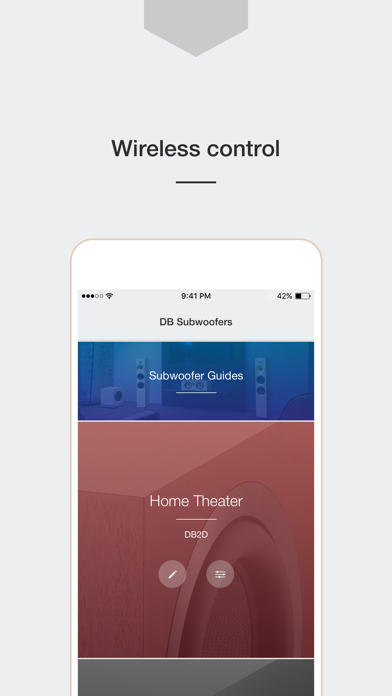

Description by B&W Group Ltd Written by the developer, not by AppBrain. Click to read.
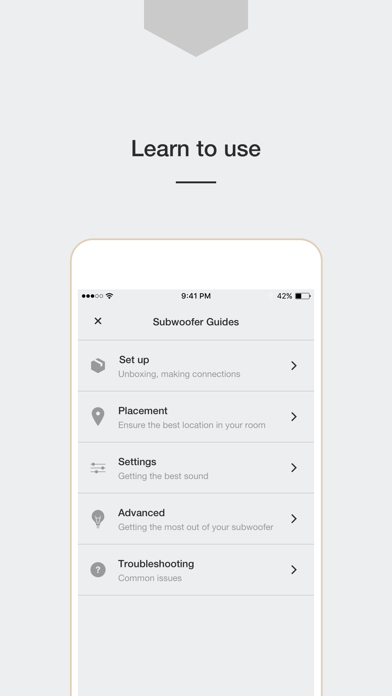
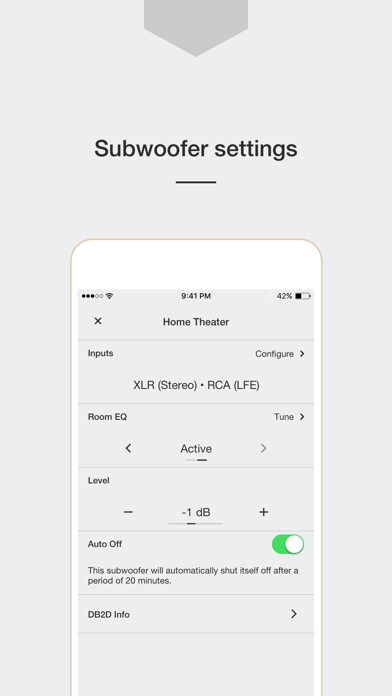
This easy-to-use app will help you to set up and control your DB Series subwoofer. The app includes guides on positioning and connecting your subwoofer to get you started, plus an automatic calibration and equalization system that, working in conjunction with the microphone in your phone, will help you get the best possible sound from your subwoofer in minutes. Just follow a few simple instructions and your subwoofer’s sound will be perfectly tailored to your room.
If you wish, you can also use the app to adjust both the volume and the tone of your DB Subwoofer to suit your personal preferences.
To get started, simply launch the DB Subwoofer app and follow the on screen instructions. The app detects your subwoofer automatically.
To get the best experience with your DB Subwoofer, ensure you have the latest version of this app.
Please note:
• This app is only compatible with DB1D, DB2D, DB3D, and DB4S Subwoofers.
• This app is only compatible with iOS 12 and above.